and press Confirm button.
9.3.4 Deleting User Files
To clear the current user file, press the Clear button and confirm. This will erase all user data and is not
undoable. It will also revert the name back to No Name.
9.3.5 Renaming User Files
To Rename a user file, select Rename and the virtual keyboard will pop-up for you to edit the name of
the user file. Once you are finished press Enter on the virtual keyboard to change the name, or press
Esc (or Cancel at the bottom of the user files panel) to exit without changing the name.
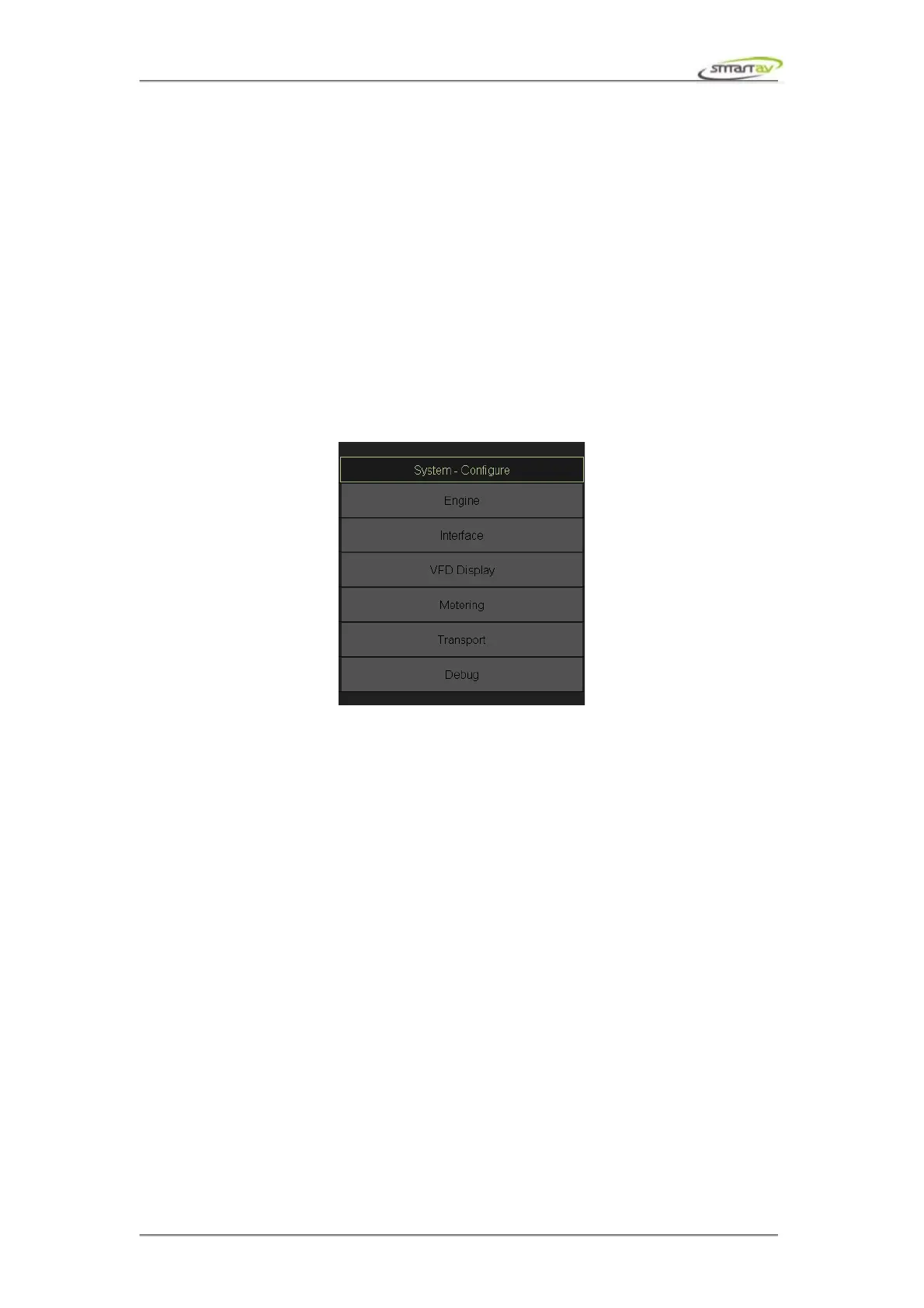
9.4 Configure Menu
This section describes Tango preferences in more detail. Note that, depending on the engine not all
options will be available.
9.4.1 Hardware
Tango Model, at the moment only Tango 08 configuration is supported.
9.4.2 Engine
Engine Type simply displays currently active engine.
Engine IP address is used to set DAW IP address. This is only used when Engine connection is in
Fixed IP mode.
Aliased return IP address allows the DAW to be connected to Tango through a firewall. This specifies
the external IP address the DAW will send messages to. The firewall at this address needs to forward
the messages to Tango's IP address for the appropriate ports.
Monitor Engine Type and Monitor Engine COM port are used to setup external monitoring system.
Note that, Tango currently supports Audient ASP510.
Video Player Type and Video player IP address are used to control a video player. Note that, Tango
currently supports Fairlight Pyxis.
Engine activity timeout is used by Tango to decide when Pro Tools has been quit. By default if no
messages have been received from Pro Tools for more than 6 seconds Tango disconnects from the
DAW.
HUI delay factor – if your Pro Tools is running on an older computer you may need to increase this
Operation Manual – Tango Smart Console 52



 To Next Page