3.4 Dynamics
3.4.1 Dynamics Block
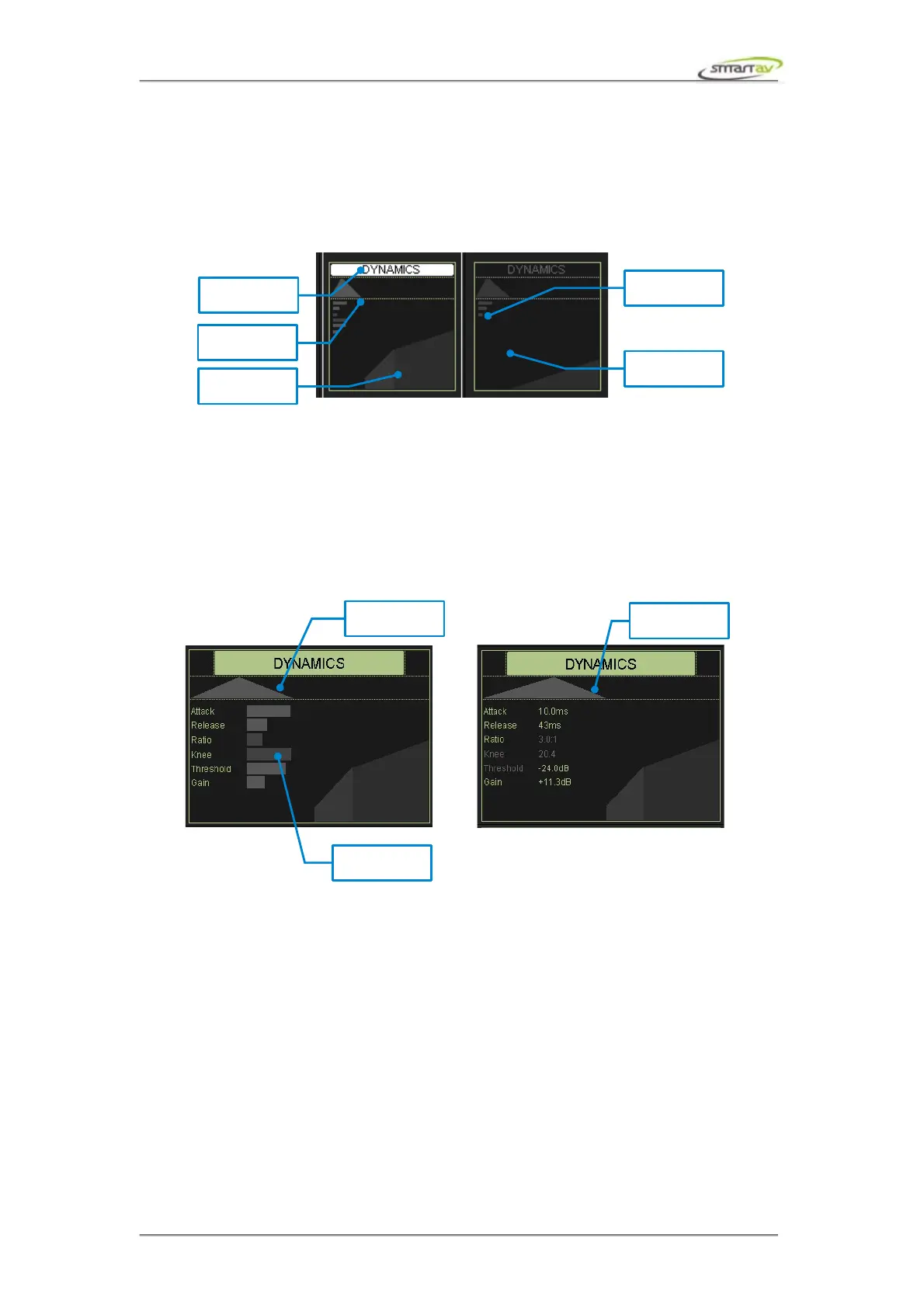
If one of the inserts on a channel is a Protools Compressor plug-in, the dynamics block on the channel
will display the compression graph.
If you touch an active dynamics block it will be dimmed and the Compressor plug-in will be bypassed.
Touch it again to turn the Compressor back on.
3.4.2 Dynamics Active Block
Touch any dynamics block to show the dynamics active display. The dynamics parameters can be
adjusted using the active encoders. The dynamics active display block can display parameters as
numeric values or as bar graphs. Use the Active Display button from the panel selector to switch
between the two views.
3.4.3 Dynamics Encoders
The active encoders control the compressor attack, release, ratio, knee, gain, threshold.
Operation Manual – Tango Smart Console 18



 To Next Page