3.3.3 EQ Encoders
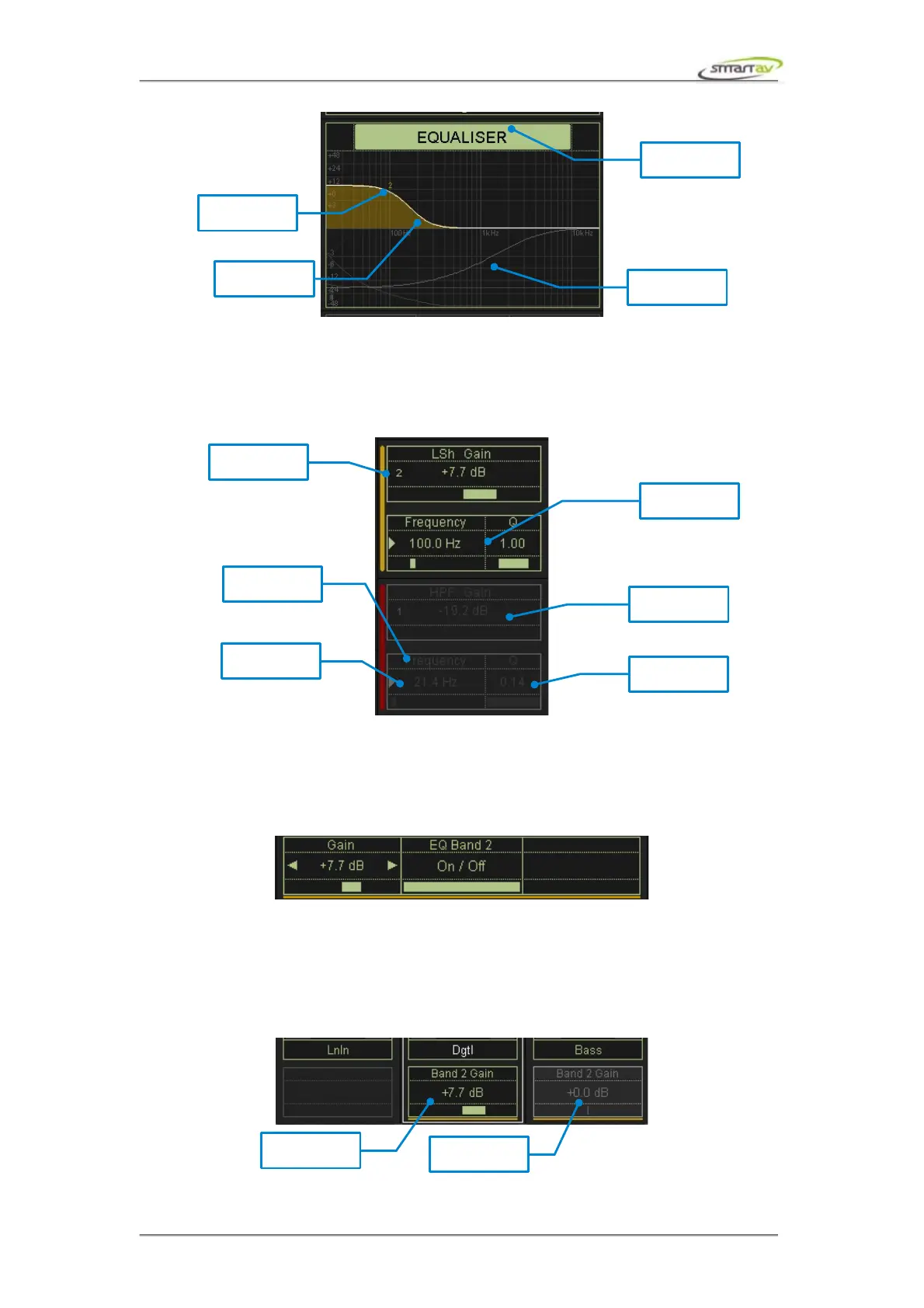
The active encoders control 7 EQ bands, which can be independantly enabled by pressing the gain
knob for the band. Enabled bands are highlighted. Pressing a frequency knob toggles the control
between frequency and Q.
3.3.4 Active Controls
When you control an EQ parameter using the active encoders, the active controls always map to the
most recently adjusted control. The fine active control allows more precise control over the parameters
while the active pot helps you with quick adjustments. The active button turns an EQ band on or off.
3.3.5 Channel Encoder
Touching an EQ parameter encoder not only maps the parameter to the active controls but also maps
the same EQ parameter for each work channel to it's corresponding channel encoder. If there is no EQ
inserted on a channel it's encoder will not be mapped to anything and the channel encoder display will
be blank.
Operation Manual – Tango Smart Console 17



 To Next Page