9. SYSTEM MENU
9.1 Top Menu
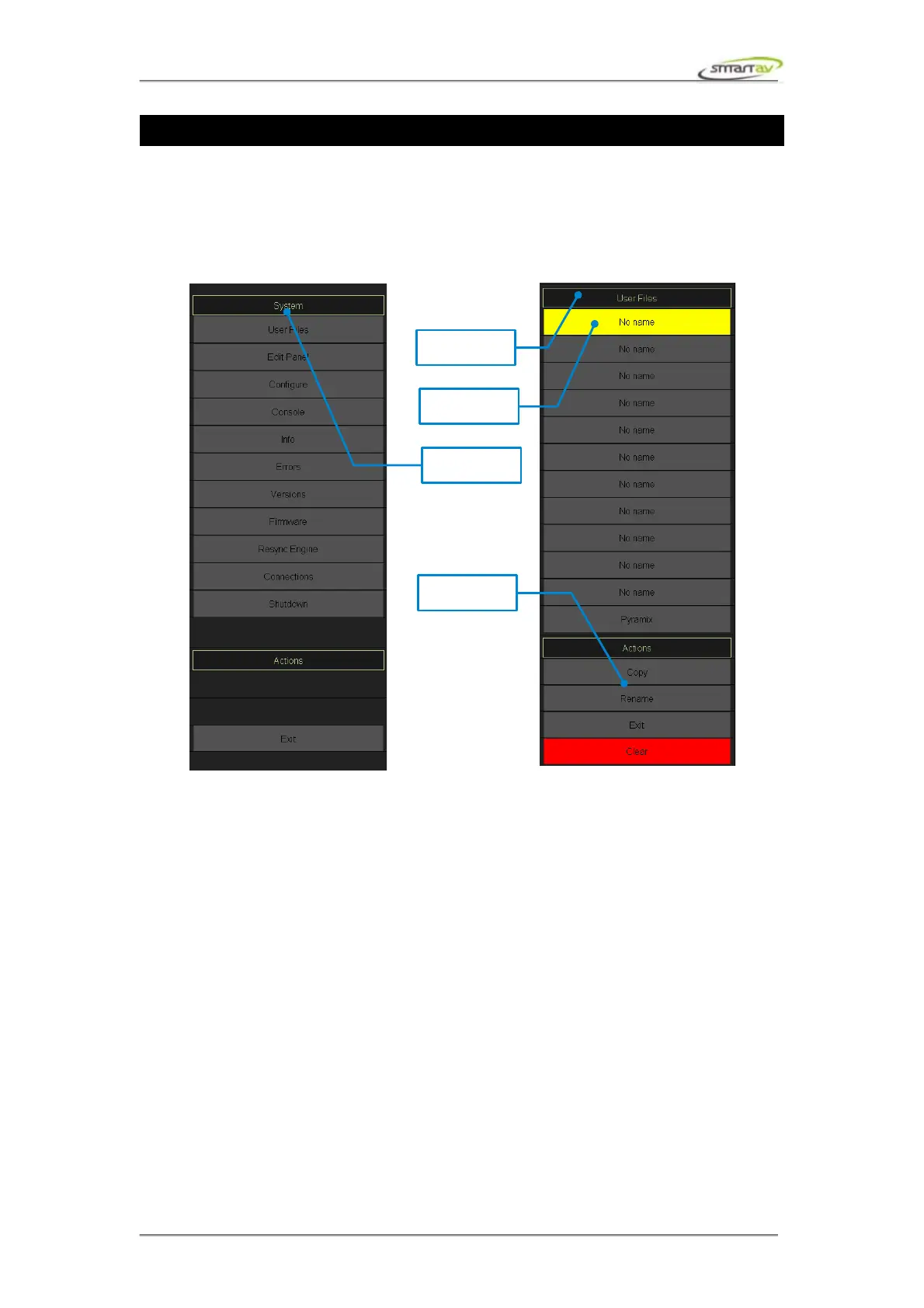
To access the system menu press the System button on the panel selector on the left of the touch
screen. The following section will describe functionality of each of the menu items.
9.1.1 Configure
This menu item allows you to configure Tango settings. The options might be slightly different
depending which DAW you are using.
9.1.2 Info
This displays software/firmware versions as well as IP addresses of the console and the DAW PC.
9.1.3 Errors
This displays Tango error log. When an error occurs on Tango the text Error turns red. Touch the
button to view the log.
9.1.4 Versions
This menu item allows you to update Tango software. You can also roll back to previous versions.
Operation Manual – Tango Smart Console 50



 To Next Page