5. TRANSPORT
5.1 Transport
5.1.1 Overview
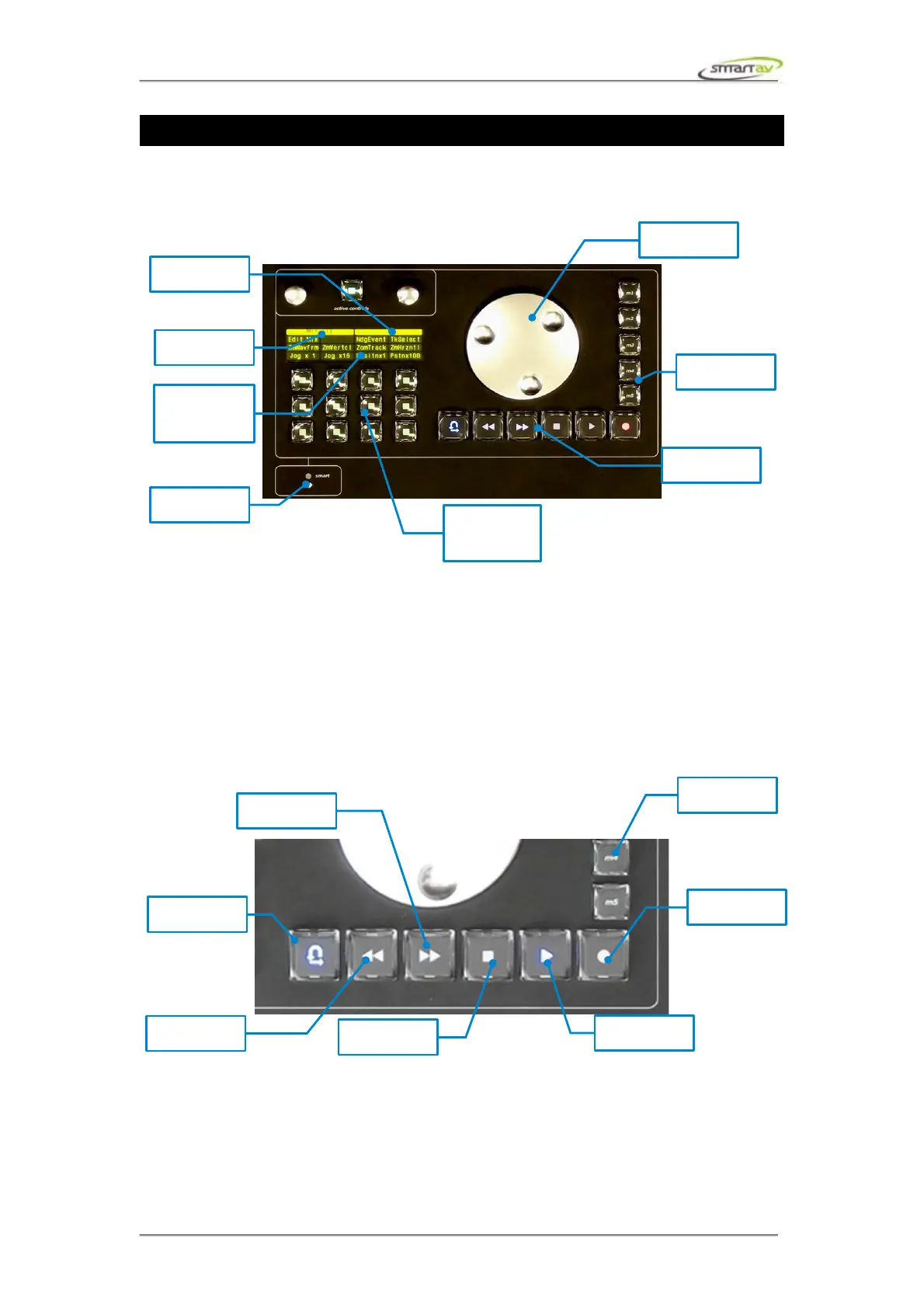
5.1.2 Jog Wheel
Use Tango’s jog wheel to navigate backwards and forwards through your project.
5.1.3 OLED Screen & Programmable Buttons
OLED screen's top row displays currently selected edit panel tab as well as jog wheel mode. The next
three row displays the functions assigned to each of the 12 programmable keys. These buttons can be
programmed in the edit panel.
5.1.4 Transport Buttons
The transport buttons can be programmed by the user. The transport buttons can also have a secondary
function if the smart touchpoint is held when the button is pressed.
Operation Manual – Tango Smart Console 26



 To Next Page