User Manual |
127
Laser Engraving and Cutting - 05 Maintenance
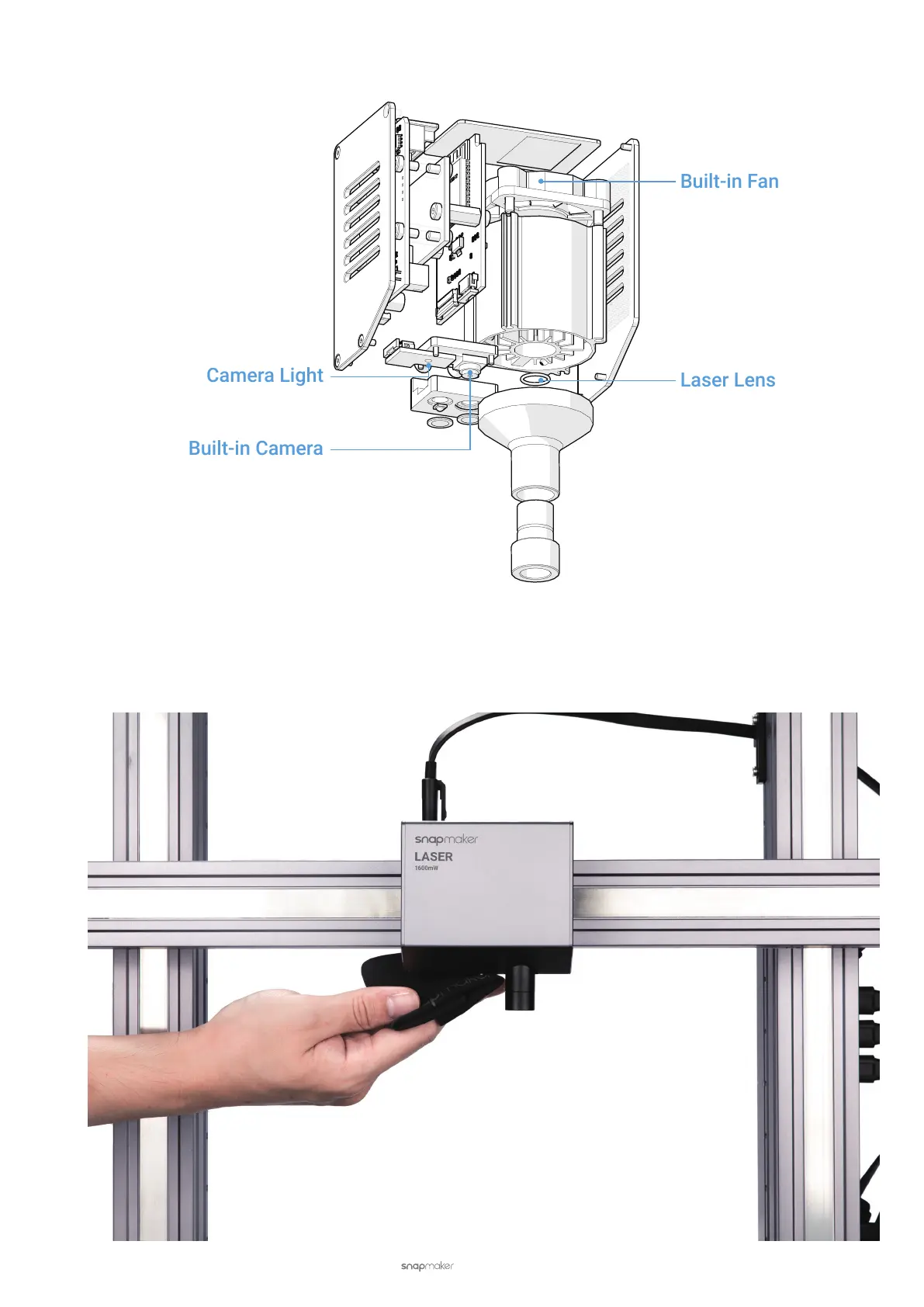
5.2.5 Check the Camera and the Camera Light
Check if the camera captures a clear image. A blurry image may be caused by dust accumulation on the camera lens
or week light. If the image is not clear, clean the camera lens and the camera light with a piece of soft cloth. Also, due
to the qualities of polycarbonate which is used to synthesize the lens, you should use PH neutral detergent or water
to clean the lens and avoid scraping it.



 To Next Page