User Manual |
46
3D Printing - 03 How to 3D Print
Needle Nose Pliers
Not provided. Needle nose pliers with long and narrow noses are typically used for grabbing away parts quickly, but
less suitable for parts that need precise control.
Precision Knives
Not provided. Precision Knives are typically used for cutting off delicate parts which requires precision control.
Remove Residual Filaments
Heat the Bed Before Scraping
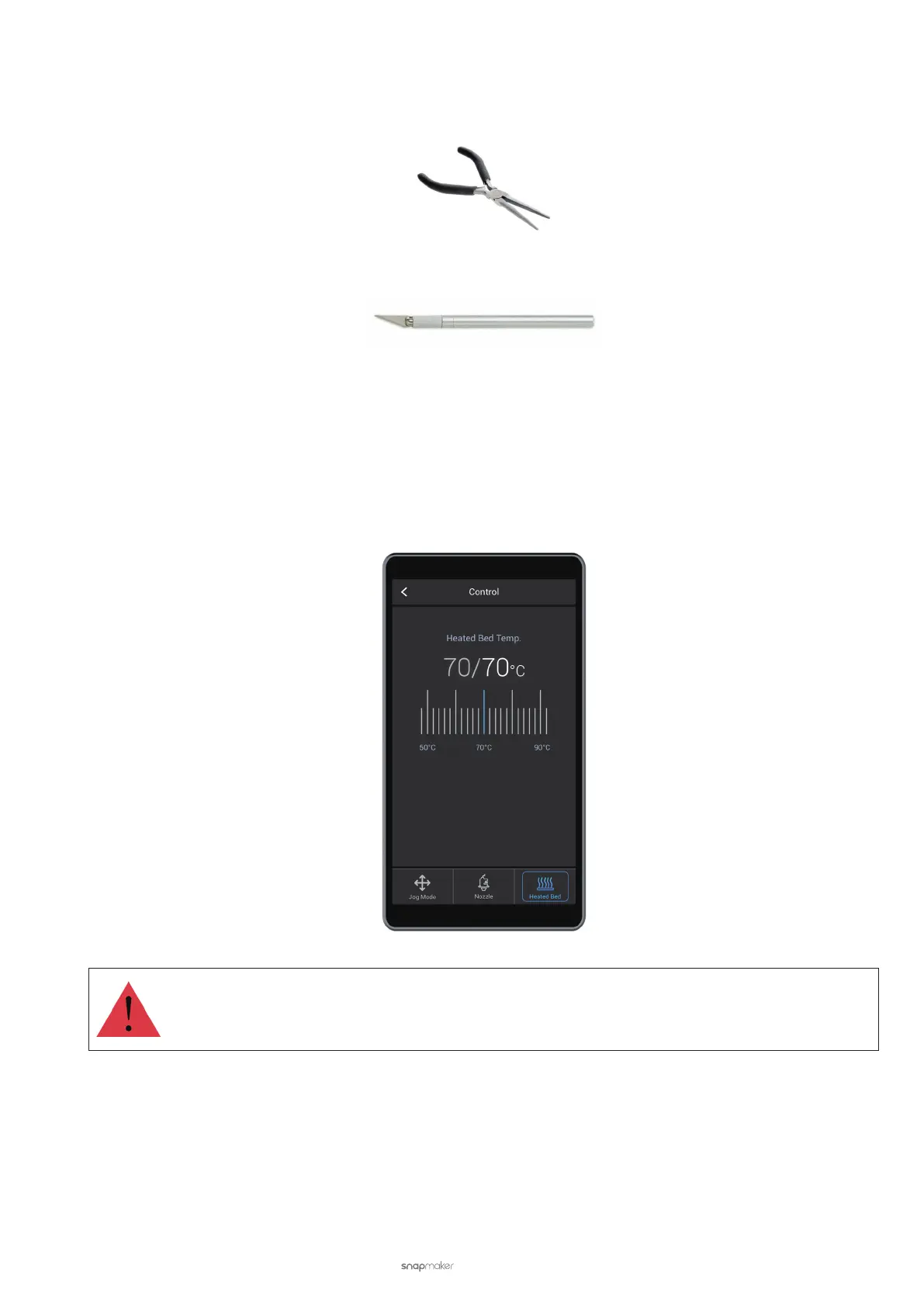
To ease the removal of cured filaments, heat the Heated Bed up to 70°C (158°F). Wait for the Heated Bed to cure the
filament, and then scrape the residual filament using the sharp edge of the palette knife.
Do not touch the Heated Bed with bare hands.
3.7 Filament Runout Recovery
During printing, if the filament runs out, the 3D printer will pause printing and prompt you to replace the filament.
In this case, tap Ready to Load and Load to change a filament (see 3.3 Load the Filament). After the filament is
reloaded, tap Continue to resume printing.



 To Next Page