User Manual |
47
3D Printing - 03 How to 3D Print
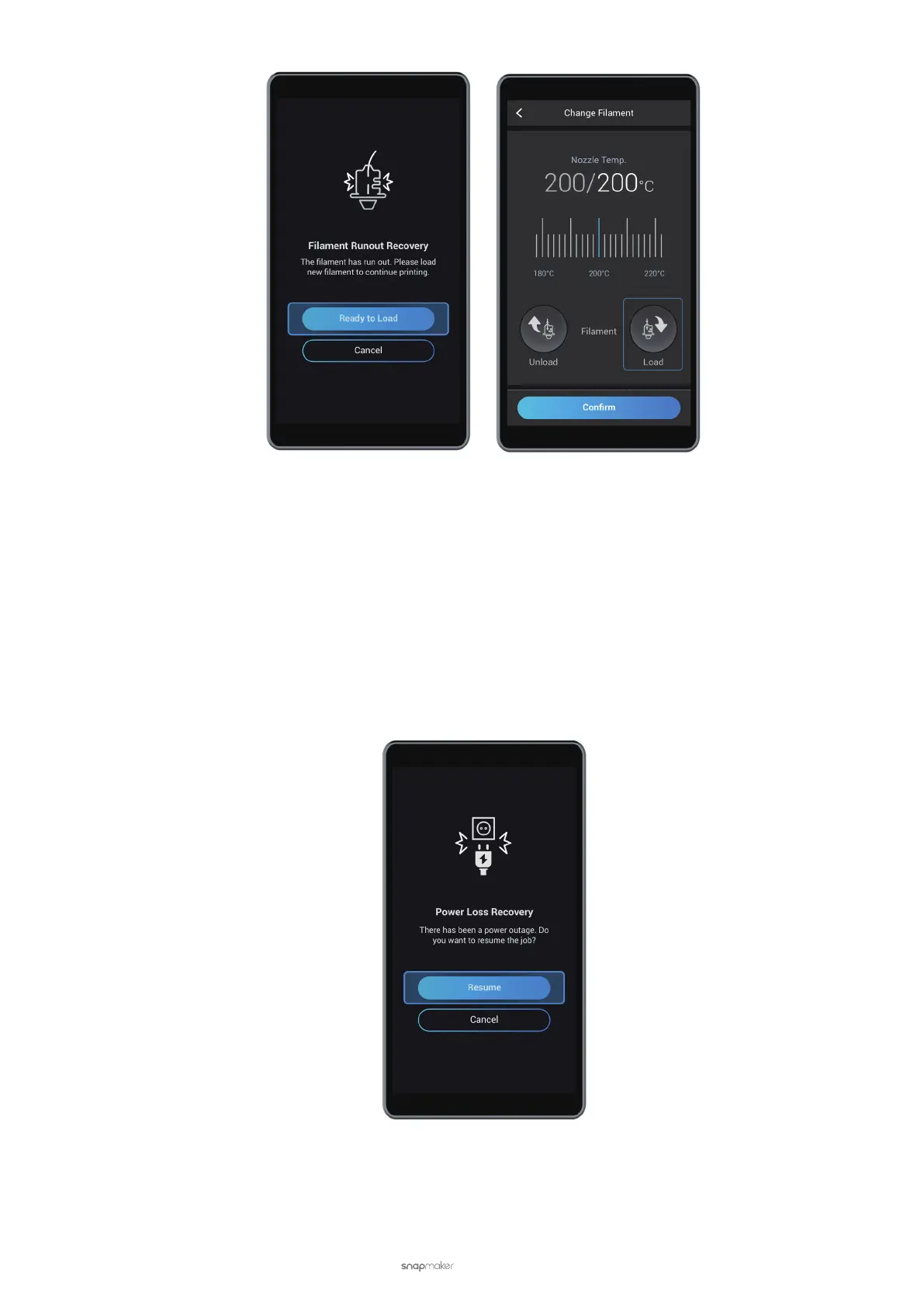
3.8 Power Loss Recovery
If the Power Module is turned off, to resume the printing job:
(1) Turn on the power switch.
(2) After the 3D printer is restarted, tap Resume on the Touchscreen.
If the AC Power Cable is unplugged, to resume the printing job:
(1) Turn off the power switch.
(2) Plug in the AC Power Cable.
(3) Turn on the power switch.
(4) After the 3D printer is restarted, tap Resume on the Touchscreen.



 To Next Page