User Manual |
152
CNC Carving - 04 How to CNC Carve
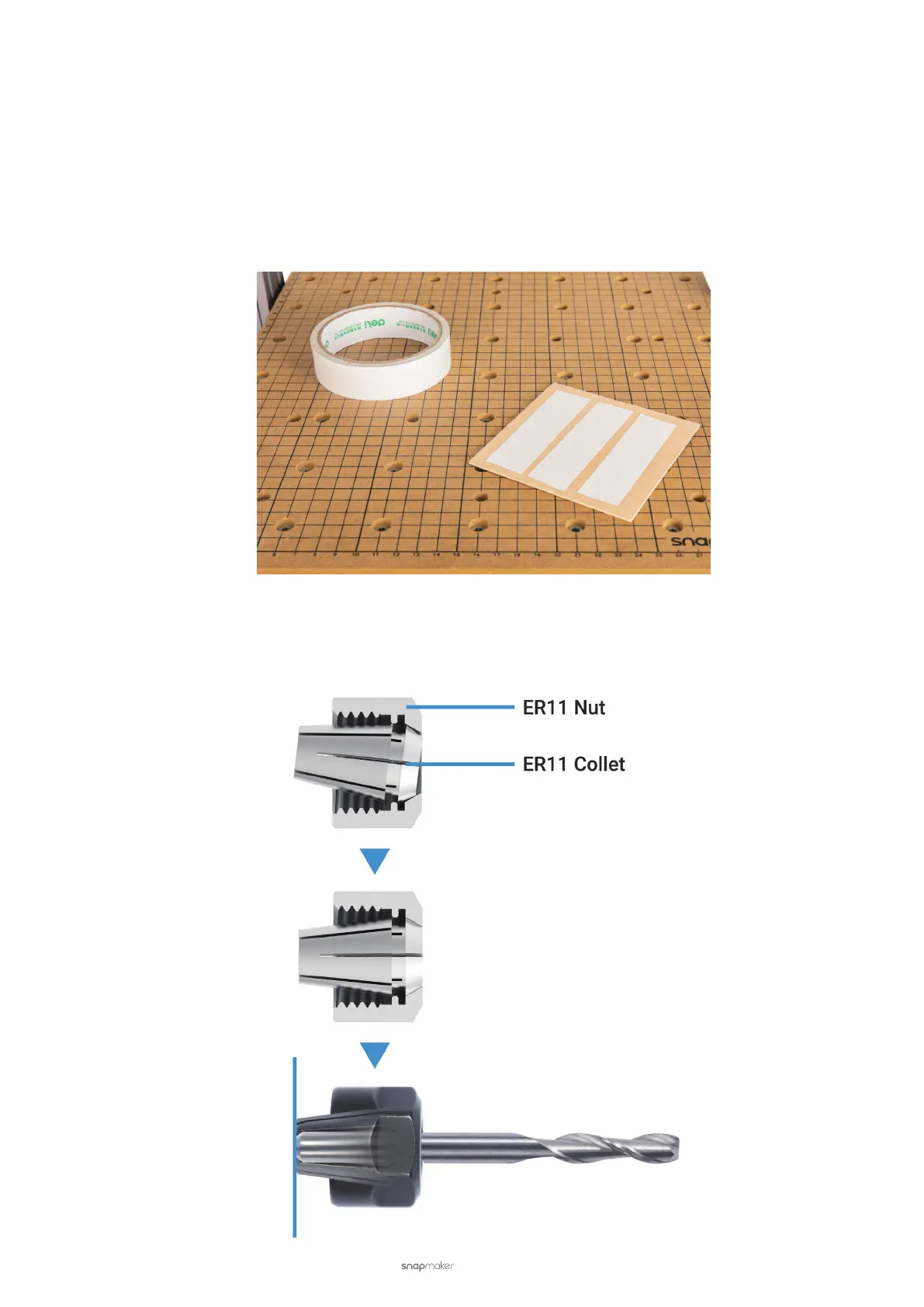
Use Double-sided Tapes
Double-sided tapes are only applicable to thin, soft material. The reason is that machining this type of material will
encounter less resistance and thus requires less strong xing strength.
Here are the steps:
(1) Cover the rear of the material with double-sided tapes.
(2) Stick the adhesive material to the center of the CNC Carving Platform.
(3) Press the material to ensure that it is rmly stuck to the CNC Carving Platform.
4.3 Attach the CNC Bit
(1) Tilt the ER11 collet into the ER11 nut until the collet snaps into place. Insert the CNC bit into the ER11 collet
until the shank bottoms against the collet.



 To Next Page