User Manual |
129
Laser Engraving and Cutting - 05 Maintenance
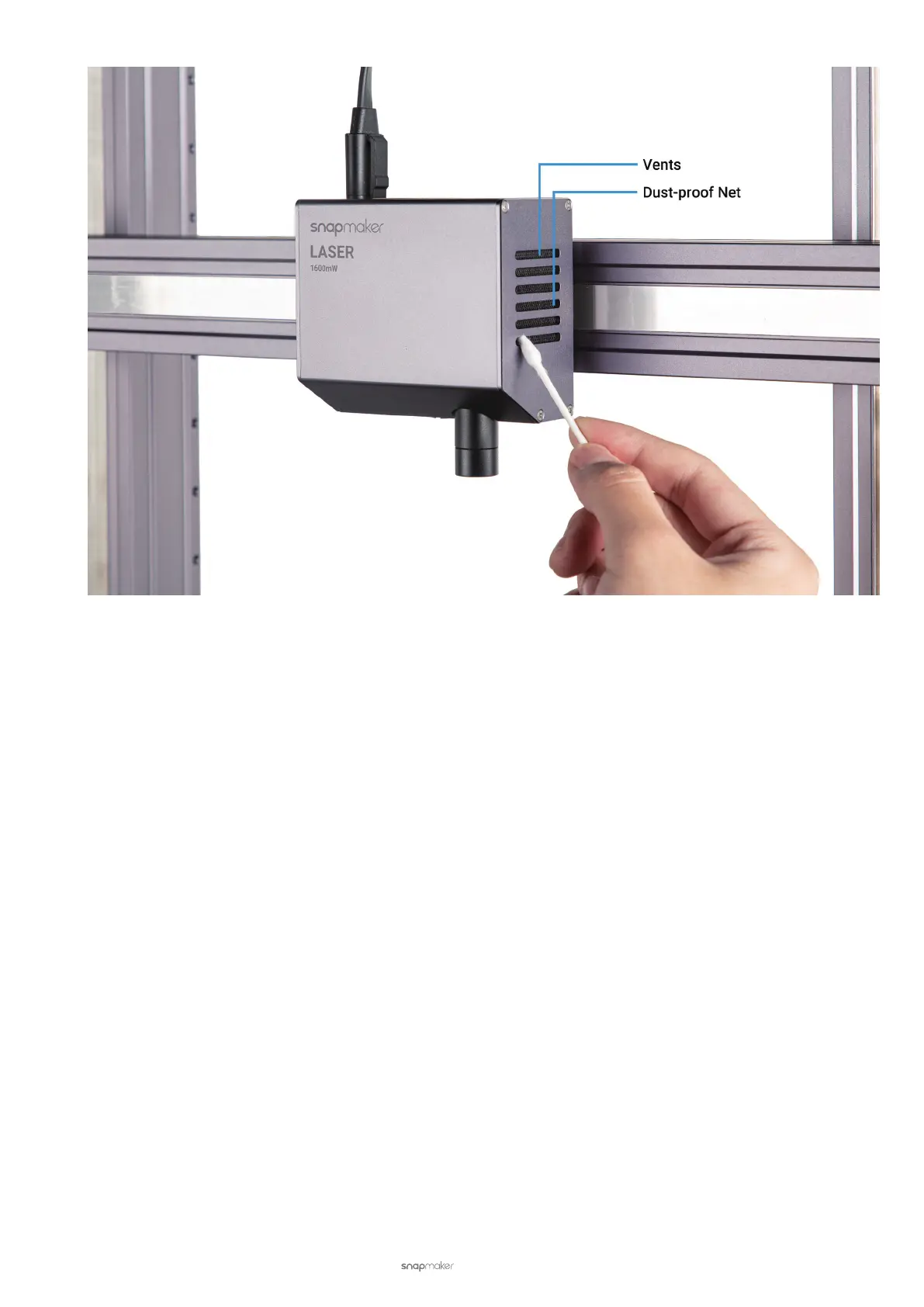
5.3.3 Check the Exhaust System
If you use an exhaust system, always inspect the exhaust fan and duct work for obstructions and ensure proper air
flow before each use. Unobstructed and properly maintained exhaust fan and duct work will reduce the risk of re
and extract caustic fumes and smoke. Check the following parts before each use:
• Fans
Dust and debris can easily accumulate on the exhaust fans and make the fans stuck. Clean the fans each month
to ensure that they work properly.
• Filters
If you use an air purier, follow its user manual. Replace the lter when its life is running low. The inside of the lter
may be lled with poisonous chemicals, so do not try to take apart and wash it.
5.4 Every Three Months
To keep your laser engraving and cutting machine and Luban up to date, update your rmware and software every
three months.
For how to update, See Firmware and Software.



 To Next Page