User Manual |
169
CNC Carving - 06 Maintenance
6.3 Every Month
6.3.1 Clean the Linear Modules
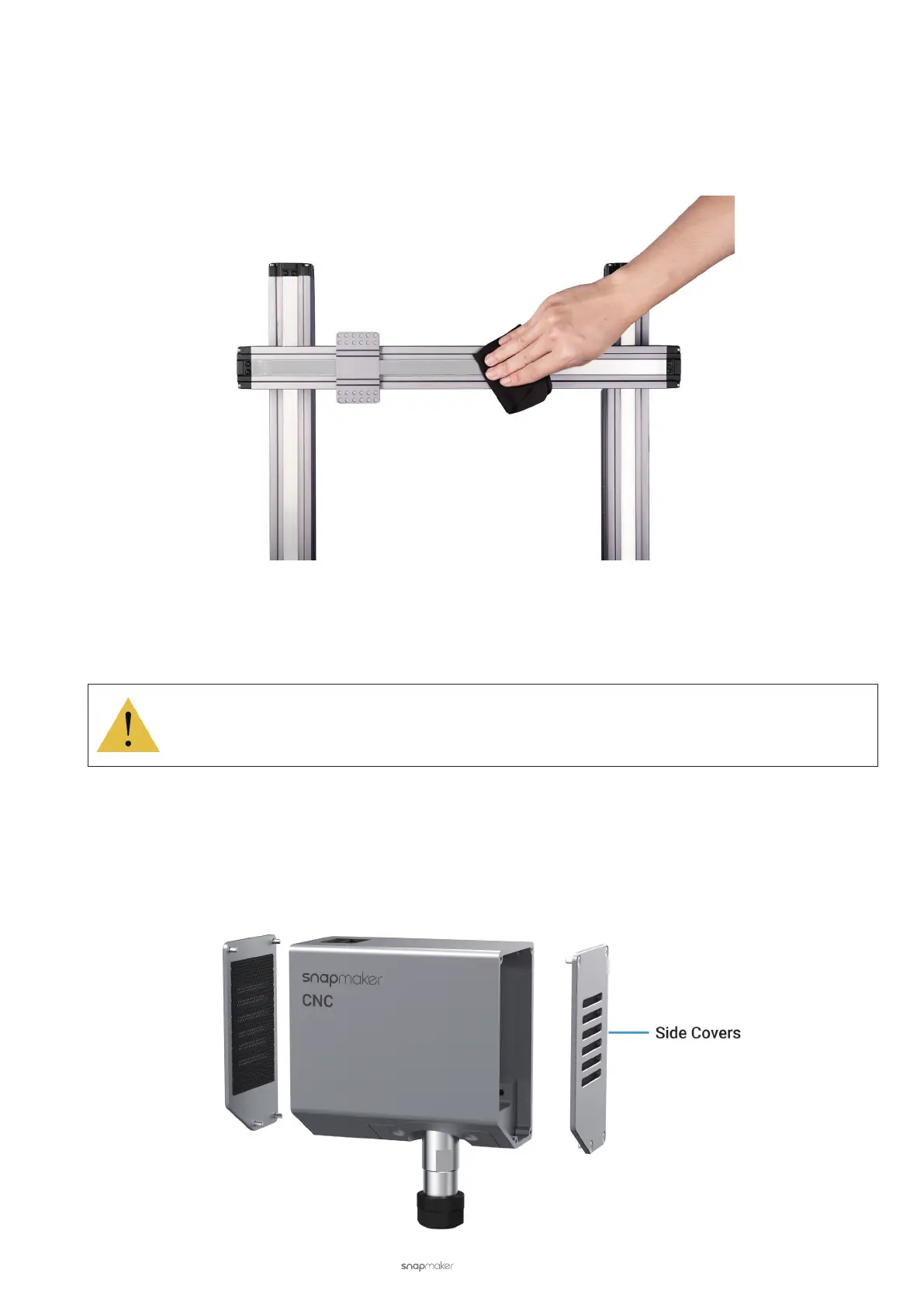
Keeping all Linear Modules free of dust and other foreign matters can reduce friction and noise while the CNC carver
is moving. To do so, gently wipe the Linear Module surface using a dry cotton cloth.
Usually, you should clean the CNC carver after each carving job. To always keep it free of sawdust, we recommend
you to give the machine a thorough cleaning, especially of the Base Plate, Y-axis Linear Modules, and Support
Platform.
While cleaning, do not press the steel strip.
Do not dismantle the Linear Modules yourself, as doing so will void Snapmaker’s Limited Warranty.
6.3.2 Clean the Side Covers
The CNC Carving Module has two side covers, each with vents and a dust-proof net for heat dissipation. If the side
covers are clogged by foreign matters, it will affect the airflow inside the 3D Printing Module. Consequently, the
internal components will be overheated, and the CNC Module will malfunction.



 To Next Page