User Manual |
162
CNC Carving - 04 How to CNC Carve
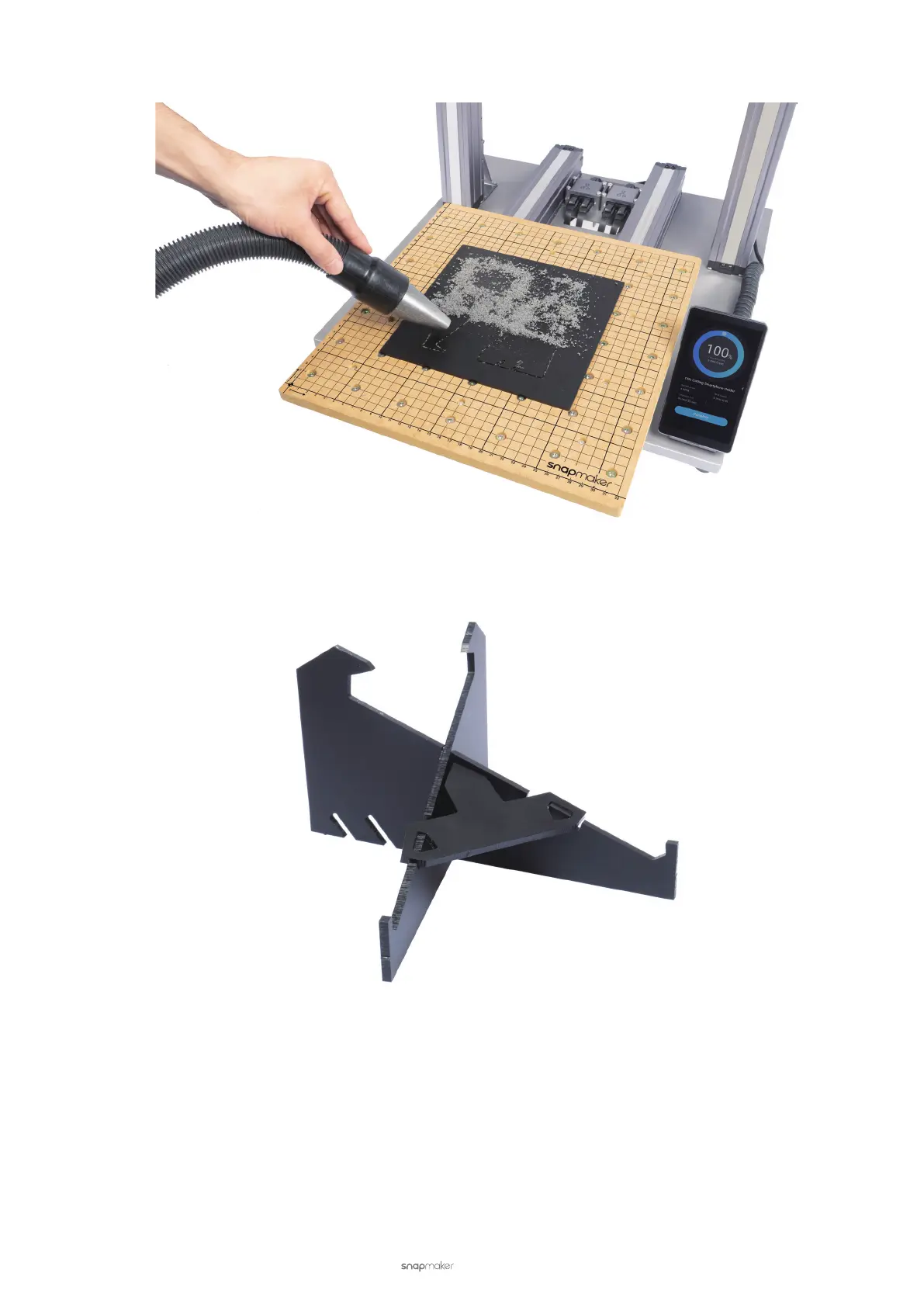
(2) Clean the nished work and the CNC carver using a vacuum.
(3) Detach the pieces of the phone holder using the diagonal pliers. Assemble the phone holder as illustrated and
now you are ready to use it!
4.8 Power Loss Recovery
If the Power Module is turned off, to resume the carving job:
(1) Turn on the power switch.
(2) After the CNC carver is restarted, tap Resume on the Touchscreen.
If the AC Power Cable is unplugged, to resume the carving job:
(1) Turn off the power switch.
(2) Plug in the AC Power Cable.
(3) Turn on the power switch.
(4) After the CNC carver is restarted, tap Resume on the Touchscreen.



 To Next Page