User Manual |
155
CNC Carving - 04 How to CNC Carve
Start Carving on the Touchscreen via USB Flash Drive
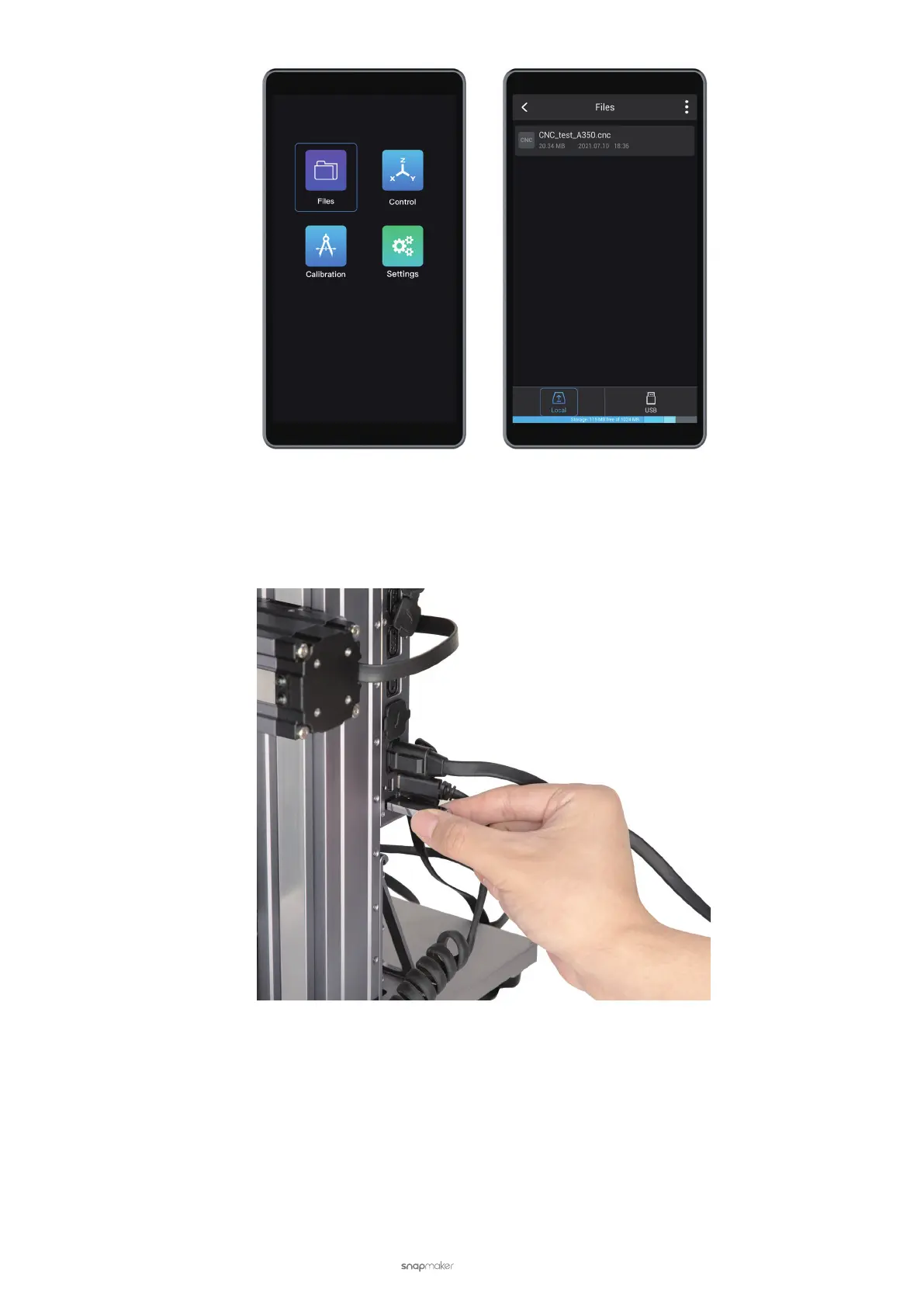
(1) In the CNC G-code Generator, click Export G-code to File (in .cnc format) and save it to the USB flash drive.
(2) Insert the USB flash drive into the Controller of the CNC carver.
(3) On the Touchscreen, nd the G-code le by tapping Files > USB. For the next steps, see 4.6 Set the Work Origin
and Start Carving.



 To Next Page