User Manual |
36
3D Printing - 03 How to 3D Print
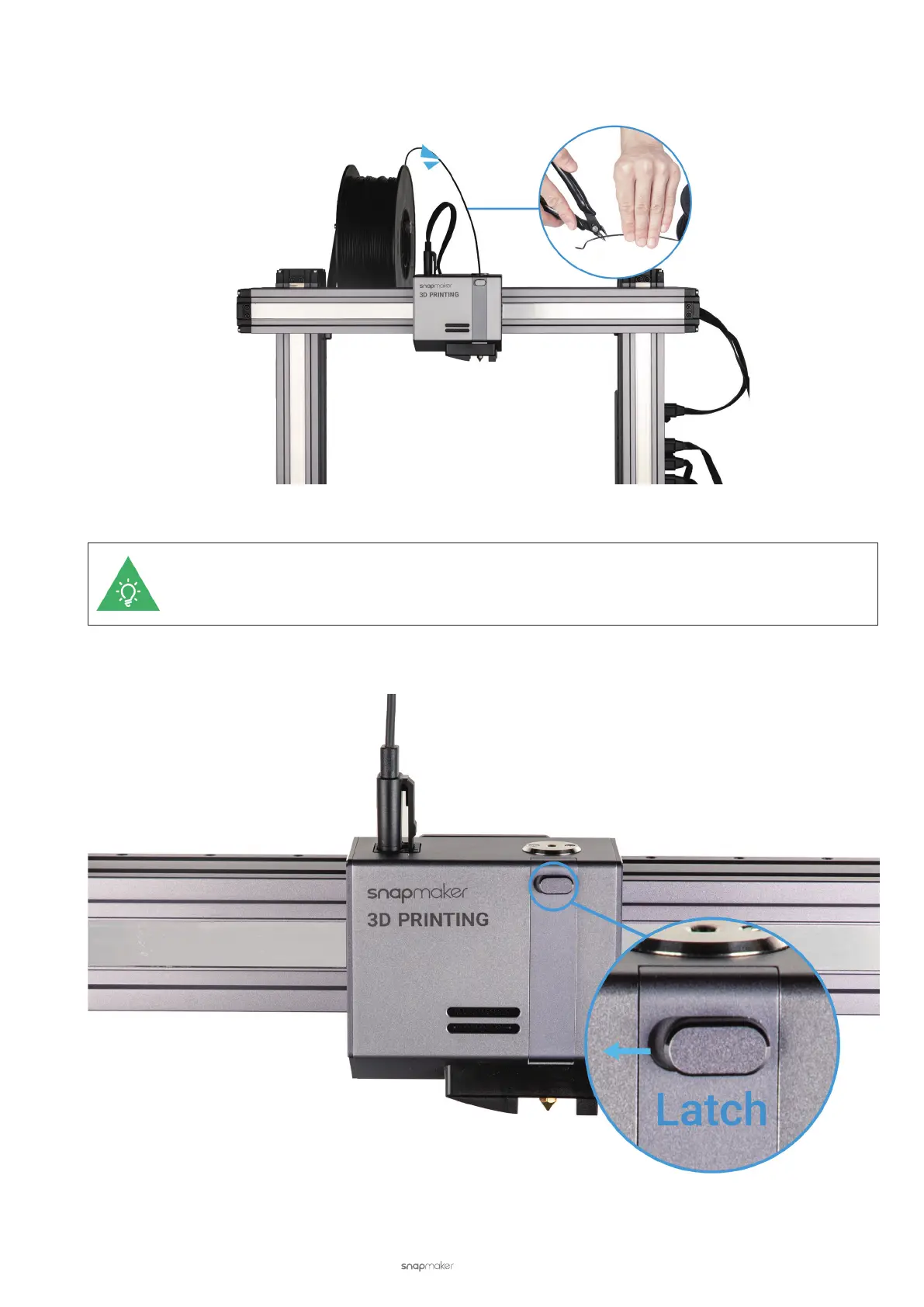
(2) Insert the lament. During heating, hang the lament to the Filament Holder. Cut the bent end of the lament
using the diagonal pliers, and insert it into the 3D Printing Module.
Should the 3D Printing Module have filament inserted, heat the nozzle up to 200°C (392°F) and then
tap Unload to pull out the old filament before inserting a new one.
(3) Open the 3D Printing Module. Press the slide knob inward and then push it left to open the 3D Printing Module.



 To Next Page