User Manual |
61
3D Printing - 06 Troubleshooting
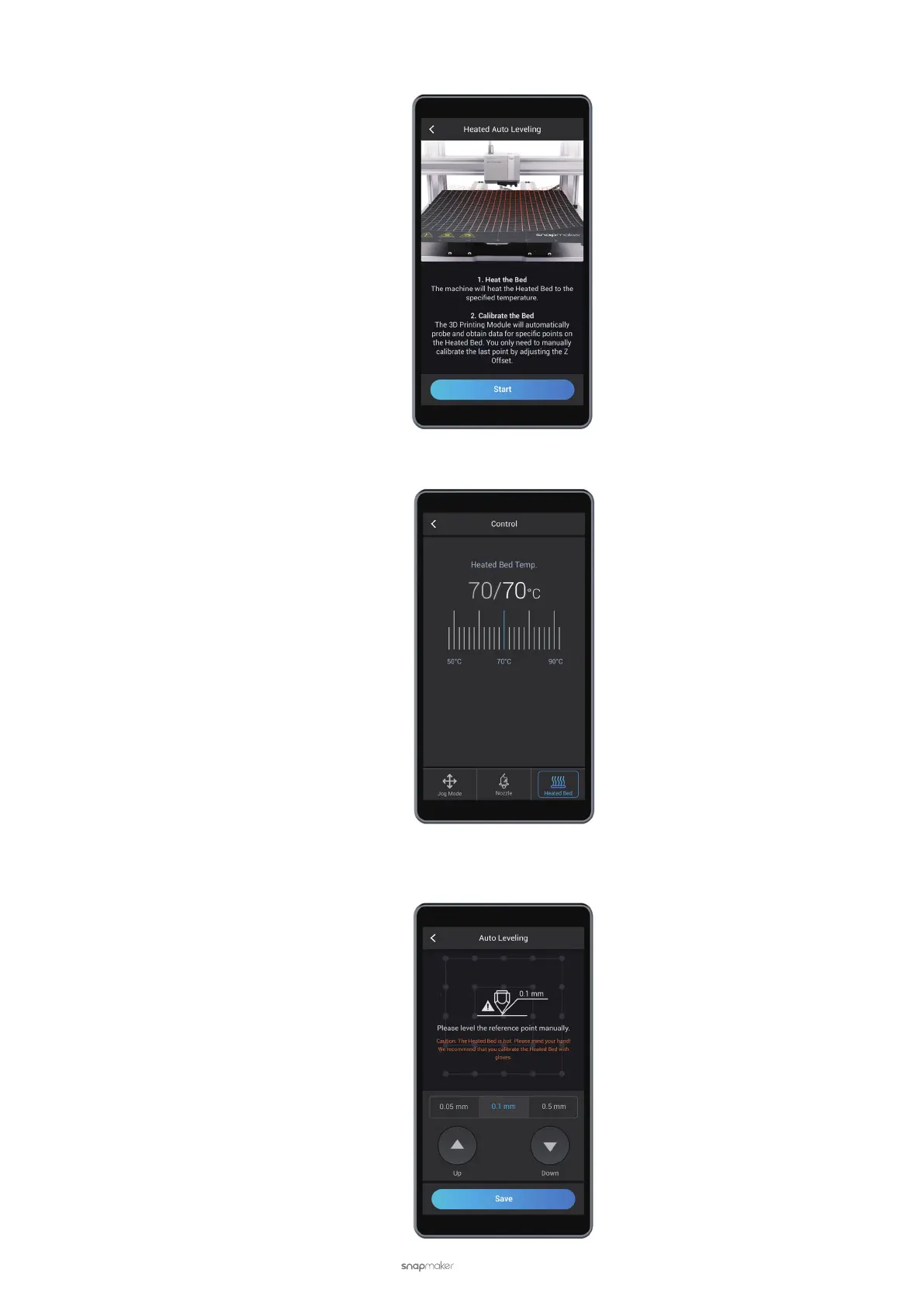
b. Return to the APP List Screen, and tap Calibration > Start to run Heated Auto Leveling.
c. Slide the scale bar to the recommended temperature as indicated by the Touchscreen. After the Heated
Bed reaches the target temperature, tap Calibrate.
d. Wear heat-resistant gloves before touching the Heated Bed.
e. Manually calibrate the last point using the Calibration Card as in 3.2 Level the Heated Bed. After the calibra-
tion is completed, tap Save.



 To Next Page