User Manual |
91
Laser Engraving and Cutting - 03 How to Laser Engrave and Cut
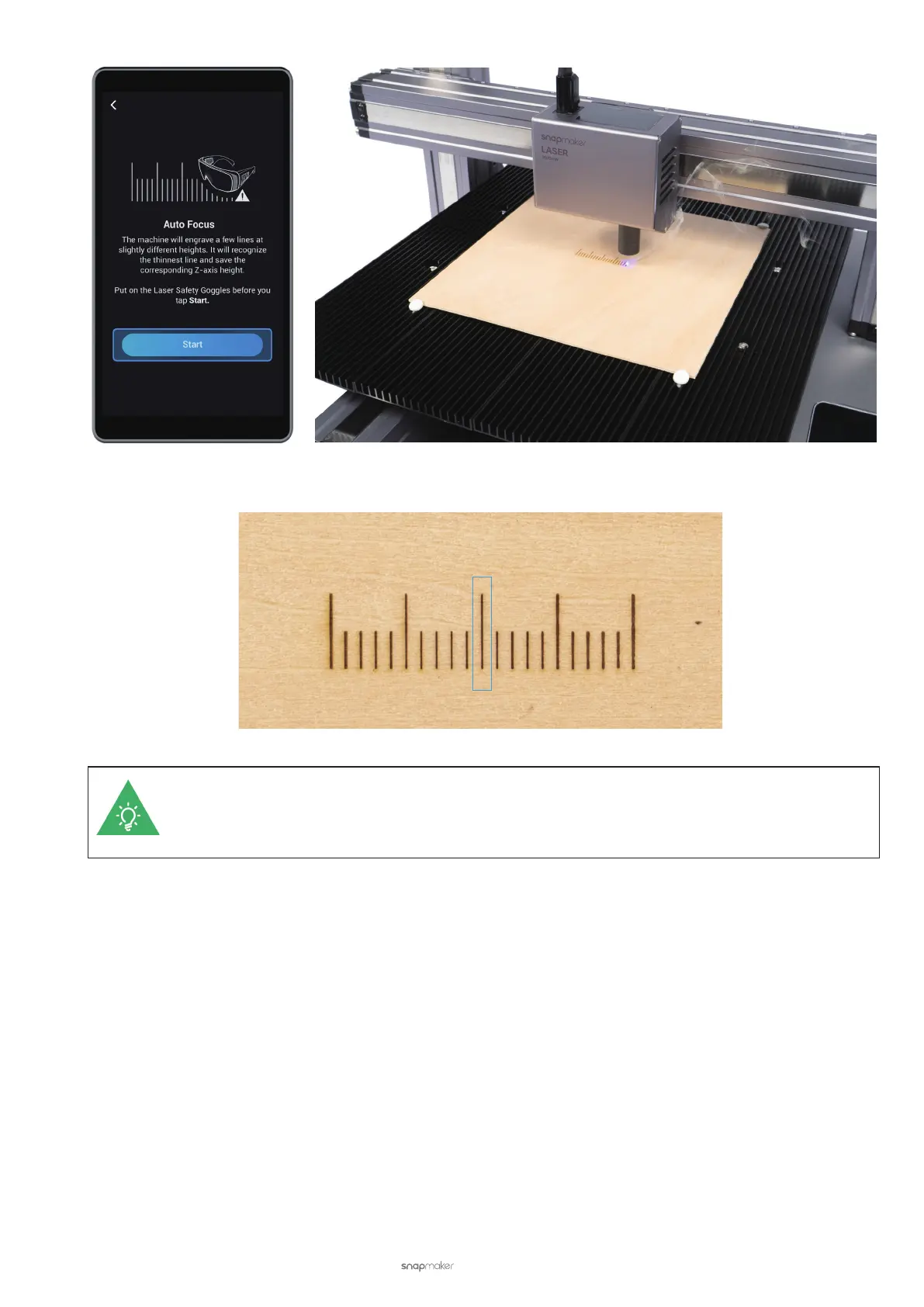
(10) After the engraving process is completed, check the engraving result and nd the best engraved line.
For more information about how to identify the best engraved line, see Laser Engraving and Cutting
- 3.2 How It Works: Measure the Focal Length. If the best engraved line does not exist, see Laser
Engraving and Cutting - 6.1 Auto Focus Fails.
(11) On the Touchscreen, slide the scale to choose the line corresponding to the best engraved line, and tap Save
to save the focal length and exit the manual focus procedure.
The Best Engraved Line



 To Next Page