User Manual |
98
Laser Engraving and Cutting - 03 How to Laser Engrave and Cut
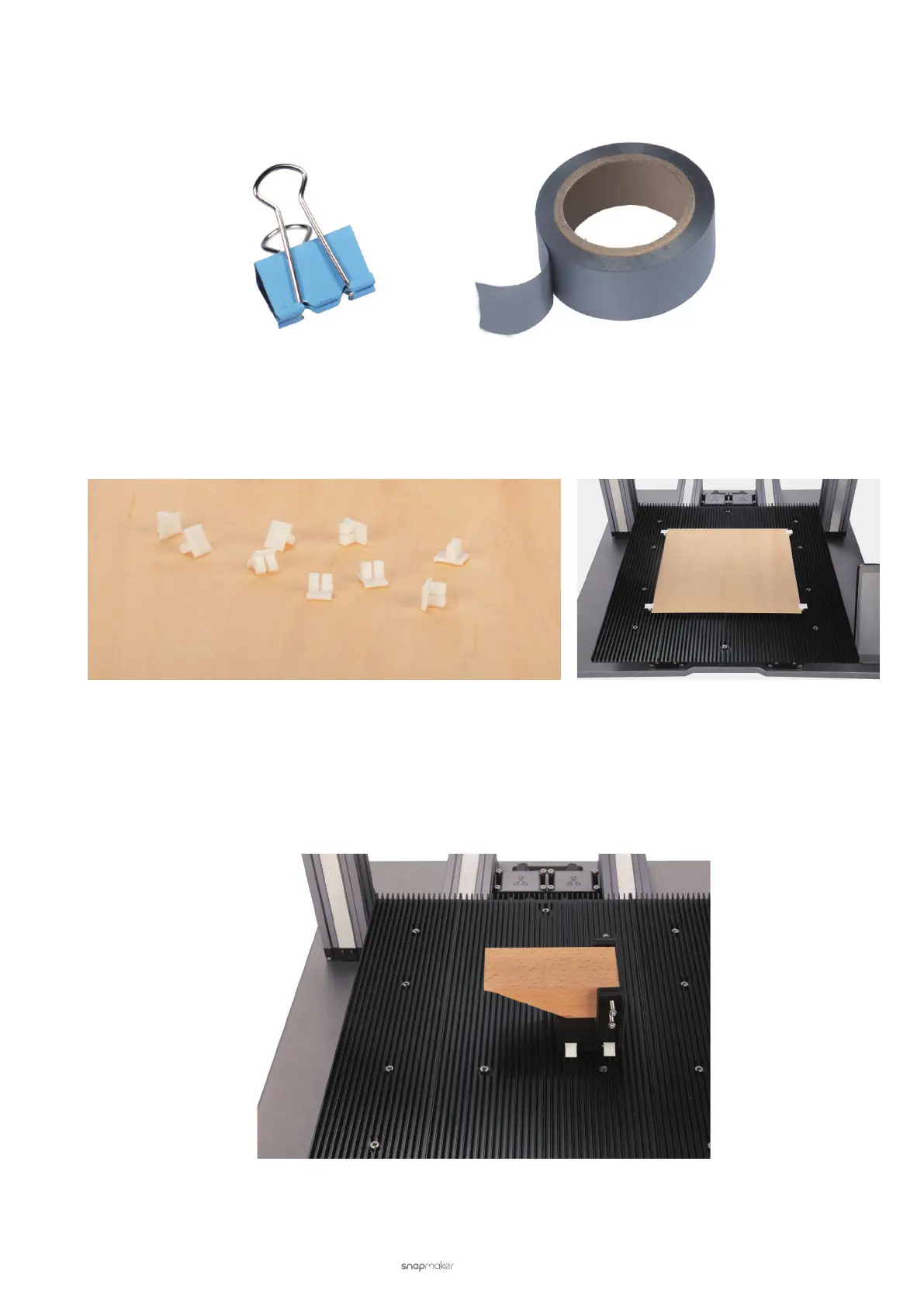
• Use Ofce Products
Ofce products such as tapes and binder clips can be useful.
• Use DIY Fasteners
Make good use of the 3D printer to DIY your own fasteners. The following picture shows a 3D printed widget
specially designed to secure laser engraving and cutting materials.
Pay attention to the following points when you fasten the material so as to protect your safety and ensure machining
success:
• Ensure that the area to engrave or cut remains level.
Be creative, especially when engraving or cutting an irregular-shaped material. The following picture shows you an
example of how to secure a triangular piece of wood.



 To Next Page