Version 5.2 Sourcefire 3D System Installation Guide 147
Hardware Specifications
Sourcefire 7000 Series Devices
Chapter 6
The 70xx Family System Components: Front View table describes the features on
the front of the appliance.
.
70xx Family Front Panel
70xx Family System Components: Front View
FEATURE DESCRIPTION
LCD panel Operates in multiple modes to configure the device, display error messages,
and view system status. For more information, see Using the LCD Panel on
a Series 3 Device on page 111.
Sensing interfaces Contain the sensing interfaces that connect to the network. For information,
see Sensing Interfaces on page 149.
10/100/1000 Ethernet
management interface
Provides for an out-of-band management network connection. The
management interface is used for maintenance and configuration purposes
only and is not intended to carry service traffic.
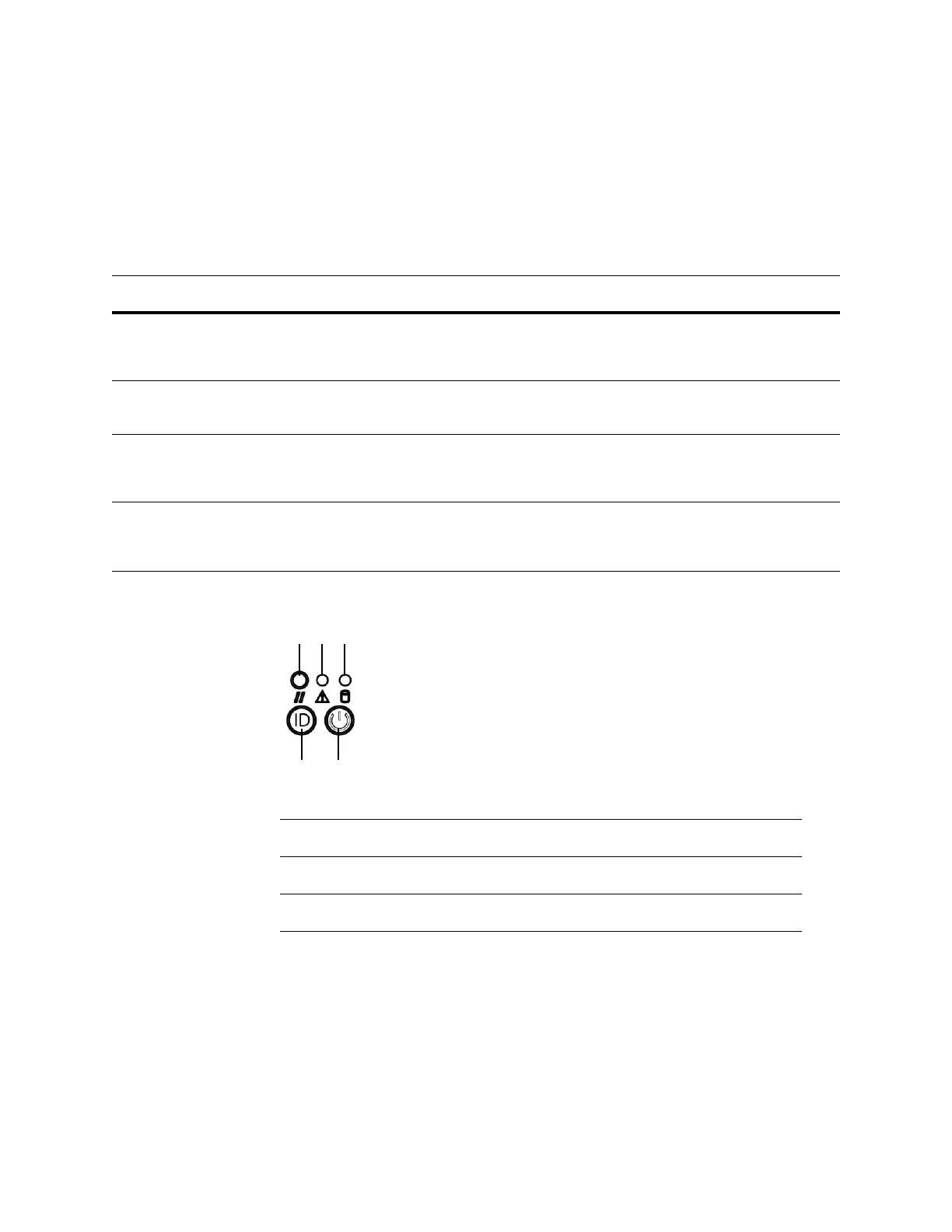
Front panel Houses LEDs that display the system’s operating state, as well as various
controls, such as the power button. For more information, see 3D7110 and
3D7120 Front Panel Components on page 154.
Front Panel Components
A Reset button D System ID button
B System status LED E Power button and LED
C Hard drive activity LED



 To Next Page