Components Installation & Configuration Guide for MAXPage
MAXPage Unit
Top Panel
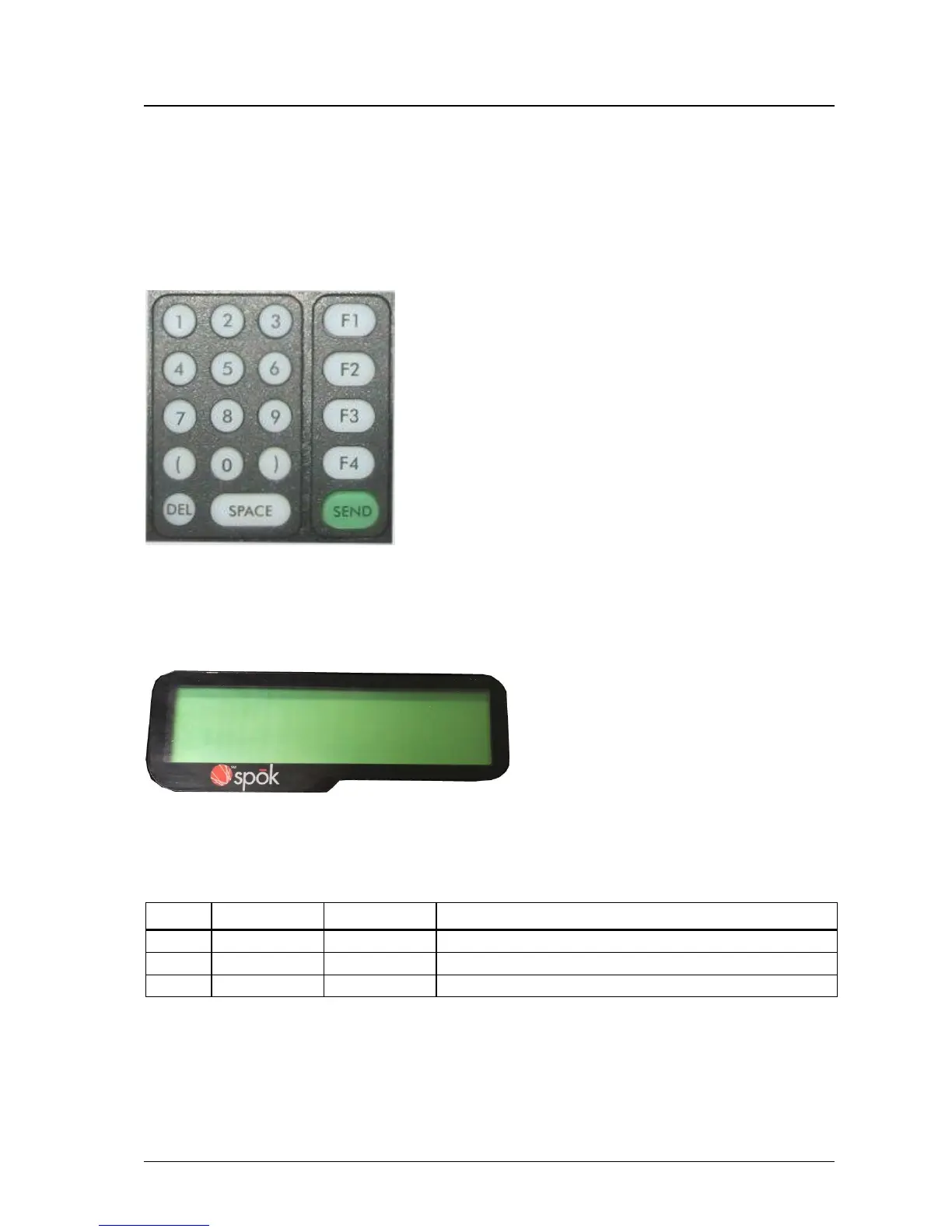
Keypad
The top panel of MAXPage features a 19 key keypad including several useful function keys. The keypad is LED
backlit so that it can be easily seen in dark areas.
LCD
The LCD provides an interface to the software on board MAXPage. It displays 2 lines by 16 alphanumeric
characters. It is also LED backlit for easy night viewing.
LED Status Lights
The LED lights on the front panel indicate the status of the MAXPage unit as follows:



 To Next Page