Windows MAXPage Software Installation & Configuration Guide for MAXPage
NOTE: Computer parallel ports (printer ports) look very similar to 25 pin serial ports except they are female gender
on the computer case. By default MAXPage will not plug into these types of connectors. MAXPage and/or the
computer are damaged if you use adapters to plug it into this port.
Using the MAXPage Windows Software
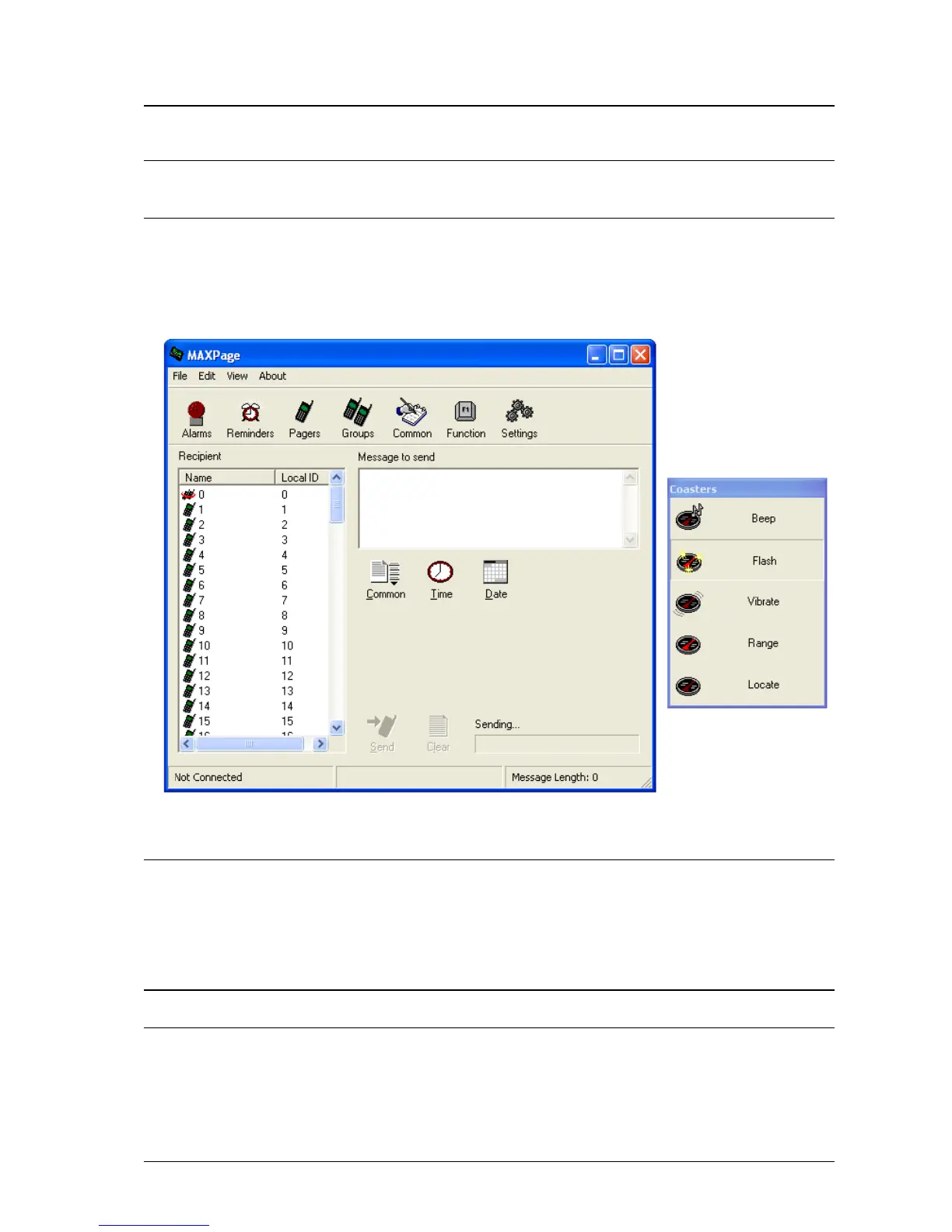
Once the installation has completed, you can start the program via the Start Menu. The program will start up
showing the Main screen, as shown below.
Connecting to the MAXPage unit
The software must connect to the MAXPage unit for configuration. Before it can connect, the communication
settings of the software must match that of the MAXPage unit.
1. To configure these settings select File|Connection Settings. The default settings are shown below which
are normally correct.
NOTE: The correct com Port the unit is connected to on the PC must be selected. This is usually written next to the
com port itself on the rear of the PC.



 To Next Page