Assembly & Installation Installation & Configuration Guide for MAXPage
Interference to Telephones, PBXs, and Other
Electronic Equipment
The transmitter in MAXPage has a significant power output and when transmitting it may cause interference to other
electronic equipment.
For Audio equipment such as Wired Telephones, Cordless Telephones, Private Branch Exchange (PBX) systems,
Audio / Visual entertainment systems, and Radio Communications equipment, the interference may cause the
following:
An increase in the level of background noise whilst the MAXPage is transmitting
Loss of Audio whilst the MAXPage is transmitting
In general, all electronic equipment may exhibit the following behavior if subjected to interference.
Temporary aberrations in operation, e.g. screen flicker, LCD contrast dimming.
Malfunctions requiring the user to switch off and on the equipment to recover.
Malfunctions requiring the equipment to be serviced.
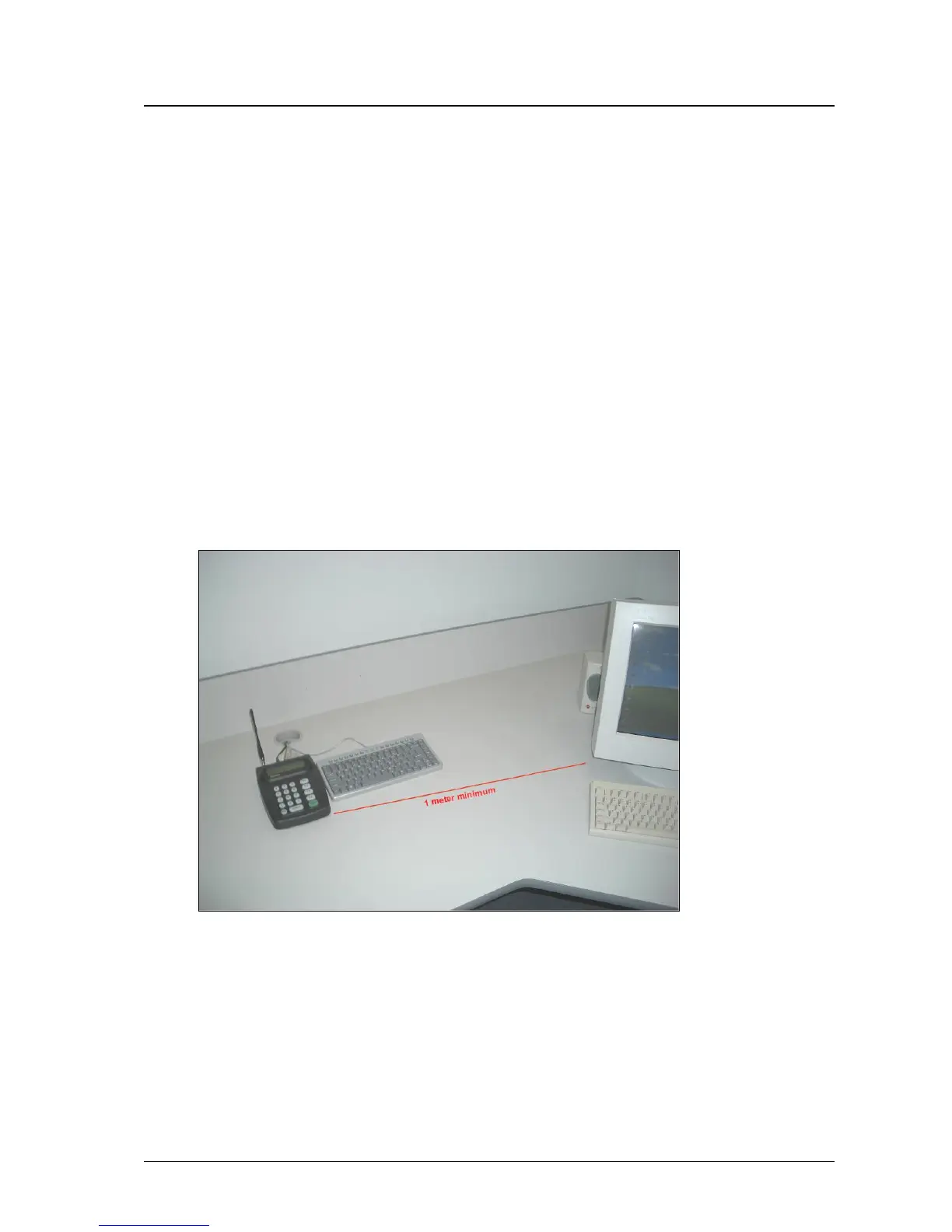
The following rules apply to the installation of MAXPage in order to address interference to other devices and to the
MAXPage itself.
1. Keep other equipment and their power supplies at least one meter away from the MAXPage’s antenna.
2. Keep the power supply for the MAXPage as far as possible away from the MAXPage’s antenna.
3. Ensure cabling is placed in a neat order and is not in a mess around the back of the MAXPage.



 To Next Page