Windows MAXPage Software Installation & Configuration Guide for MAXPage
Configuring Function Keys
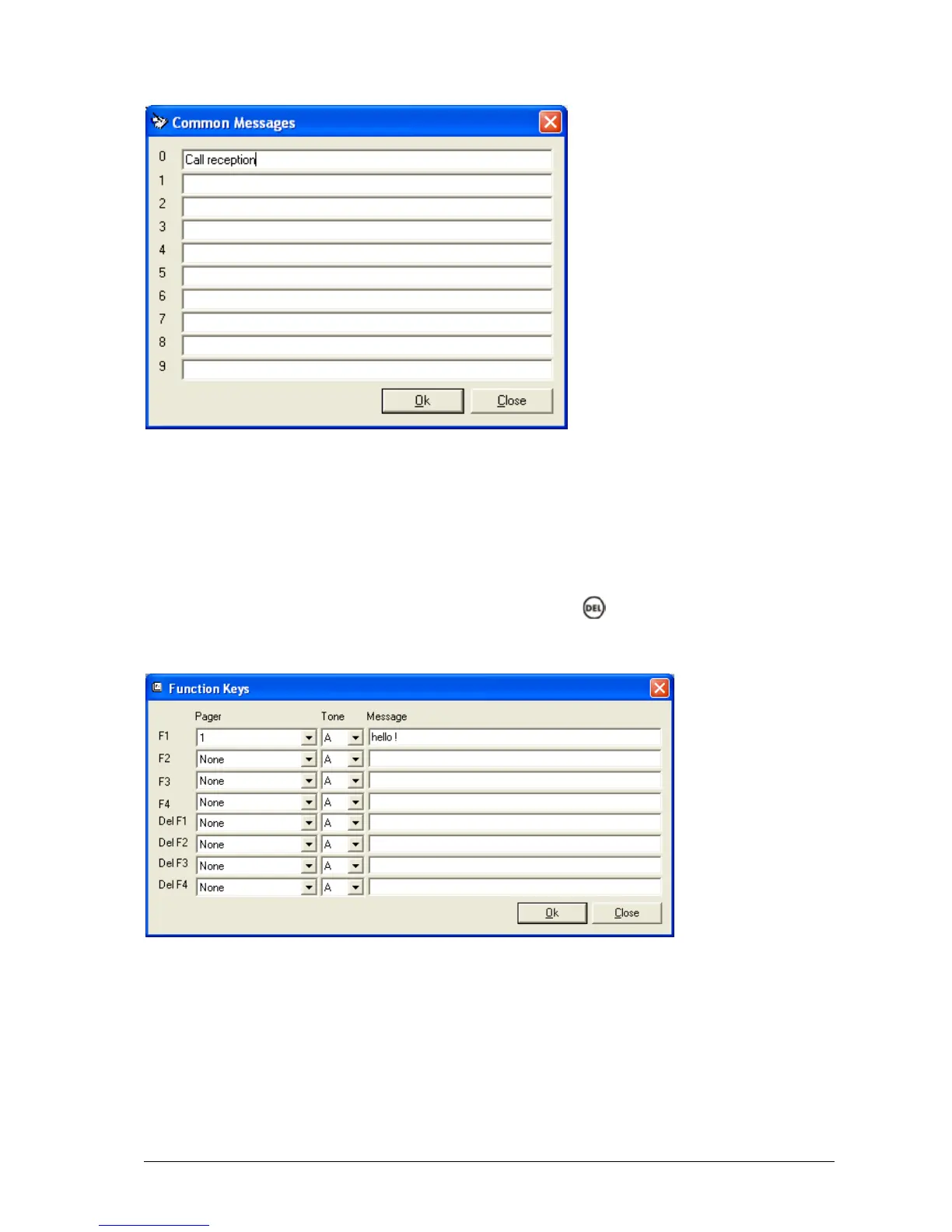
The Function buttons are used to configure the four special function keys that MAXPage has. Configuration of these
buttons is done in the Function Keys screen shown below.
Each button can be assigned a recipient, beep code, and message. When a function button is pressed, the pre-
programmed message is sent to the specified recipient without any prompting.
The four-function buttons can take on alternative functions by holding the key and then pressing the relevant
function key. Therefore, there is a total of eight functions available.



 To Next Page