Windows MAXPage Software Installation & Configuration Guide for MAXPage
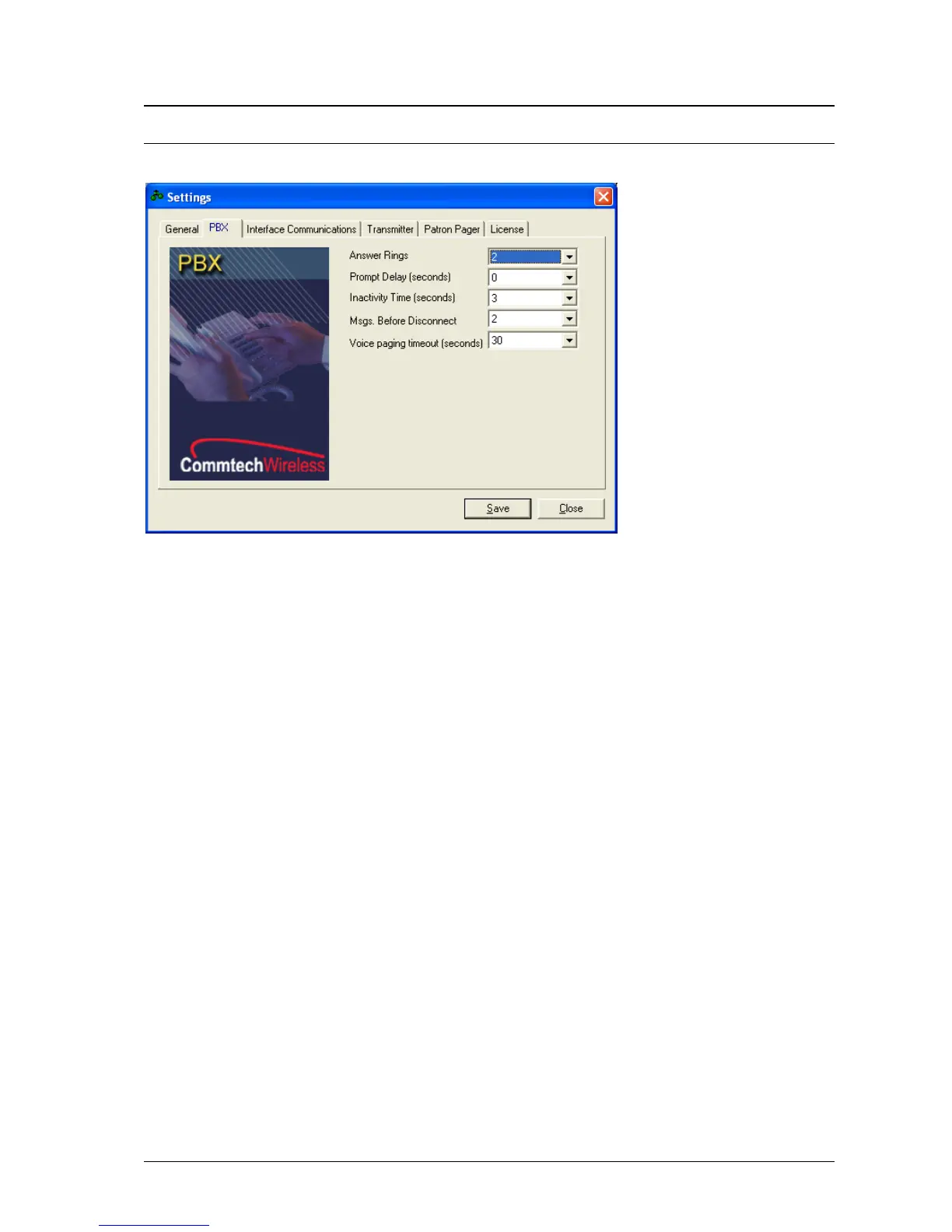
NOTE: For information on how to operate the Telephone (PBX) system, refer to Ports|PBX within the Config
Mode section above.
Interface Communications
If you are connecting MAXPage to another piece of paging equipment that outputs a serial protocol, you
need to set the Protocol field to the correct type.
The Speed, Data Bits, Stop Bits, Parity, and Flow Control fields must match that of the piece of
equipment being connected to MAXPage. These fields control the serial communication. Consult the
documentation that came with the paging system for more information.
The fields below are dependent on the type of protocol that was chosen in the Protocol field. These are
outlined on the next screen.



 To Next Page