Assembly & Installation Installation & Configuration Guide for MAXPage
Power Adapter
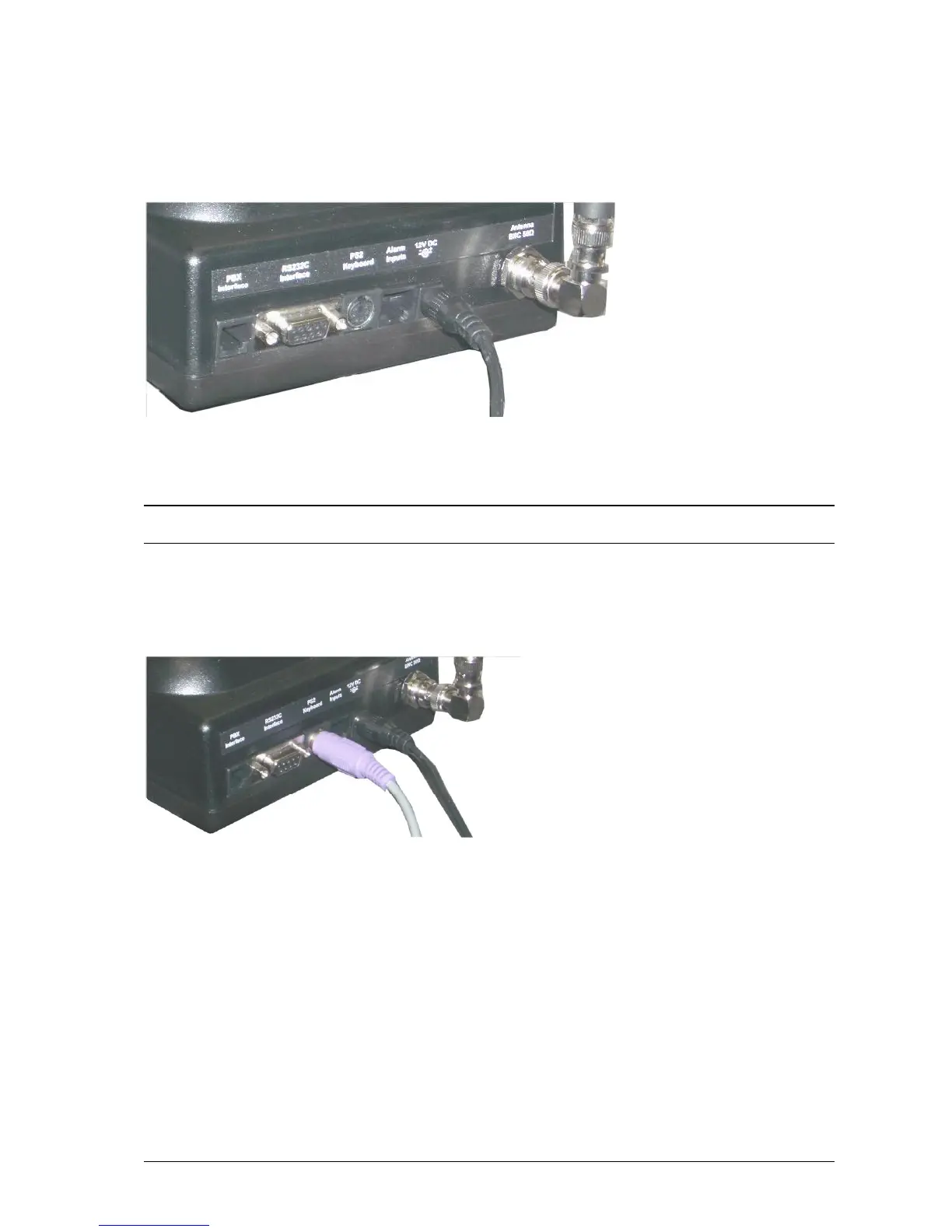
Plug the power adapter into mains power. Plug the power adapter into the power connector on the rear panel of
MAXPage.
Optional Components
NOTE: The following components are optional and are not available unless the appropriate license option has been
purchased. Contact your place of purchase for information on how to enable these components if required.
PS2 Keyboard
To connect the PS2 keyboard, plug in the PS2 keyboard connector into the connector labeled PS2 Keyboard.
Alphanumeric input can then be achieved.
Alarm Inputs
To connect alarm inputs into MAXPage you need an RJ45 connector, some CAT5 cable and the appropriate
crimping tool. Alternatively, if you do not have a crimper, you can use or buy a pre-made RJ45-RJ45 cable from any
computer or electronics store and cut one of the ends off if necessary.
The pin-outs for the RJ45 connector are shown below. Each alarm input is a contact-closure type, meaning the alarm
input is triggered by opening or closing the circuit.



 To Next Page