Windows MAXPage Software Installation & Configuration Guide for MAXPage
Patron Pager
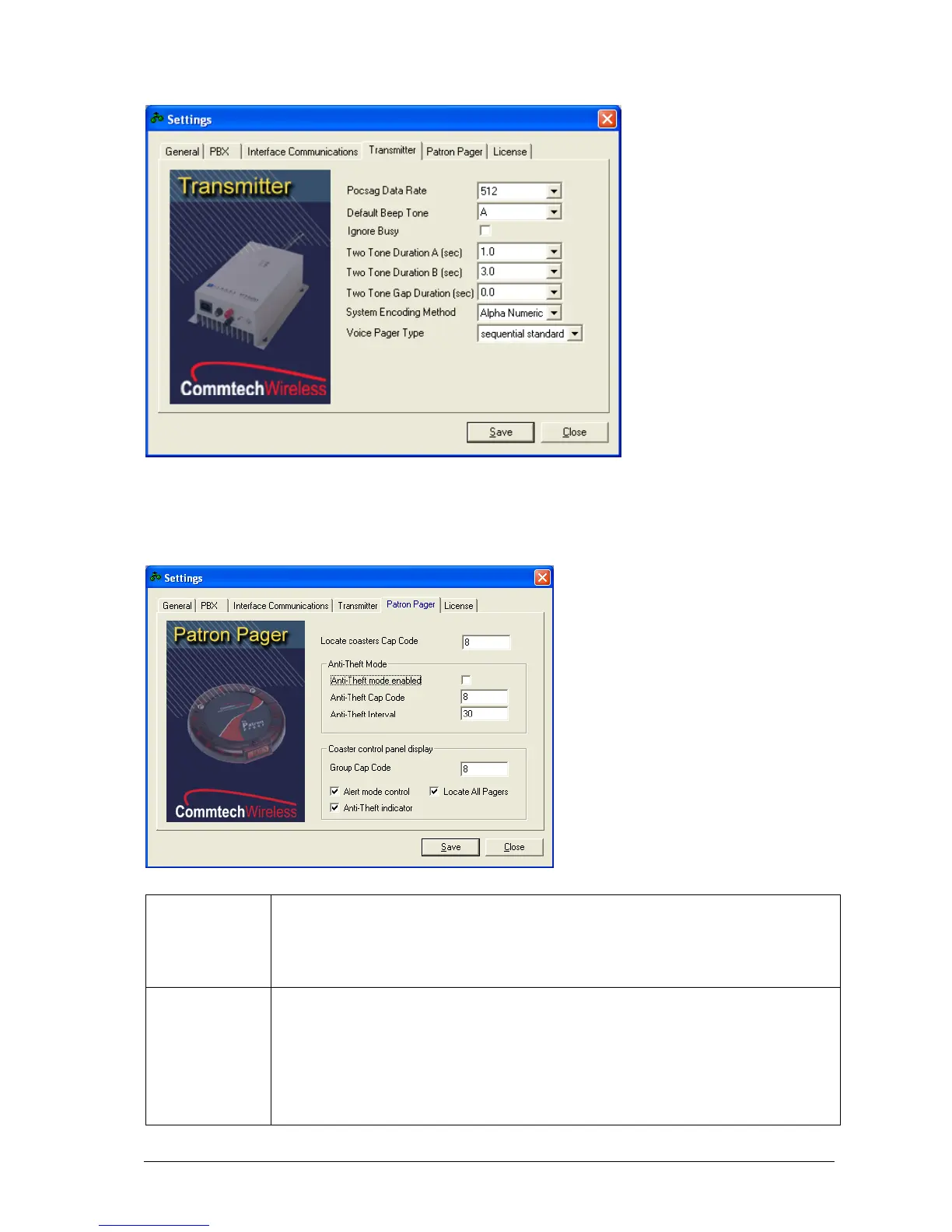
If the MAXPage unit is used in a Patron Pager system, this tab contains some settings which need to be filled out.
Where you enter the common locate cap code for the group of pagers. Only coasters which
are not on the charging stack respond to a Locate All page. If the Locate button is enabled on
the coaster control panel display, it can be clicked at any time to make any coasters not on the
charger stack emit a special alert so that they can be easily found, if lost. This locate cap code
is used when sending out the message. Details are supplied with the coaster system.
If you wish to enable the out of range mode (aka anti-theft), tick the Anti-Theft mode
enabled tick box. Coaster pagers (such as the Patron Pager) have the ability to listen
and lock onto a special “heartbeat” known as an out-of-range message. To enable this
feature to work correctly, the paging device is required to send out a heartbeat page at
regular intervals that the coaster pager can then lock onto. If the coaster pager misses
a heartbeat page, it can warn the user, by emitting a special alert sequence, telling the
user that they are out of range of the transmitter.



 To Next Page