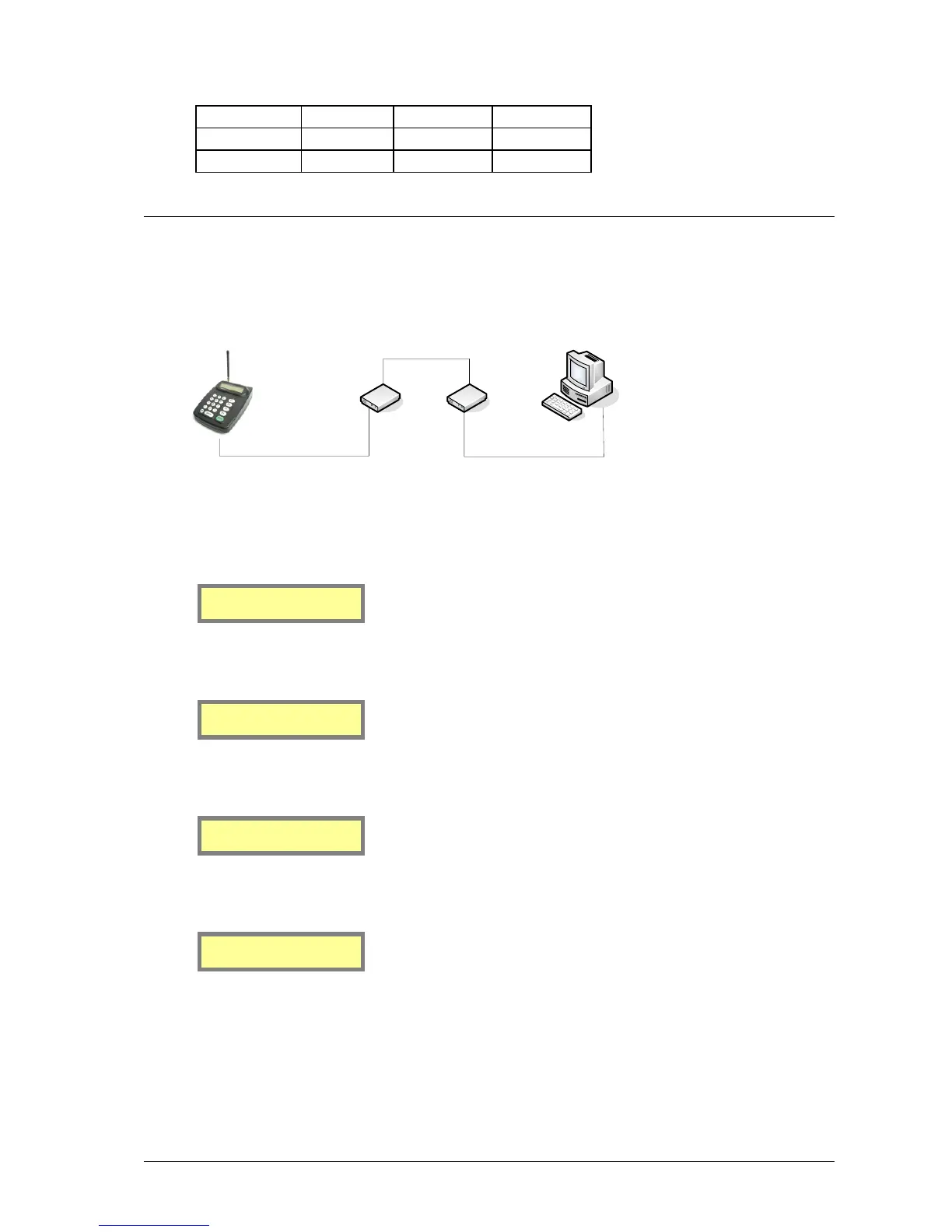
Setting up Dial-in TAP to MAXPage from Messenger
A TAP link can be created over an analogue phone line between a Messenger and MAXPage for remote message
capability. The system is set up as described below.
1. The MAXPage must have its COM port settings as follows:
Baud rate = 9600, Parity = None.
Baud rate[9600 ]
Parity [NONE]
Data = 8, Stop = 1, Flow control = None
Data[8] Stop[1]
Flow Ctrl [NONE]
Send ‘ID’ = N
Stay connectd[Y]
Send ‘ID=’ [N]
Protocol = TAP
Protocol [TAP ]
Lookup ID? [Y]
2. The modem connected to the MAXPage must be setup in the following manner:
a. Connect this modem to a PC and use HyperTerminal (or any other communications package capable of
communicating over a serial port)
b. AT&F: Ensures factory default settings
c. ATS0=1: Enable auto answer (after 1 ring) ATS0=2 for 2 rings, etc.



 To Next Page