General Operation Installation & Configuration Guide for MAXPage
1.Pagers 2.Ports
3.Alarm 4.System
3. Press to select Ports. The Ports Menu screen displays.
4. Press to select a hidden menu where you are able to set the frequency and power of the MAXPage unit.
The following screen displays.
Set Freq &Pwr[N]
5. Press any numeric key to toggle to select Y.
6. Press the key.
7. The MAXPage reads the current settings from the internal transmitter. The following screen displays:
Power [LOW]
Space [25.0] KHz
8. The first field for editing is Power. Press any numeric key to toggle between LOW, MID, and HIGH. This
refers to the power output of the transmitter. (LOW = 100mW, MID = 1W and HIGH = 4W)
9. Press the key to move along to the next field when ready.
10. The next field refers to the space between adjacent channels. In the majority of applications, 25kHz should
be selected here (for ±4.5kHz FSK). If you are using pagers capable of narrow band (±2.5kHz FSK) you
can select 12.5kHz in this field.
11. Press the key to move along to the next screen when ready. The following screen displays:
Channel: [671 ]
F = 456.7750 MHz
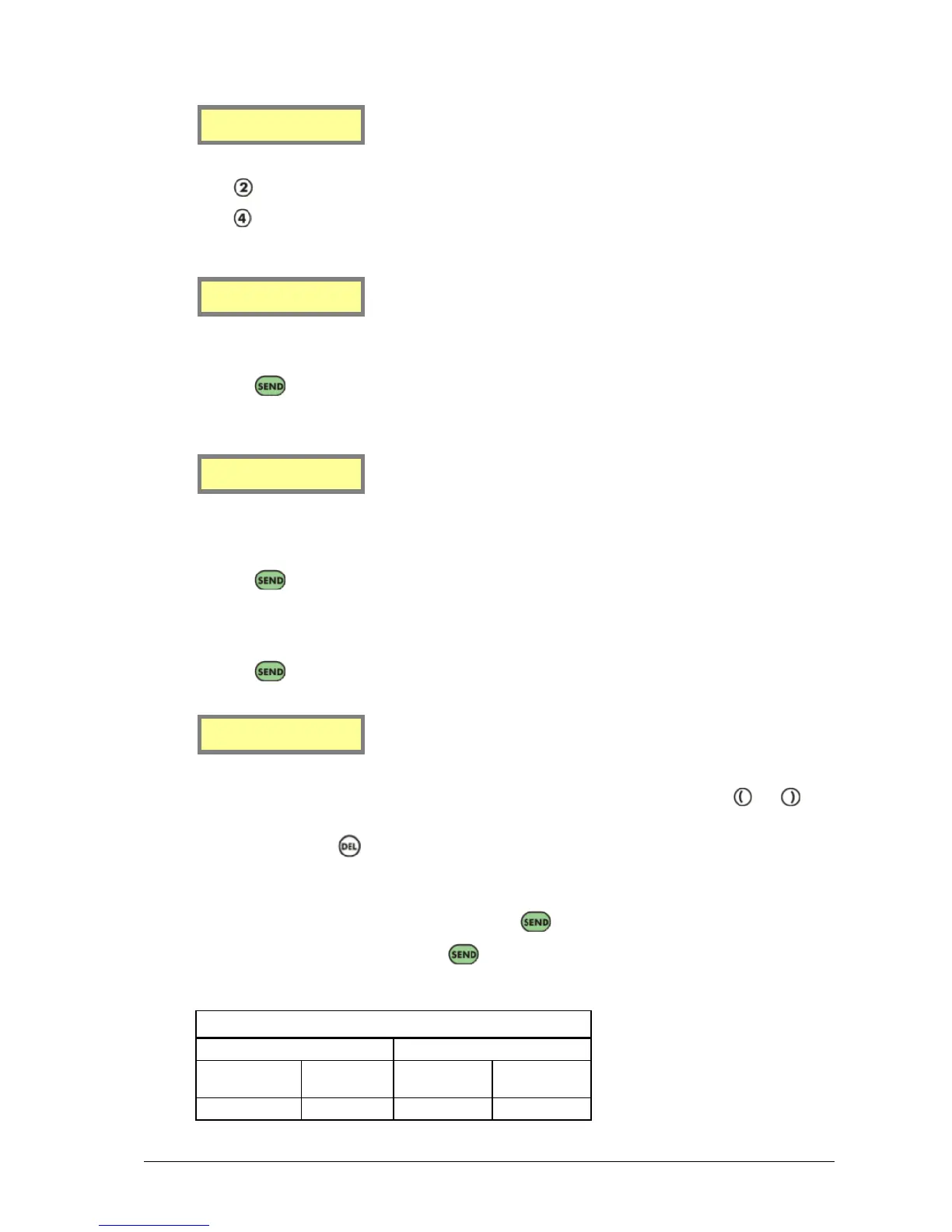
12. This screen is where the frequency of the transmitter is set. To change frequency, press the and keys
to change the frequency in small increments.
13. Alternatively, press the key to delete the current channel number.
14. Use the numeric keypad to enter the desired channel number. Some common channel numbers and
frequencies are listed below.
15. Once the desired frequency has been chosen, press the key to confirm.
16. A confirmation screen is shown. Press the key to confirm and the new settings is written to the
transmitter.



 To Next Page