71
Viewing System Status
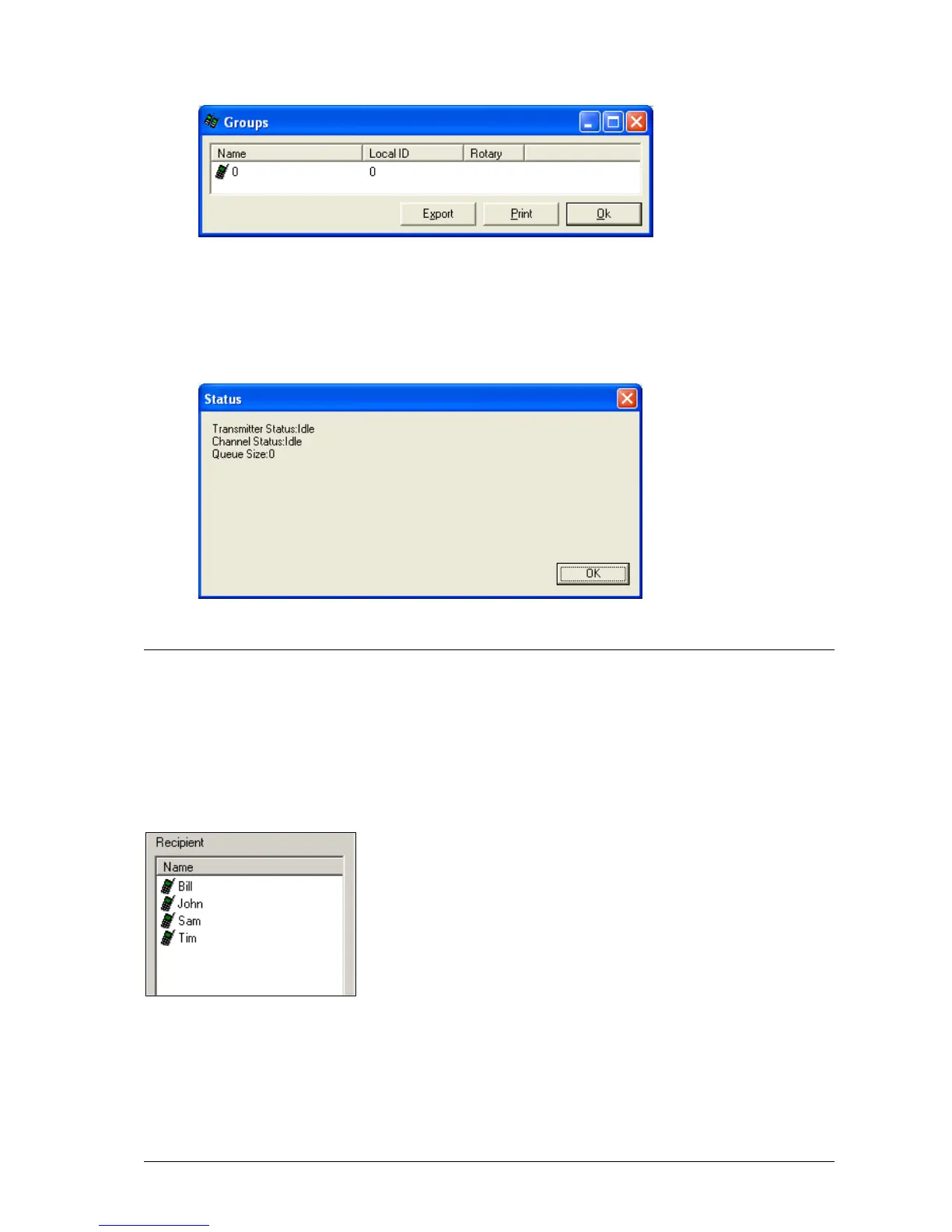
1. Click View|Status. The following screen is shown, giving various diagnostic information from the
MAXPage unit.
Sending Messages
Messages can be sent from the MAXPage unit via the software in real time, if required.
Recipient Window
The Recipient window contains a list of the pagers and groups registered in the current database. At least one
recipient must be selected to send the message to.
Message Window
The text within this window is sent to the selected recipient(s) in the Recipient window, when the Send button is
pressed.



 To Next Page