Windows MAXPage Software Installation & Configuration Guide for MAXPage
Date Button
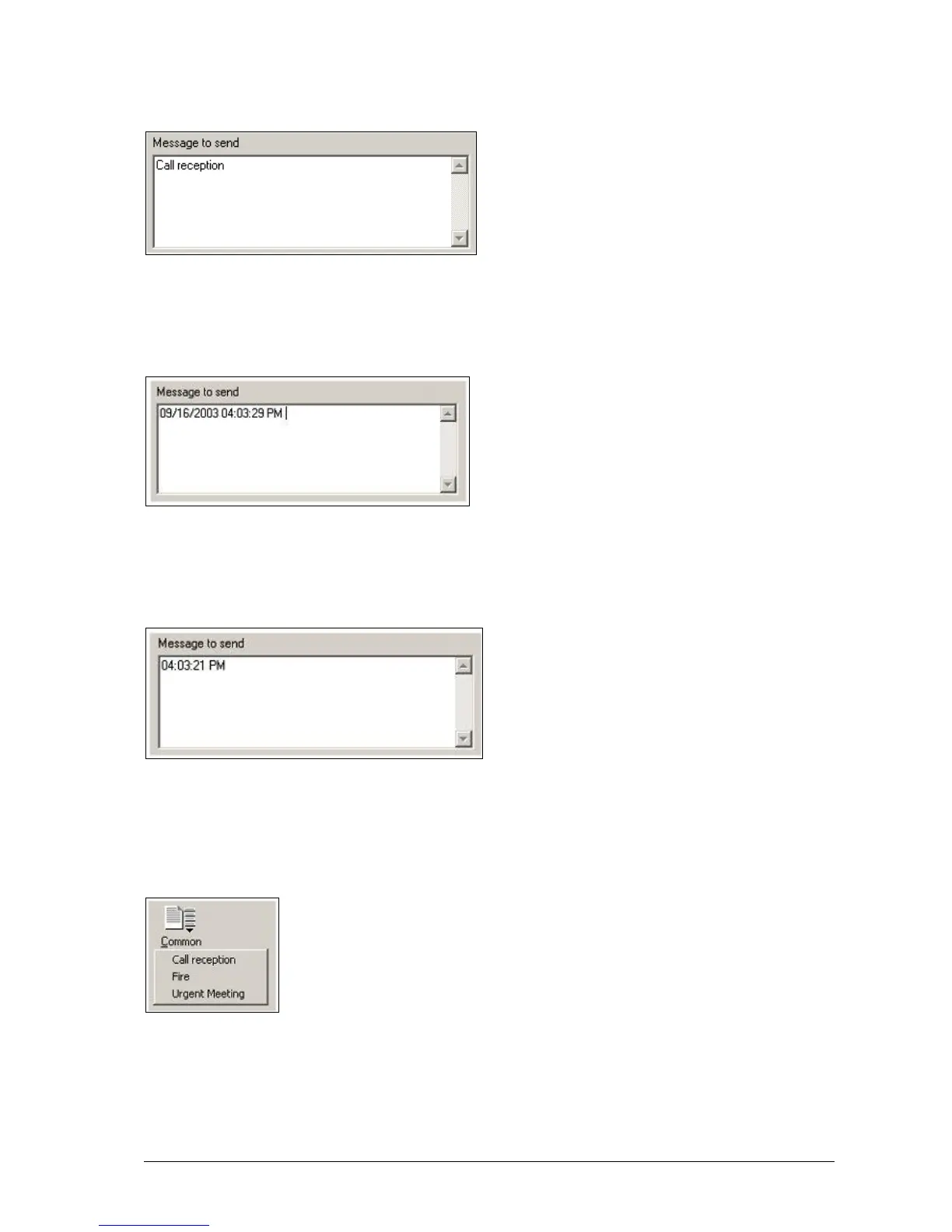
The Date button is used to insert the current date into the Message window as shown below
Time Button
The Time button is used to insert the current time into the Message window as shown below
Common Messages
Once common messages have been setup as described in the Configuring Common Messages section above, the
messages can be selected on this drop-down menu for automatic insertion into the Message window.
Send Button
The Send button is used to send the text contained within the Message window, to the recipient selected in the
Recipient window.



 To Next Page