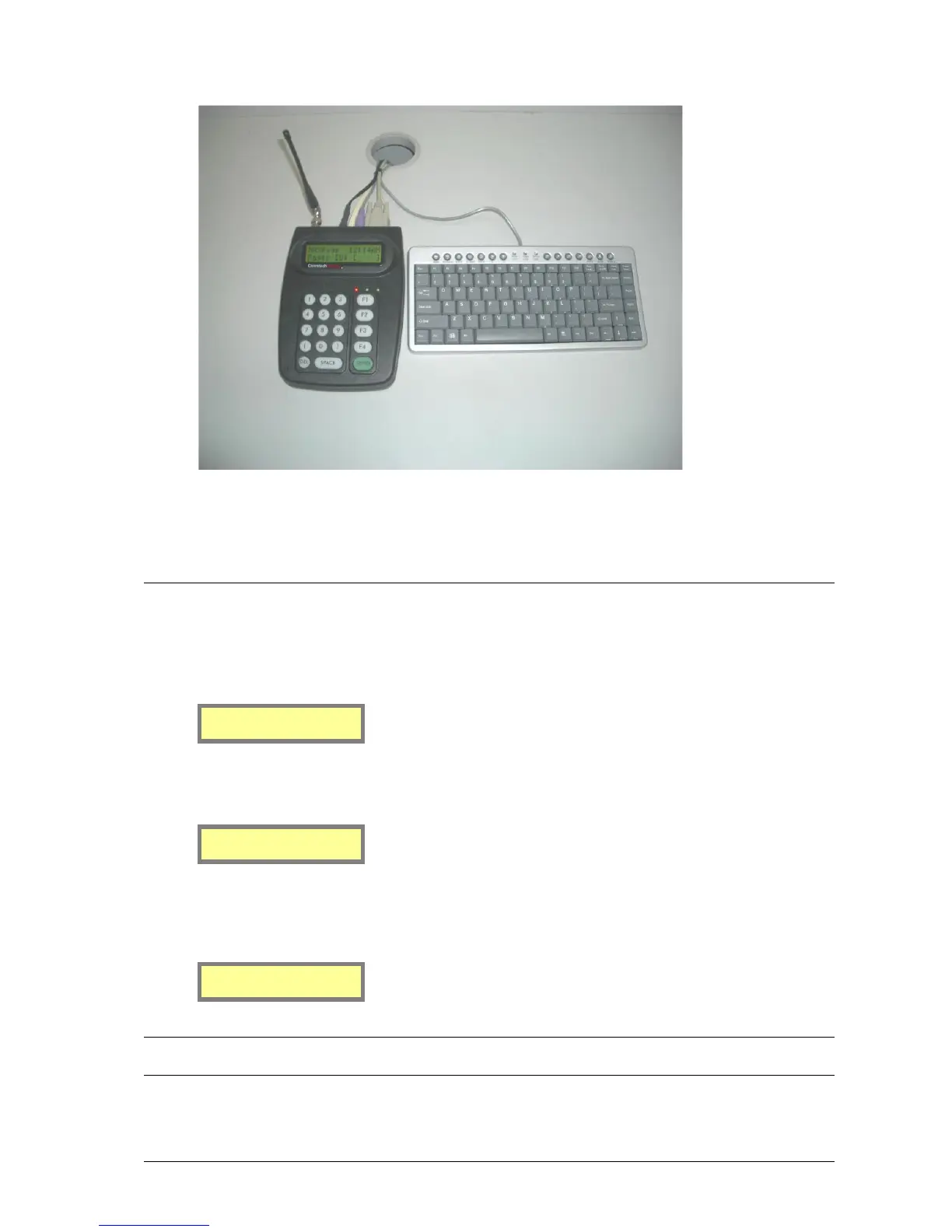
17
4. Where possible only use equipment that has been designed to reject Radio Frequency Interference. (e.g.: CE
approval)
Powering Up
1. The unit turns on when the power adapter connection is plugged into the rear of the case and the mains
power is turned on. The LCD backlight and keypad LEDS illuminates and the LCD displays the first
welcome screen similar to below:
MAXPage 3.06
Spok
2. After a two second pause the LCD displays the second welcome screen similar to below:
Service number
61 8 6240 0000
3. After another two second pause the following screen is displayed. This is known as the Main Screen.
MAXPage is now operating in Normal Mode.
MAXPage 11:30AM
Pager ID:[ ]
NOTE: This screen may differ slightly to the above example, as the dealer name and service number are
customizable.



 To Next Page