11
Assembly & Installation
Assembly & Installation
Preparing for an Assembly and Installation
Before your MAXPage system can be assembled and installed, it must be established if the system is going to use a
narrow band connection or a wide band connection.
After it is established if the system will use a wide band or a narrow band connection, Spok configures the system to
use the desired option.
If, after the system is installed, the chosen option should be switched, Spok should be contacted to re-configure the
system.
If an upgrade is performed on the system, the system automatically uses the existing configuration. If that existing
configuration should be changed, contact Spok. For example, if the system was originally configured to use a narrow
band connection and an upgrade is performed on that system, that system automatically keeps the existing
configuration. Then, in this example, if the system should be configured to use a wide band setting, then Spok must
be contacted to change the configuration.
More specifically, when Spok is contacted for a configuration upgrade, Spok provides a new license key which
changes the setting. After the new license is loaded onto the system, the system must be restarted. After a restart of
the system is performed, the configuration changes are saved to the radio.
Required Components
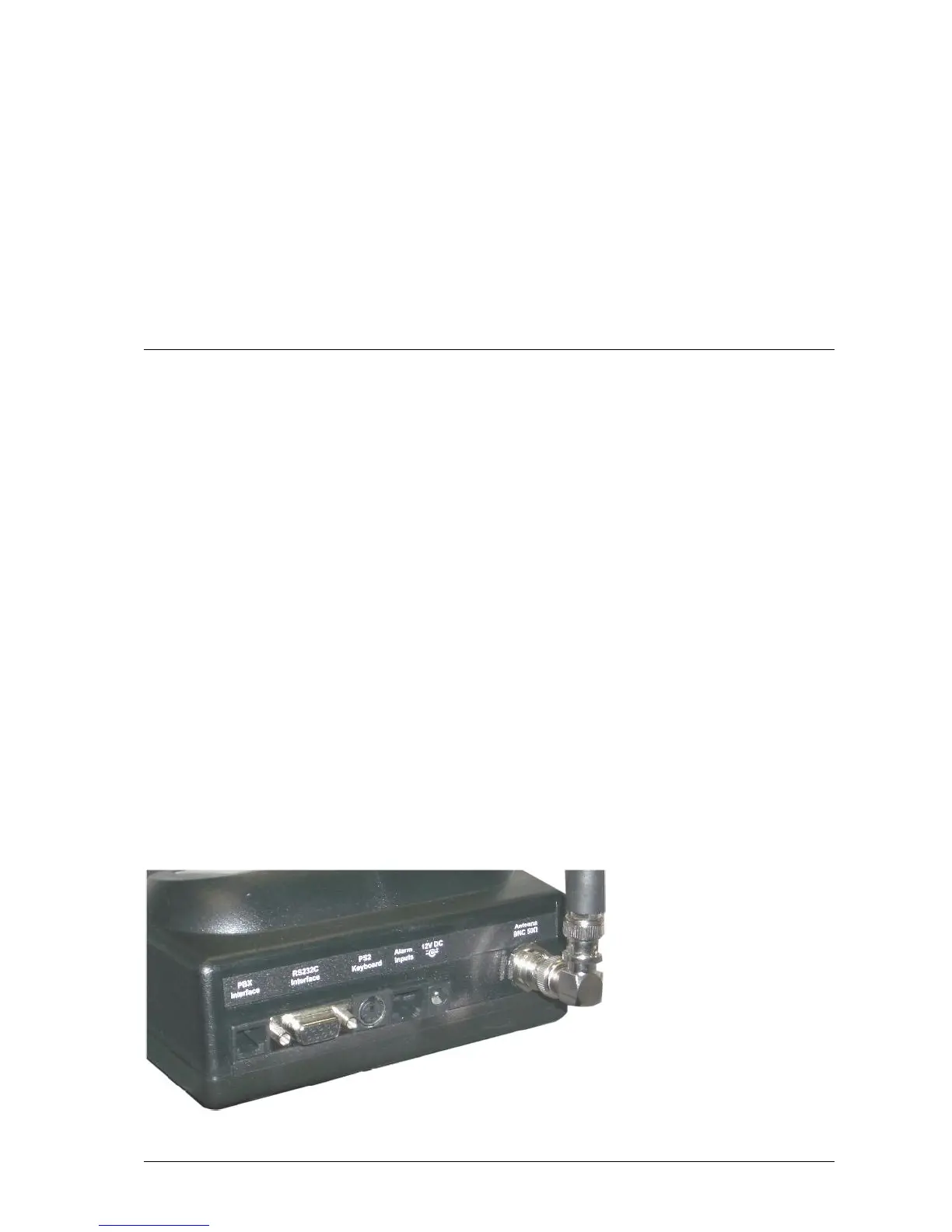
Antenna
Attach the right angle TNC/BNC adapter to the quarter wave whip antenna. Screw the quarter wave whip antenna
onto the transmitter connector located on the rear panel of the MAXPage unit.



 To Next Page