63
Configuring Software Settings
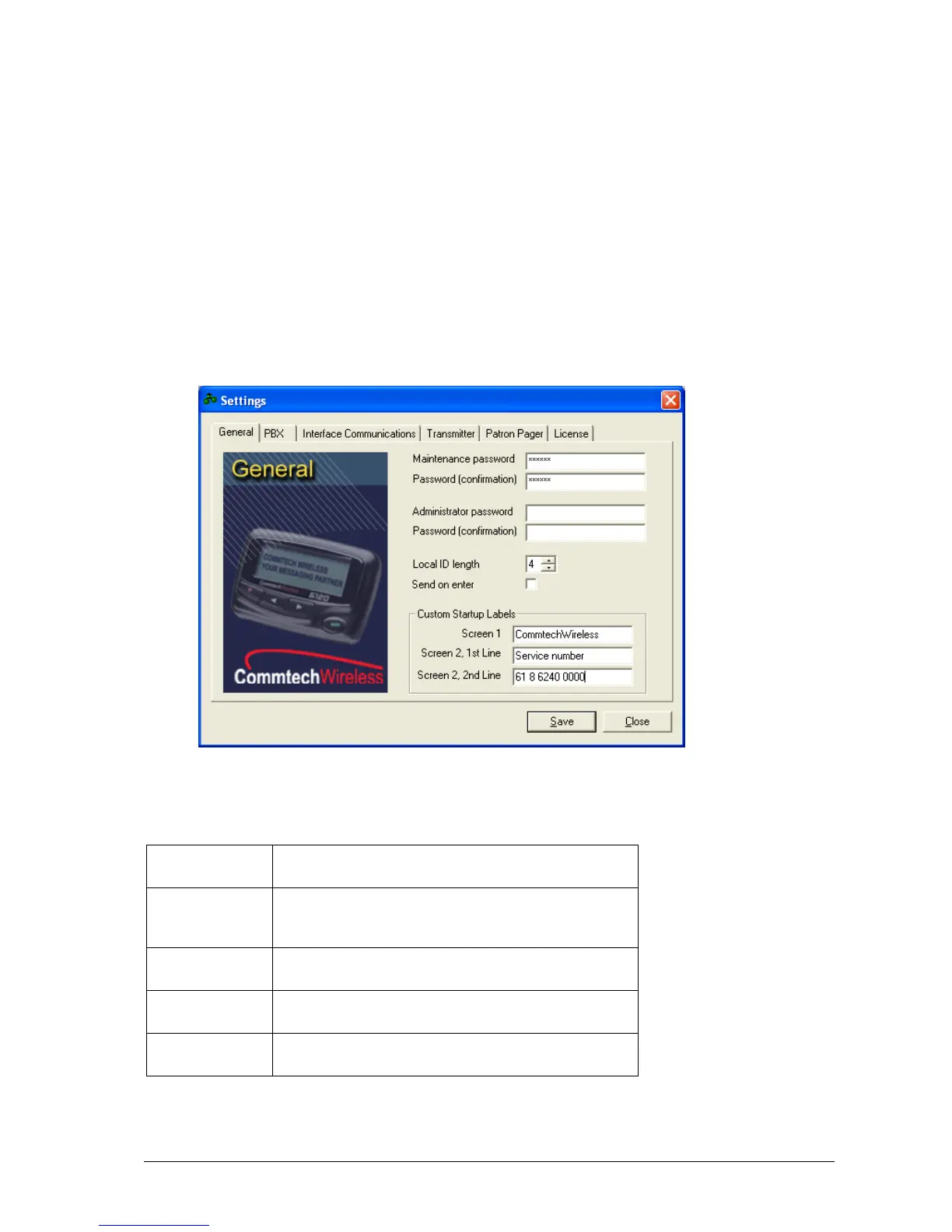
The Settings button is used to configure various other options for the MAXPage unit.
General
The Maint and Admin passwords can be edited in this tab.
The Local ID length can be configured on this tab. This refers to:
The maximum number of digits that a PBX extension number can be.
This number also corresponds to the number of digits the Pager ID field is when MAXPage is in
Normal Mode. This is useful to limit the number of digits the Pager ID can be if required.
If the Send on enter field is ticked, the Enter key on the keyboard performs the same action as pressing the
Send button on the main screen of the software.
PBX
Refers to the time delay (in seconds) before the voice
prompt is heard, once a call is made to the MAXPage
Telephone interface.
Refers to the length that a two-tone voice page is limited to
over the Telephone interface (in seconds).



 To Next Page