Assembly & Installation Installation & Configuration Guide for MAXPage
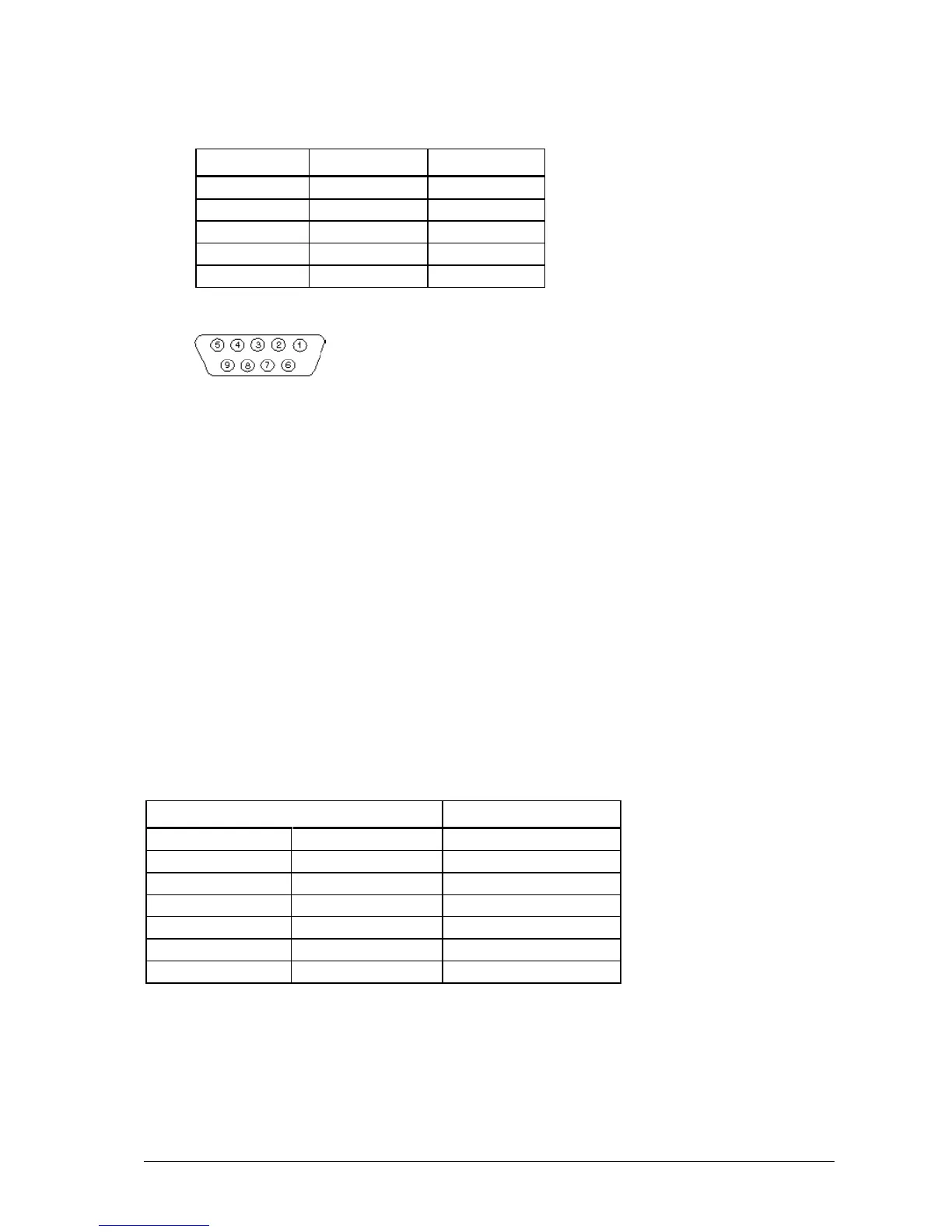
1. The pin-outs for this serial connector on MAXPage are shown below:
2. When connecting the device to an IBM PC with the MAXPage Windows software installed, a straight
through cable is used. Please see the Windows MAXPage Software section for more information.
3. Depending on the type of third-party paging system you are connecting to, you may need either:
A straight through cable where each pin is wired straight through with TX-TX, RX-RX, and so on.
A null modem crossover cable that has all pins wired straight through except for the transmit and
receive lines, which are crossed (TX-RX and RX-TX).
The section below explains how to make each type of cable if required. Alternatively they can be purchased at a
local computer or electronics store.
Straight-Through Cable
When making a straight-through cable, you need some shielded cable with the appropriate number of conductors
within, a DB9 male plug (for the MAXPage end) and either a DB9/DB25 male/female for the other end, depending
on the equipment it is being connected to.
The table below shows the pin-outs required for correct operation.
Null Modem Cable
When making a null modem cable, you need some appropriate cable, a DB9 male plug (for the MAXPage end) and
either a DB9 /DB25 male/female for the other end, depending on the equipment it is being connected to.
The table below shows the pin-outs required for correct operation.



 To Next Page