Get Started 3
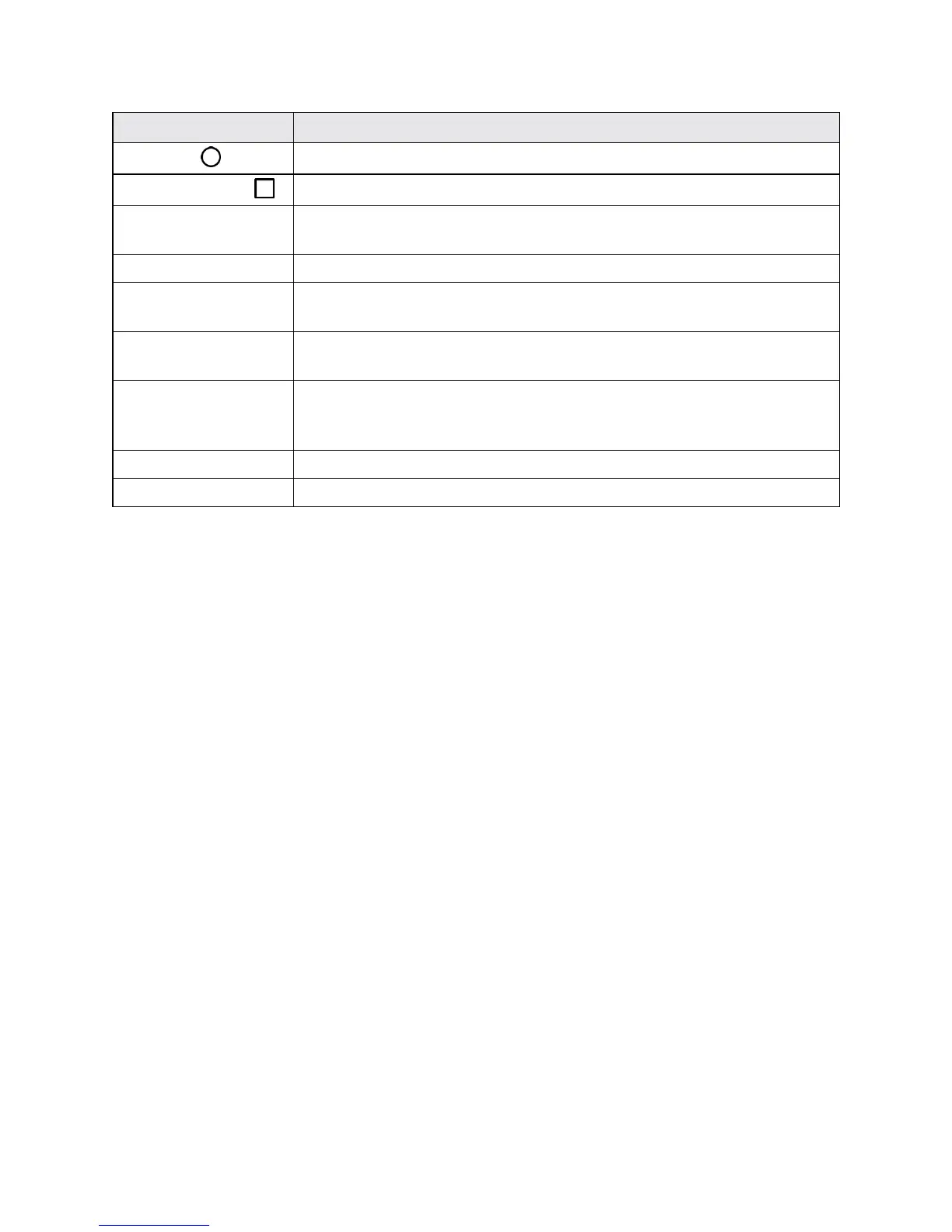
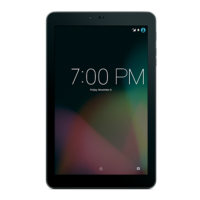
Part Description
Home key
Returnsyoutothehomescreen.TouchandholdtoaccessGoogleNow.
Recent apps key
Displaysalistofrecentlyusedapplications.
3.5mm Headset jack Allowsyoutoplugineitherastereoheadsetoranoptionalheadsetfor
convenient,hands-freeconversations.
Volumebuttons Allowsyoutoadjusttheringtoneormediavolumes.
Power/lock button Letsyouturnthetabletonorofforturnthescreenonoroff,orswitchthe
profilemode.
Charger/accessory
port
AllowsyoutoconnectthetabletchargeroranoptionalUSBcable.
Nano SIM
card/microSD card
slots
AllowsyoutoinsertyournanoSIMandamicroSDcard.
Rear camera Letsyoutakepicturesandvideos.
Speaker Letsyouhearthedifferentringtonesandsounds.
CAUTION!Insertinganaccessoryintotheincorrectjackmaydamagethetablet.
Nano SIM Card
ThenanoSIMcardisanICcardcontainingthetabletnumberandothercustomerinformation.
Handling a Nano SIM Card
KeepthefollowinginmindwhenhandlingananoSIMcard.
n CustomerisresponsibleforanydamagecausedbyinsertingnanoSIMcardinanother-brandIC
cardreader,etc.Thecompanyisnotresponsibleinsuchcase.
n AlwayskeeptheICchipclean.
n Wipecleanwithadry,softcloth.
n Avoidapplyinglabels.MaydamagethenanoSIMcard.
n SeeinstructionsincludedwiththenanoSIMcardforhandling.
n ThenanoSIMcardisthepropertyofthecompany.
n ThenanoSIMcardisreplaceable(atcost)incaseofloss/damage.
n ReturnthenanoSIMcardtothecompanywhencancelingsubscription.
n ReturnedthenanoSIMcardsarerecycledforenvironmentalpurposes.
n NotethatthenanoSIMcardspecificationsandperformancemaychangewithoutnotice.


 To Next Page