Get Started 8
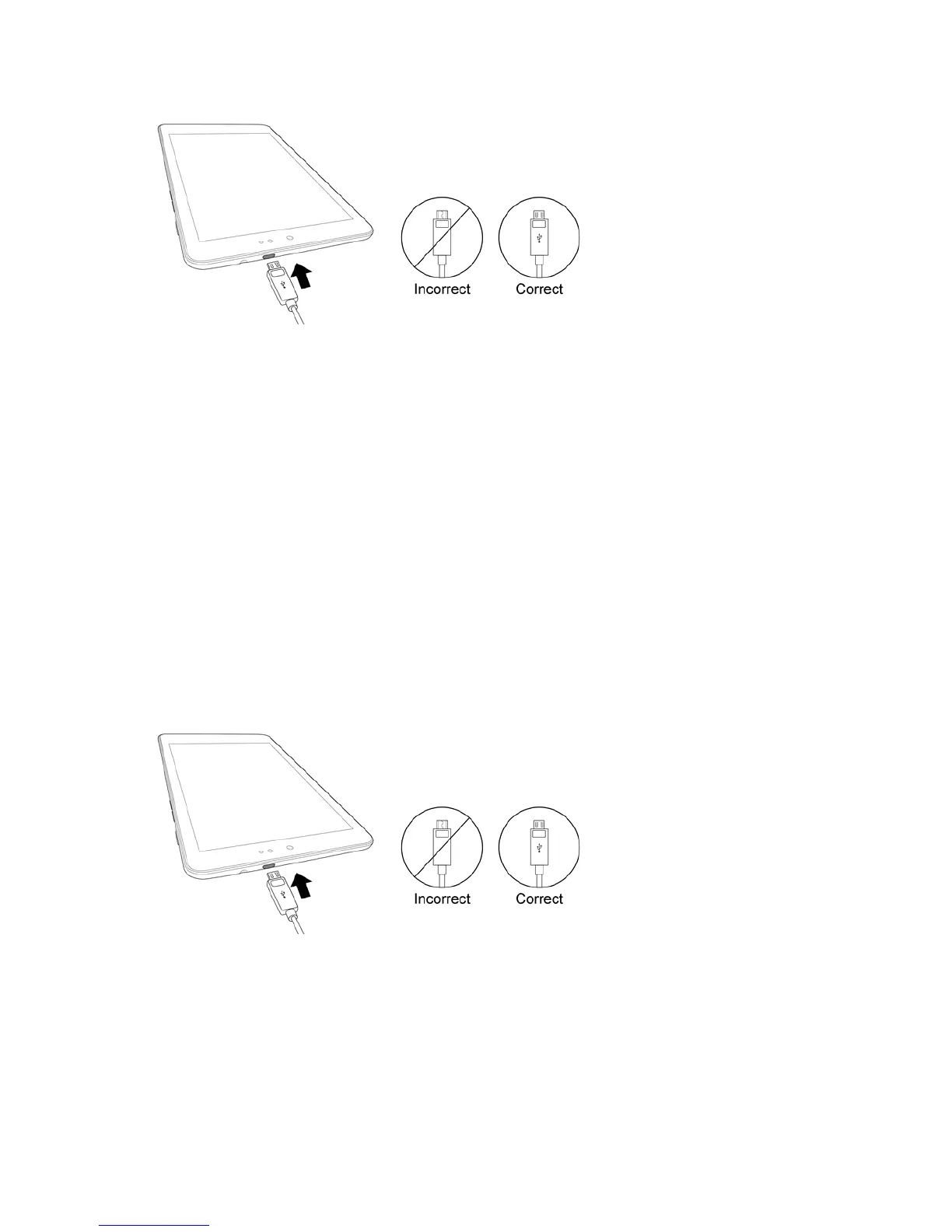
2. PlugtheotherendoftheUSBcableintotheACadapter.
3. PlugtheACadapterintoanelectricaloutlet.
4. Aftercharging,disconnectthetabletfromthecharger.
l UnplugtheACadapterfromtheoutlet,andremovethemicroUSBcablefromthetabletand
theACadapter.
Note:Alwaysunplugthechargerfromthewallsocketafterthetabletisfullychargedtosave
unnecessarypowerconsumptionofthecharger.
Charge Using a PC Connection
BeforeusingaPCconnectiontochargeyourtablet,ensurethatthecomputeristurnedon.
Dependingonthetypeofconnection,yourtablet’sbatterymaynotcharge.
1. InsertthesmallendofthemicroUSBcordintothecharger/accessoryjackonthetopofyour
tablet.
2. InsertthelargeendofthemicroUSBcordintoanexternalUSBportonyourcomputer.
3. Aftercharging,safelyremovetheUSBcablefromboththetabletandthecomputer.
Turn Your Tablet On and Off
Theinstructionsbelowexplainhowtoturnyourtabletonandoff.


 To Next Page