Basic Operations 34
6. Thesubsequentscreennotifiesyouwhethertheappwillrequireaccesstoyourpersonal
informationoraccesstocertainfunctionsorsettingsofyourtablet.Ifyouagreetotheconditions,
tapACCEPT(forfreeapps)orACCEPTandthenBUY(forpaidapps)tobegindownloading
andinstallingtheapp.
l Ifyouhavenotalreadysetupapaymentmethod,tapCONTINUEandthenfollowthe
promptstoarrangepaymentandcompletethepurchase.
Theselectedappisdownloadedandinstalledonyourtablet.
Warning: Read the notification carefully!Beespeciallycautiouswithapplicationsthathave
accesstomanyfunctionsorasignificantamountofyourdata.OnceyoutapOKonthisscreen,you
areresponsiblefortheresultsofusingthisitemonyourtablet.
Purchasing Applications
Purchaseappsatyourownrisk.Thecompanyisnotresponsibleforanydisadvantageresulting
foruserorthirdparties.
Open an Installed App
TherearetwomethodstoopenanyappthatyouhavedownloadedandinstalledfromGooglePlay.
1.
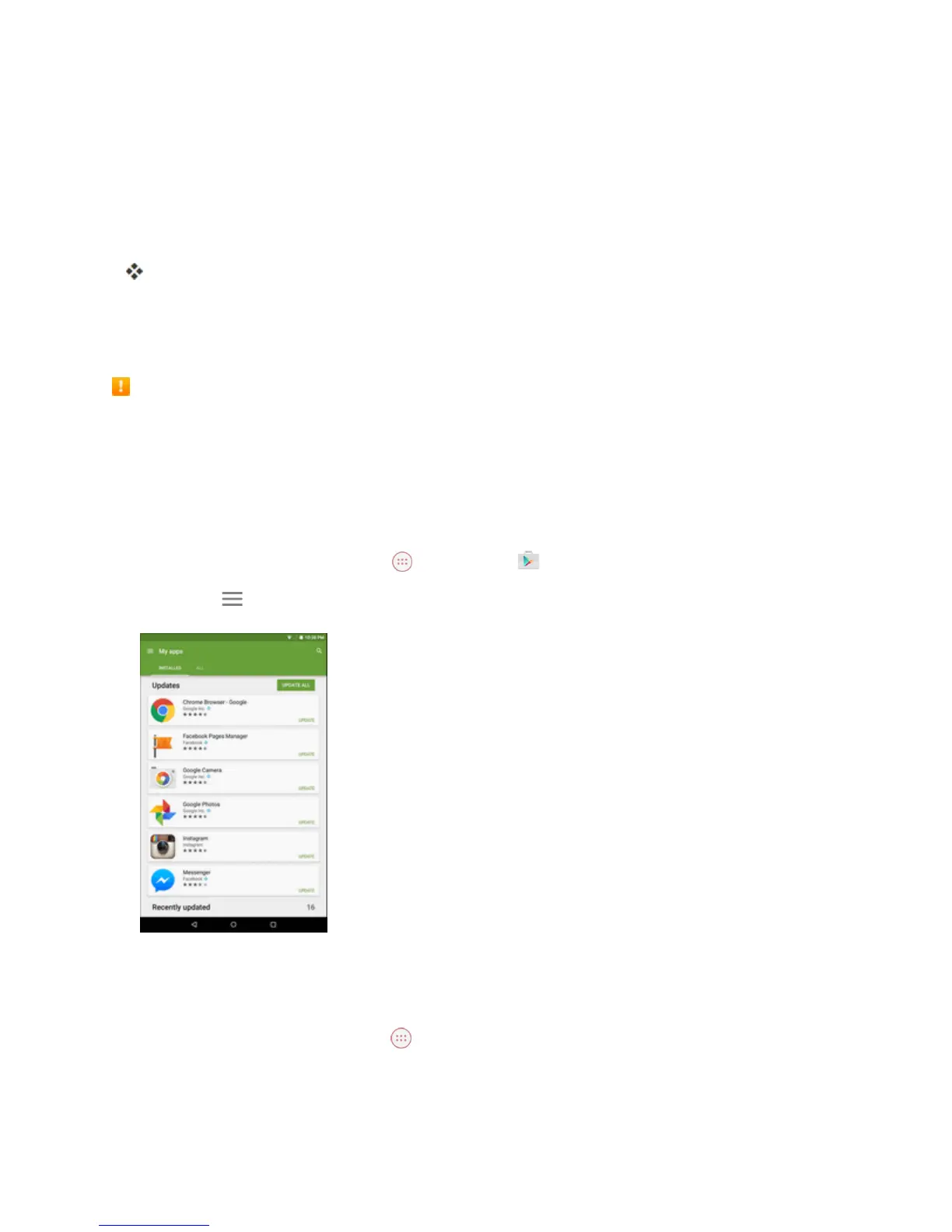
FromtheHomescreen,tap Apps >Play Store .
2.
TapMenu >My apps.
3. Tapthedesiredapplication,thentapOPEN.
–or–
4.
FromtheHomescreen,tapApps .
5. Taptheiconofthenewlyinstalledapplication.



 To Next Page