Settings 146
Date and Time Overview
Thefollowingdateandtimeoptionsmaybeconfigured:
Date and Time Option Description
Automatic date & time Enableordisablethesystemtosetthedateandtimeautomatically
viatheconnectedwirelessnetwork.
Automatic time zone Enableordisablethesystemtosetthetimezoneautomaticallyvia
theconnectedwirelessnetwork.
Set date Setthedatemanually(onlyavailablewhenAutomaticdateandtime
optionisdisabled).
Set time Setthetimemanually(onlyavailablewhenAutomaticdateandtime
optionisdisabled).
Select time zone Setthetimezonemanually(onlywhenAutomatictimezoneis
disabled).
Use 24-hour format Enableordisable24-hourformat.
Access Date and Time Options
1.
FromtheHomescreentapApps >Settings .
2.
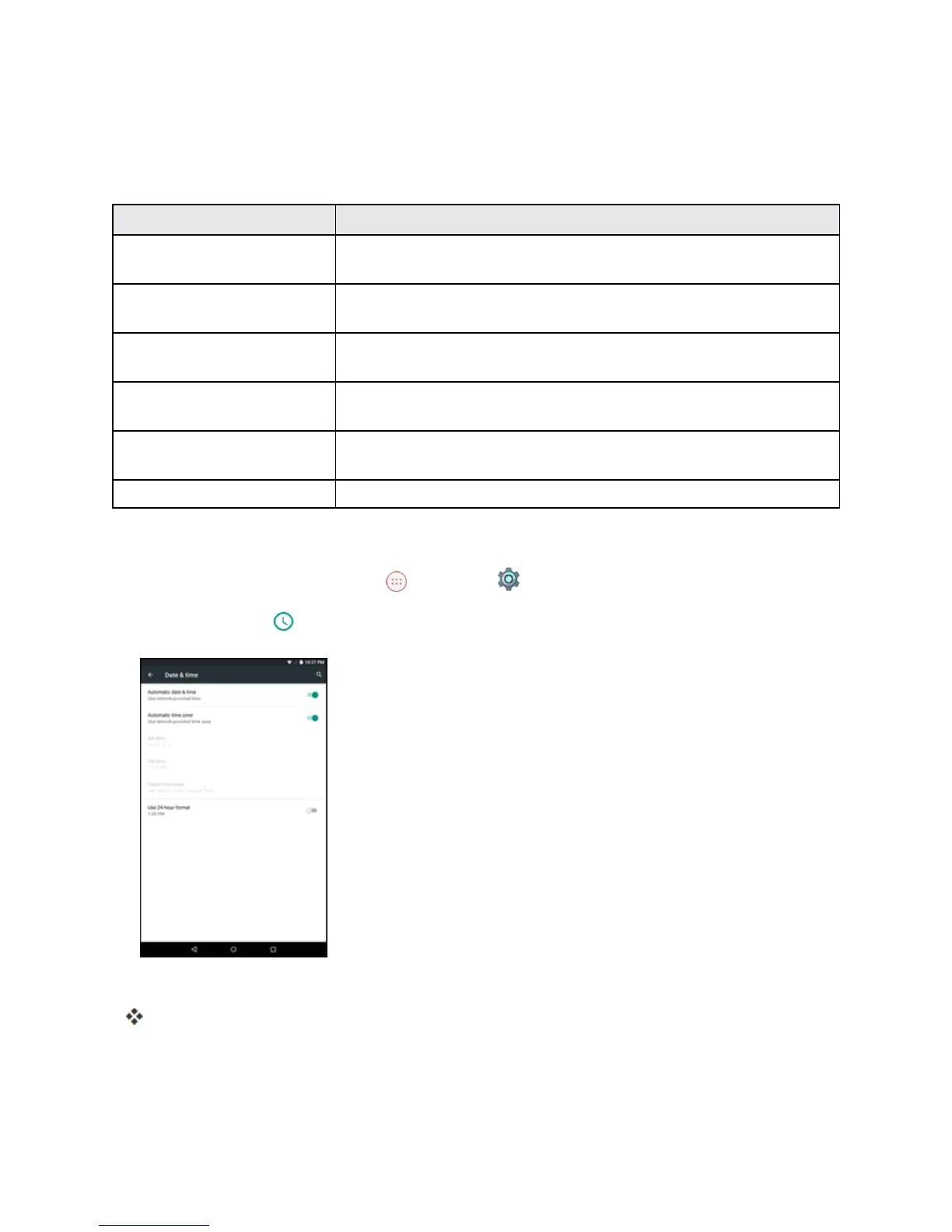
Tap Date & time .
3. Setavailabledateandtimeoptions.
Yourdateandtimesettingsareappliedandsaved.
Accessibility Settings
Theaccessibilitymenuletsyouenableandmanageaccessibility-relatedapplications.



 To Next Page