Contacts 54
Back Up Contacts
Youcanexportallofthecontactsonyourtablet,asvCardfiles.Youcanthencopythisfiletoacomp
uteroranothertabletthatiscompatiblewiththisformat,suchasanaddressbookapplication.
Back Up Contacts to Your Internal Storage
1.
FromtheHomescreen,tapApps >Contacts .
2.
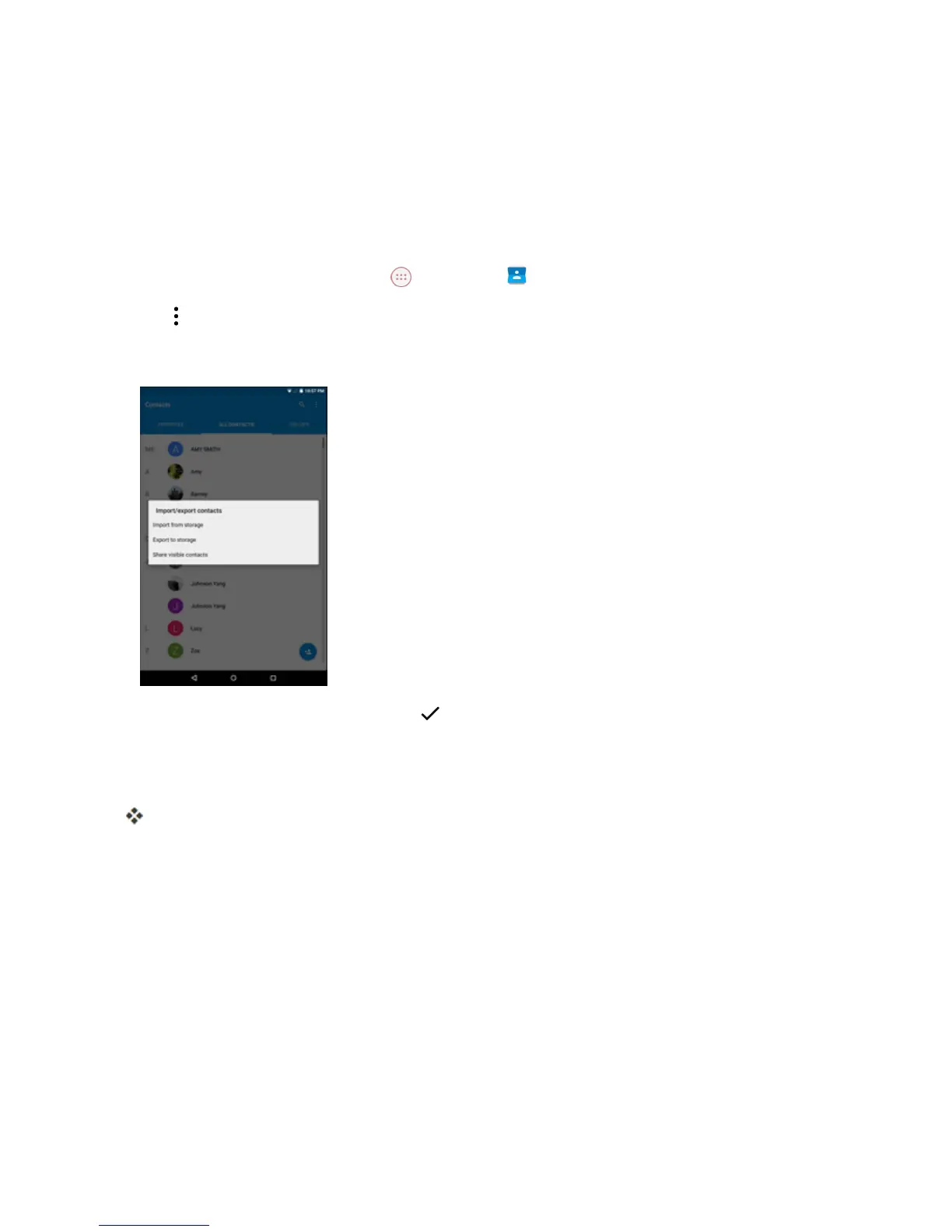
Tap >Import/export.
3. TapExport tostorage.
4. Selectthecontact(s)toexportandtap .
5. SelectPhone storageandtapOK.
6. Followtheonscreeninstructionstocompletetheexport.
Thecontactsareexportedandsavedtotheinternalmemory.


 To Next Page