Your Tablet Interface 46
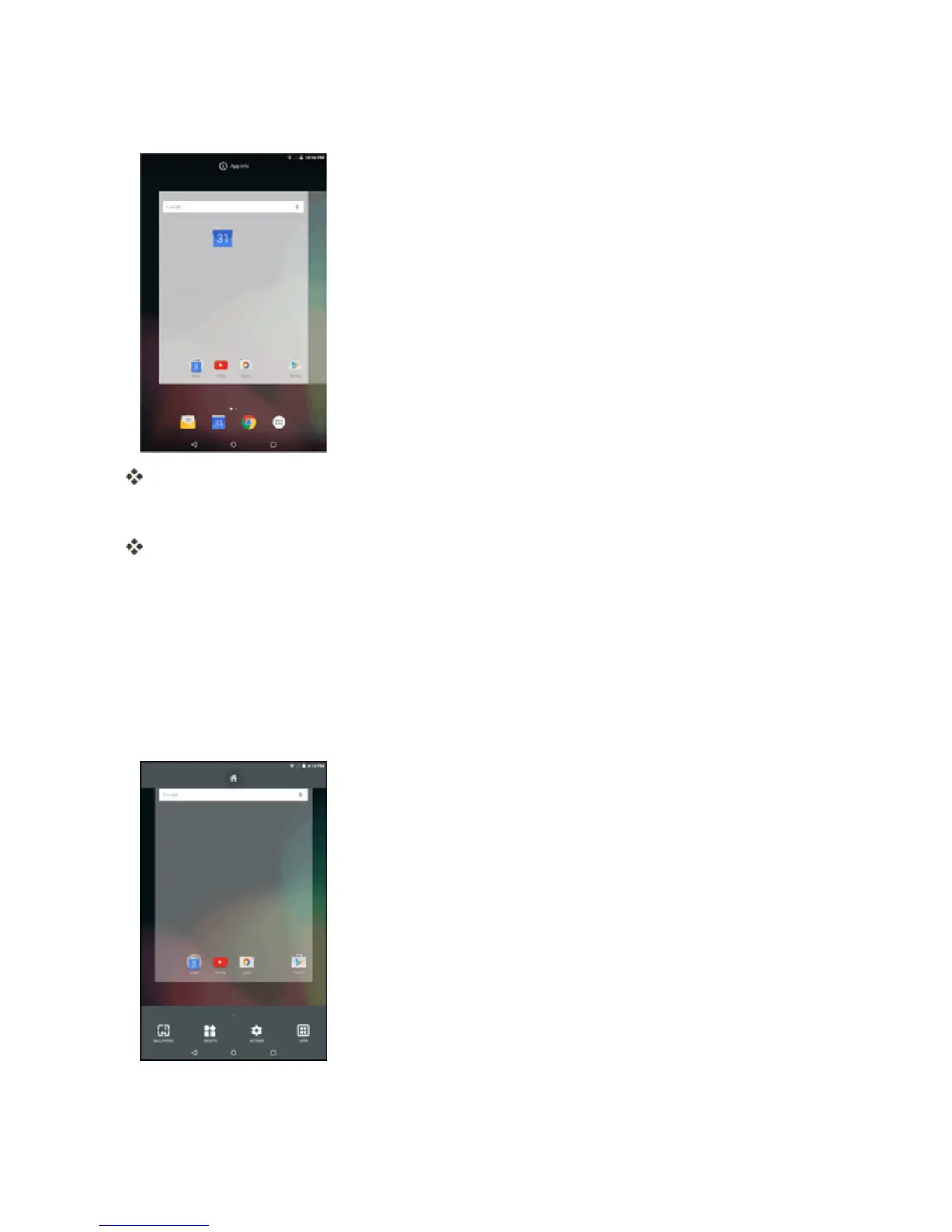
2. Touchandholdanappicon.
Theiconwilldisengageandyouwillseethumbnailsofyourhomescreens.
3. DragtheicontoanemptylocationontheHomescreens.
Theshortcutisaddedtothehomescreen.
Add Widgets to the Home Screen
Youcanaddwidgetstoyourtablet’shomescreen.Widgetsareself-containedappsthatdisplayona
homescreen.Unlikeashortcut,theWidgetworksasanonscreenapplication.Thereareallkindsof
widgets,includinglinkstoaspecificcontact,Internetbookmarks,Emailandemailaccounts,and
manyothers.
1. Tapandholdanemptyspace,andthentapWIDGETS.
2. Touchandholdawidgeticon.



 To Next Page