Basic Operations 19
Basic Operations
Thefollowingtopicsoutlinebasicfeaturesandoperationsofyourtablet.
Basics
Thefollowingtopicsofferanoverviewofyourtablet’sbasicoperations.
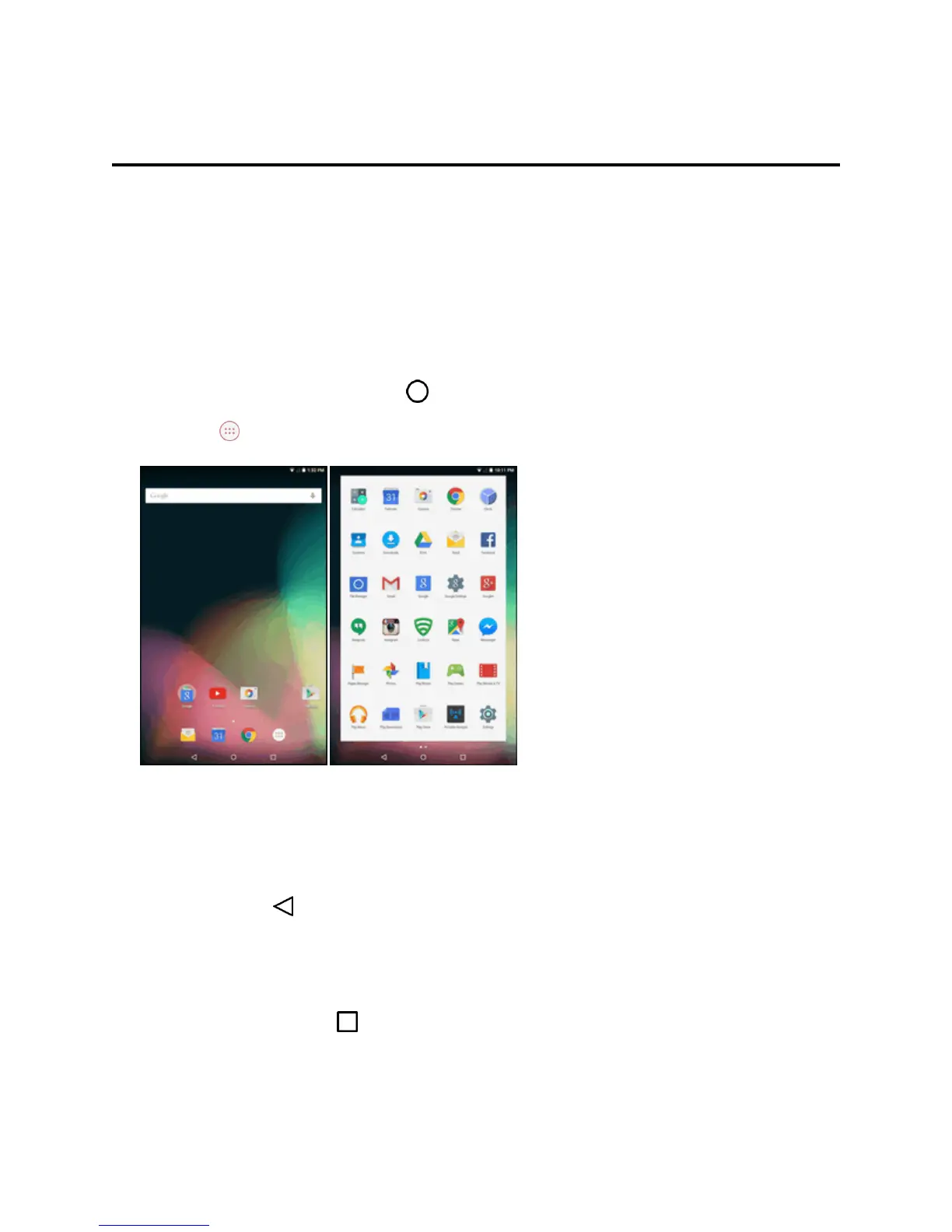
Home Screen and Applications (Apps) List
Mostofyourtablet’soperationsoriginatefromthehomescreenortheappslist.
1.
Fromanyscreen,taptheHomekey todisplaythehomescreen.
2.
TapApps todisplaytheappslist.
Forinformationaboutusingthehomescreen,seeHomeScreenBasics.
Select Options and Navigate Screens
Tapicons,onscreenkeys,andotheritemstoopenoractivatetheassignedfunction.
n
TaptheBackkey toreturntothepreviousscreen.
Recent Applications
YoucandisplayalistofrecentlyusedapplicationsusingtheRecentAppskey.
n
TaptheRecent Appskey toviewalistofrecentlyusedapplications.



 To Next Page