Basic Operations 37
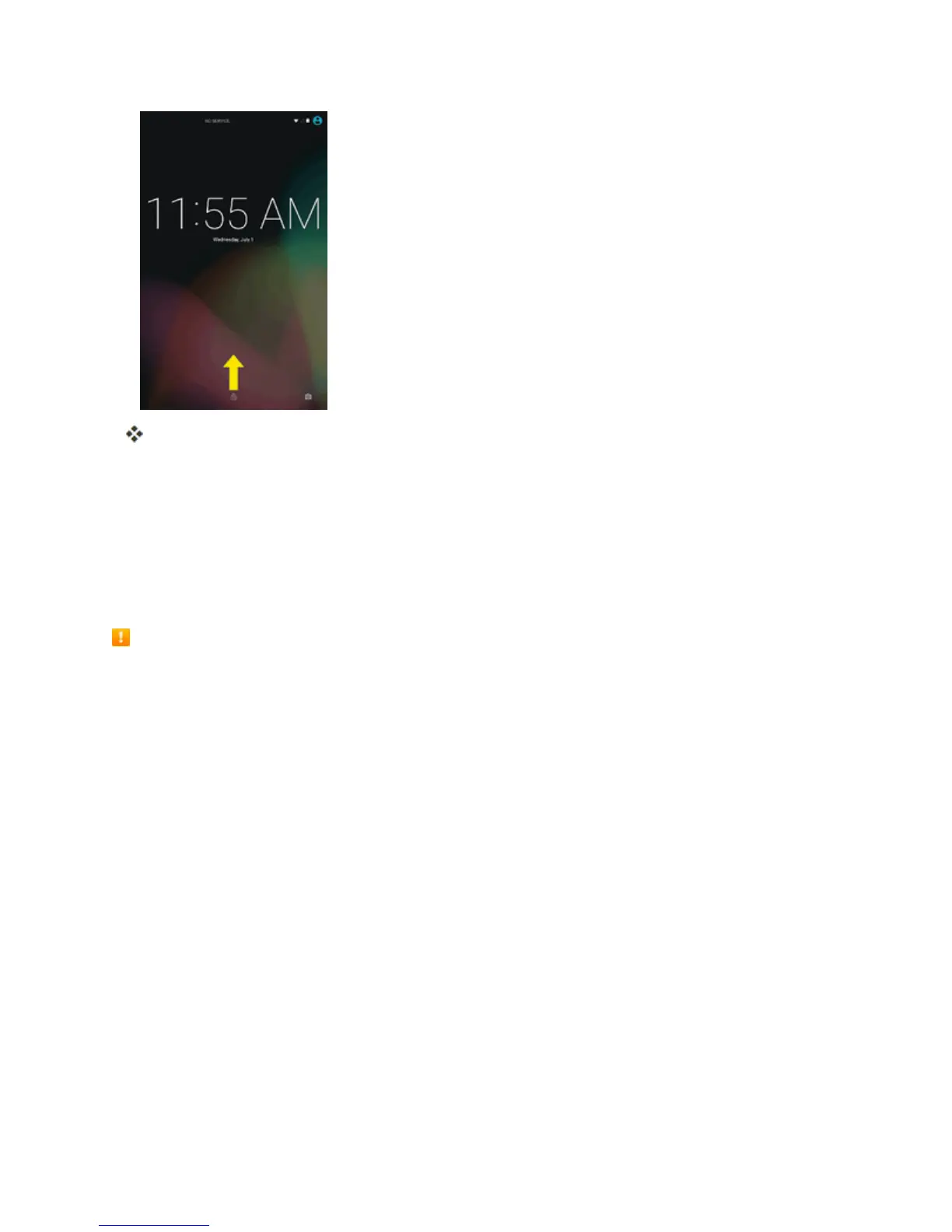
Thescreenisunlocked.
l Ifyouhavesetupascreenlock,youwillbepromptedtodrawthepatternorenterthe
passwordorPIN.SeeScreenLock.
Update Your Tablet
Fromtimetotime,updatesmaybecomeavailableforyourtablet.Youcandownloadandapply
updatesthroughtheSettings>System Updatemenu.
Software Update Cautions
During update:Thetabletcannotbeuseduntilthesoftwareupdateiscomplete.Itmaytake
timetoupdateyourtablet’ssoftware.
Signal during update:Updateyourtabletwheresignalreceptionisgood,anddonotchange
locationduringtheupdateprocess.Makesurethebatteryisadequatelychargedbefore
beginninganupdate.Aweaksignalorlowbatteryduringanupdatemaycausetheupdatetofail.
Anupdatefailuremaydisablethetablet.
Other functions during update:Othertabletfunctionscannotbeusedduringasoftware
update.
Update Your Tablet Software
Youcanupdateyourtablet'ssoftwareusingtheSystemUpdateoption.
Before Updating Your Tablet
Updatingyourtabletmayresultinalossofsaveddatadependingontheconditionofyourtablet
(malfunctioning,damaged,waterseepage,etc.).Youmustbackupallcriticalinformationbefore
updatingyourtabletfirmware.
Back Up All Data Prior to Update



 To Next Page