Settings 135
Security Setting Description
Install from SD card Installthecertificatesfromthememorycard.
Clear credentials Removeallcertificates.
Trust agents ManagetrustagentsforfeaturessuchasSmartLock.
Screen pinning Enablethisfunctiontokeepthecurrentscreeninviewuntilyouunpin.
Apps with usage access Managewhatapplicationshaveaccesstoapp-usagedata.
Access Security Settings
Beforeusinganyfeaturesthatrequirelocationassistance,youmustenableyourtablet’slocation
services.
1.
FromtheHomescreentapApps >Settings .
2.
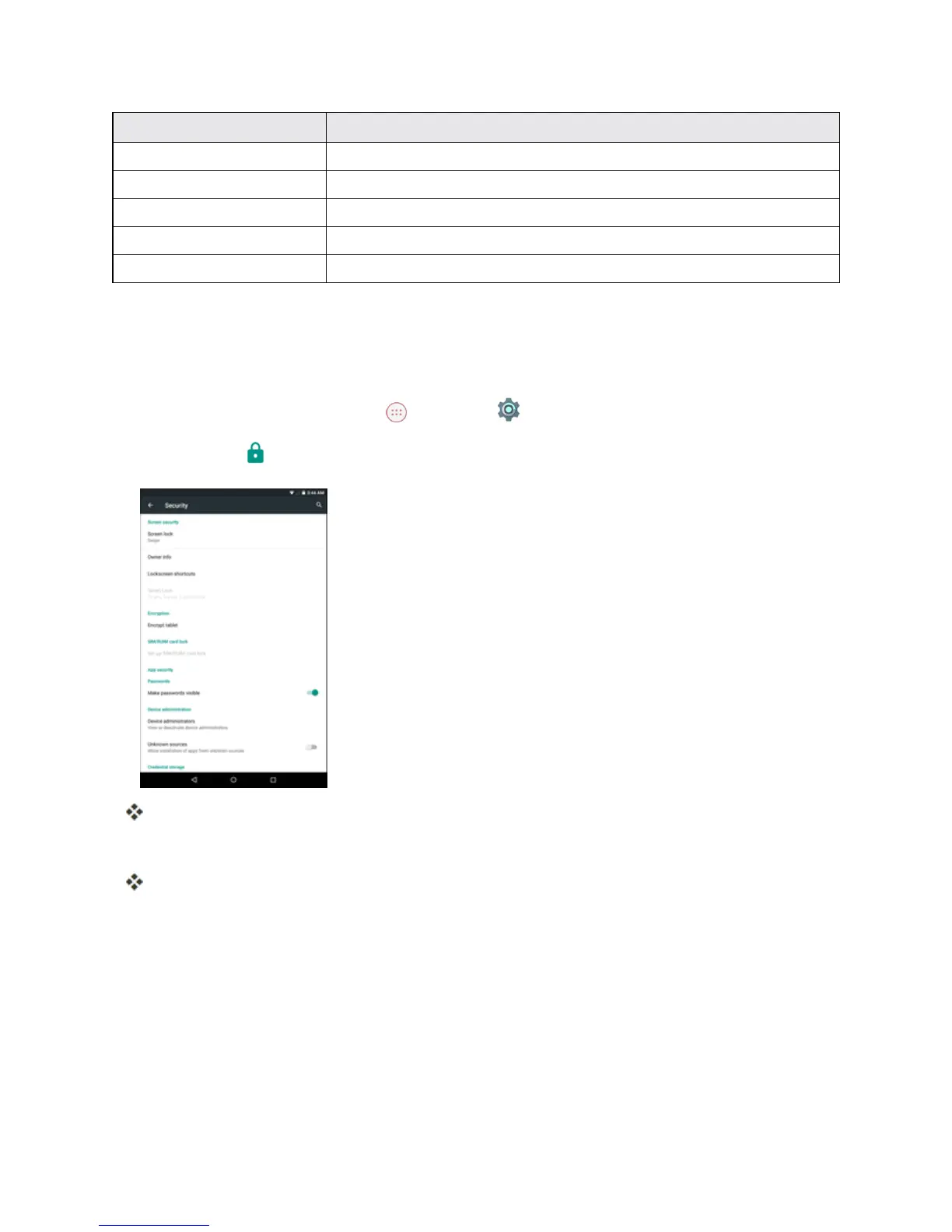
TapSecurity .
TheSecuritysettingsmenuopens.
3. Setyoursecurityoptions.
Yoursecuritysettingsareappliedandsaved.
Lock Screen Settings
Thelockscreensettingsletyousetyourmethodforunlockingyourtablet,customizelockscreen
options,determinewhethertoshowpop-uptipsforunlockingthetablet,andenteryourowner
informationtobedisplayedonthelockscreen.



 To Next Page