Get Started 9
Turn Your Tablet On
n PressandholdthePower/lockbutton.
Yourtabletwillpoweron.Dependingonthesettings,youmayseethelockscreen.
l SeeLockandUnlockYourScreenandScreenLockforinformationaboutusingthescreen
lock.
l Thefirsttimeyouturnthetableton,youwillseethestartupscreens.SeeCompletethe
SetupScreensfordetails.
l Ifyourtabletisnotyetactivated,seeActivateYourTabletformoreinformation.
Turn Your Tablet Off
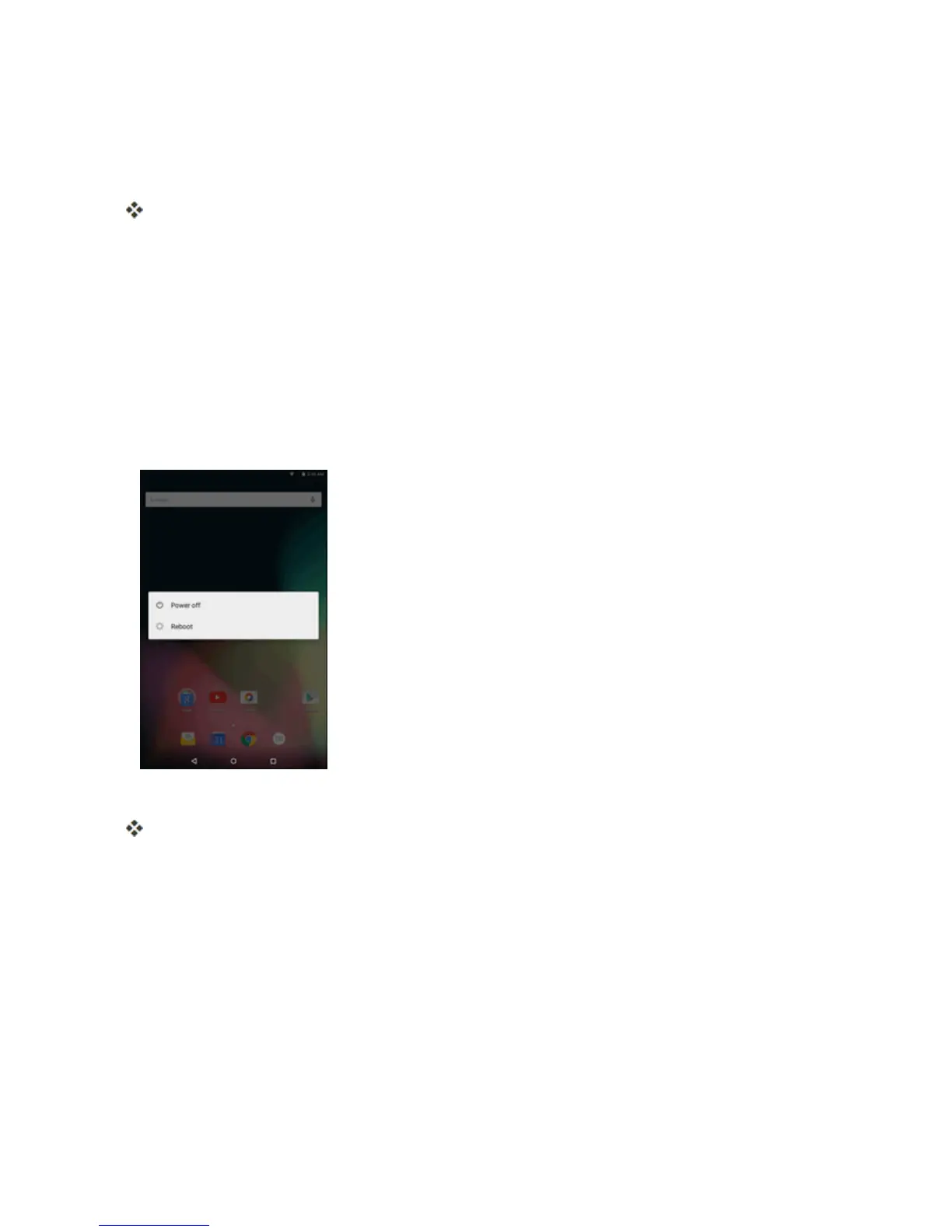
1. PressandholdthePower/lockbuttontodisplaythedeviceoptionsmenu.
2. TapPower offtoturnthetabletoff.
Yourtabletwillpoweroff.
Yourscreenremainsblankwhileyourtabletisoff(unlessthebatteryischarging).
Use the Touchscreen
Yourtablet’stouchscreenletsyoucontrolactionsthroughavarietyoftouchgestures.



 To Next Page