Settings 145
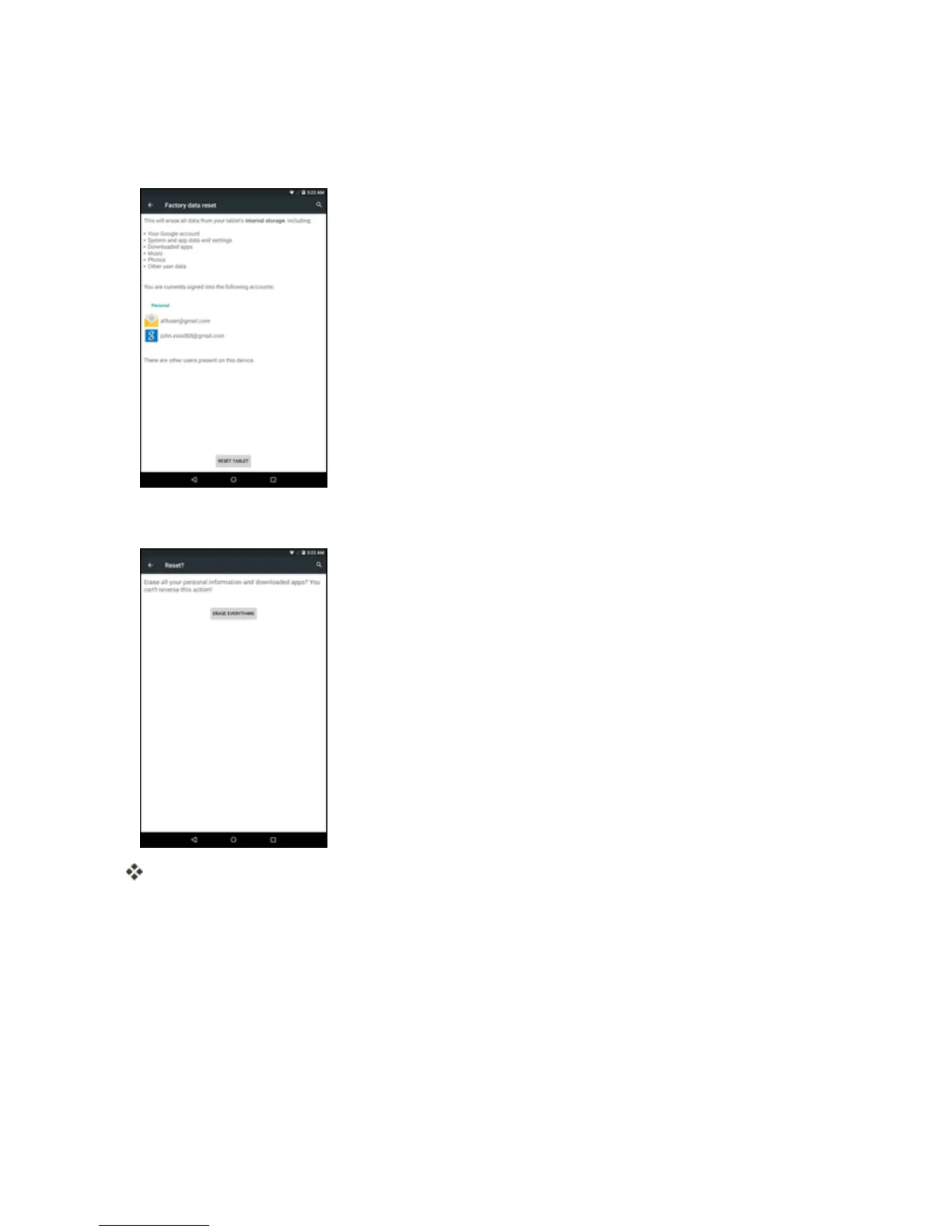
1. FromtheBackupandresetmenu,tapFactory data reset.
2. ReadthefactorydataresetinformationpageandtapRESET TABLET.
3. TapERASE EVERYTHING.
Yourtabletwillpowerdownandresetitself,whichmaytakeupto10minutes.
l Oncethetablethasreset,itwillrunthroughtheupdateprocessesagain.Whenfinished,you
willseetheWelcomescreenandSetupapplication.SeeCompletetheSetupScreensto
startover.
Date and Time Settings
Usethedateandtimesettingsmenueithertoautomaticallyusethenetwork-provideddateandtime
ormanuallysetthesevalues,aswellasselecttimeanddateformatoptions.



 To Next Page