Apps and Features 92
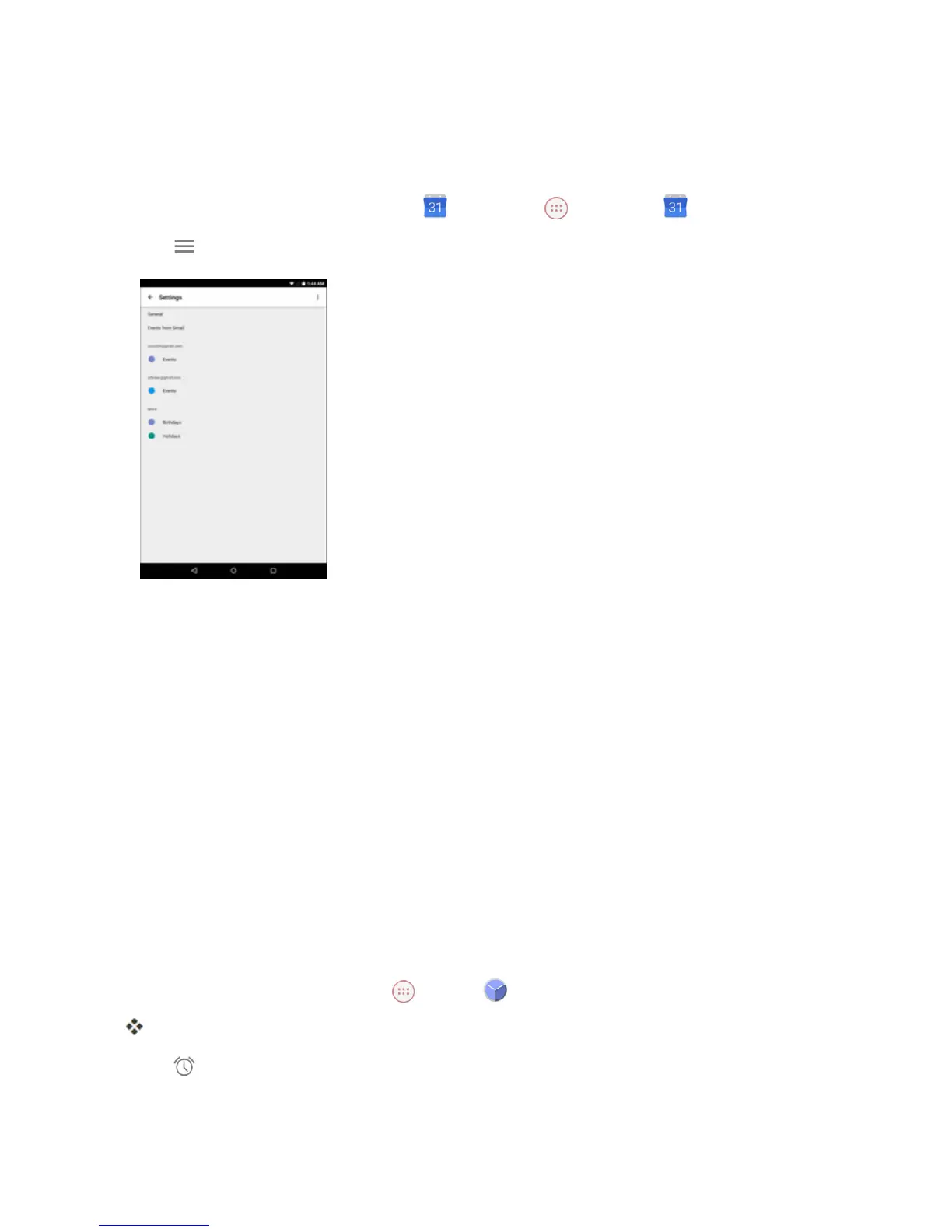
Change Calendar Settings
Youcanviewmoreinformationaboutaneventoredittheevent.
1.
FromtheHomescreen,tapCalendar ortap Apps >Calendar .
2.
Tap >Settings.
3. Tapthemenuoptionyouwanttoconfigure.
4. Changethenecessarysettings.
Clock
Yourtablethasaclockappthatletsyousetalarms,viewtimeintimezonesaroundtheworld,usea
stopwatch,setatimer,anduseyourtabletasadeskclock.
Check the Time
Youcancheckthetabletanytimeonyourtablet.Thecurrenttimedisplaysintheupperrightcorner
ofthestatusbar.Manywidgetsandlockscreensalsodisplaythetimeandprovideoptionsforhow
timeisdisplayed.
Set Alarms
Setmultiplealarmsusingyourtablet’sClockapp.
1.
FromtheHomescreen,tap Apps >Clock .
TheClockappears.
2.
Tap onthetopofthescreen.



 To Next Page