Camera and Video 78
Record Videos
Recordhigh-qualityvideosusingyourtablet’svideocamera.
1.
FromtheHomescreen,tap Apps >Camera .
2.
Swipefromlefttoright,thentap toswitchtoVideomode.
l
Toswitchtothefrontcamera,tap > .Toswitchbacktotherearcamera,tap .
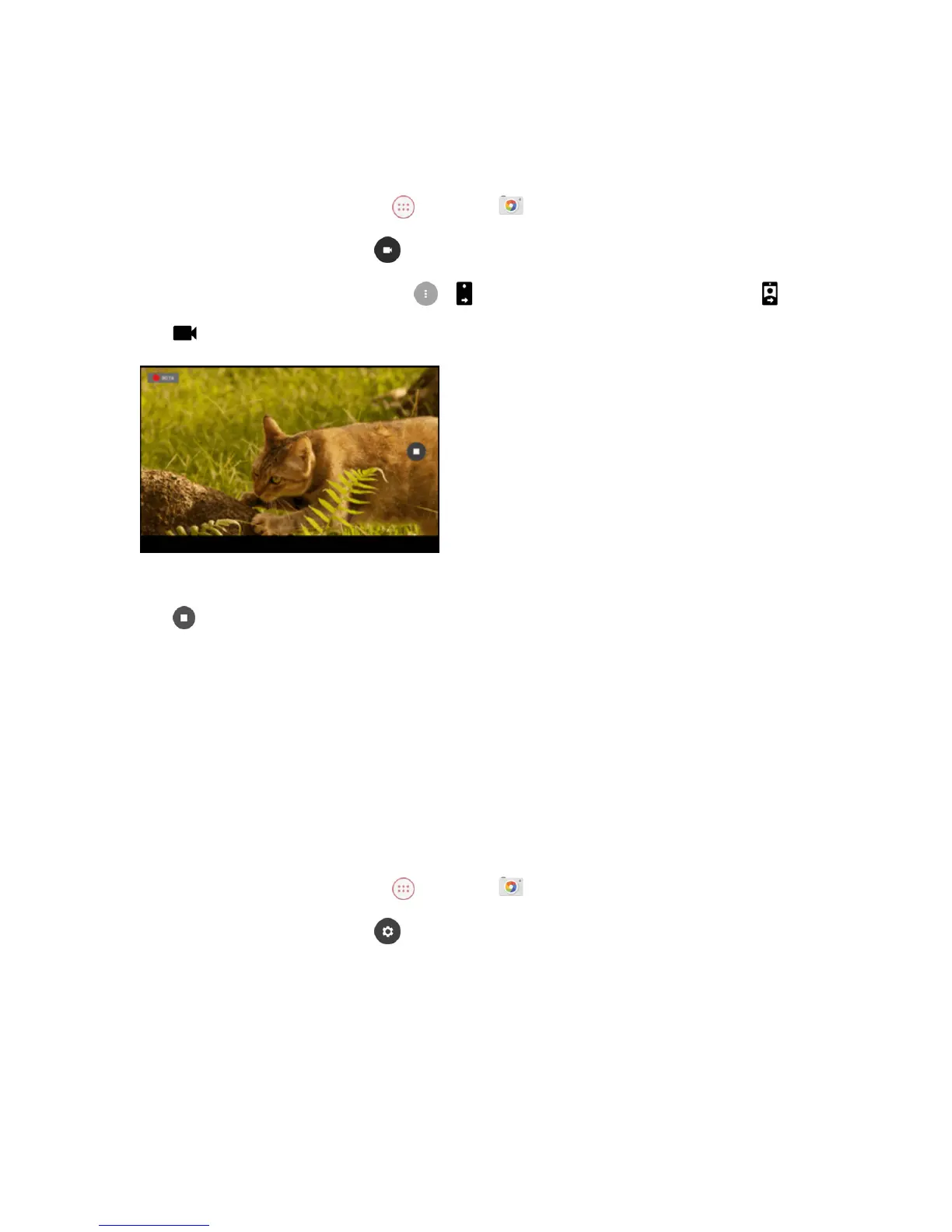
3. Tap tostartrecording.
l Totakeaphoto,tapanywhereinthescreen.Thevideowillkeeprecording.
4.
Tap tostoprecording.
Camera Settings
Youcanadjustyourcamera’ssettingsusingtheiconsonthemaincamerascreenandthefull
camerasettingsmenu.
Change the Resolution, Quality and Viewfinder Aspect
Ratio
Youcanspecifytheimageresolutionorvideoqualitybeforetakingthephotoorrecordingthevideo.
1.
FromtheHomescreen,tap Apps >Camera .
2.
Swipefromlefttoright,thentap toaccesstheSettingsmenu.



 To Next Page