Contacts 48
Contacts
TheContactsapplicationletsyoustoreandmanagecontactsfromavarietyofsources,including
contactsyouenterandsavedirectlyinyourtabletaswellascontactssynchronizedwithyourGoogle
Account,yourPC,compatibleemailprograms(includingExchangeServer),andyourFacebook
friends.
Contacts Cautions
InformationsavedinContactsmaybelostorchangedifthebatteryisremovedforalongperiod
orleftuncharged.Accidentsormalfunctionsmayalsocauselossorchangetoinformation.Itis
recommendedthatyoukeepaseparatecopyofcontactsandotherimportantinformation.The
companyisnotresponsibleforanydamagesfromlostorchangedcontacts.
Add a Contact
Youcanaddcontactsfromyourtablet’sContactsapplication.Enterdetailssuchasname,phone
numbers,emailaddresses,mailingaddresses,andmore.
1.
FromtheHomescreen,tapApps >Contacts .
YouwillseetheContactslist.
2.
Tap toaddacontact.
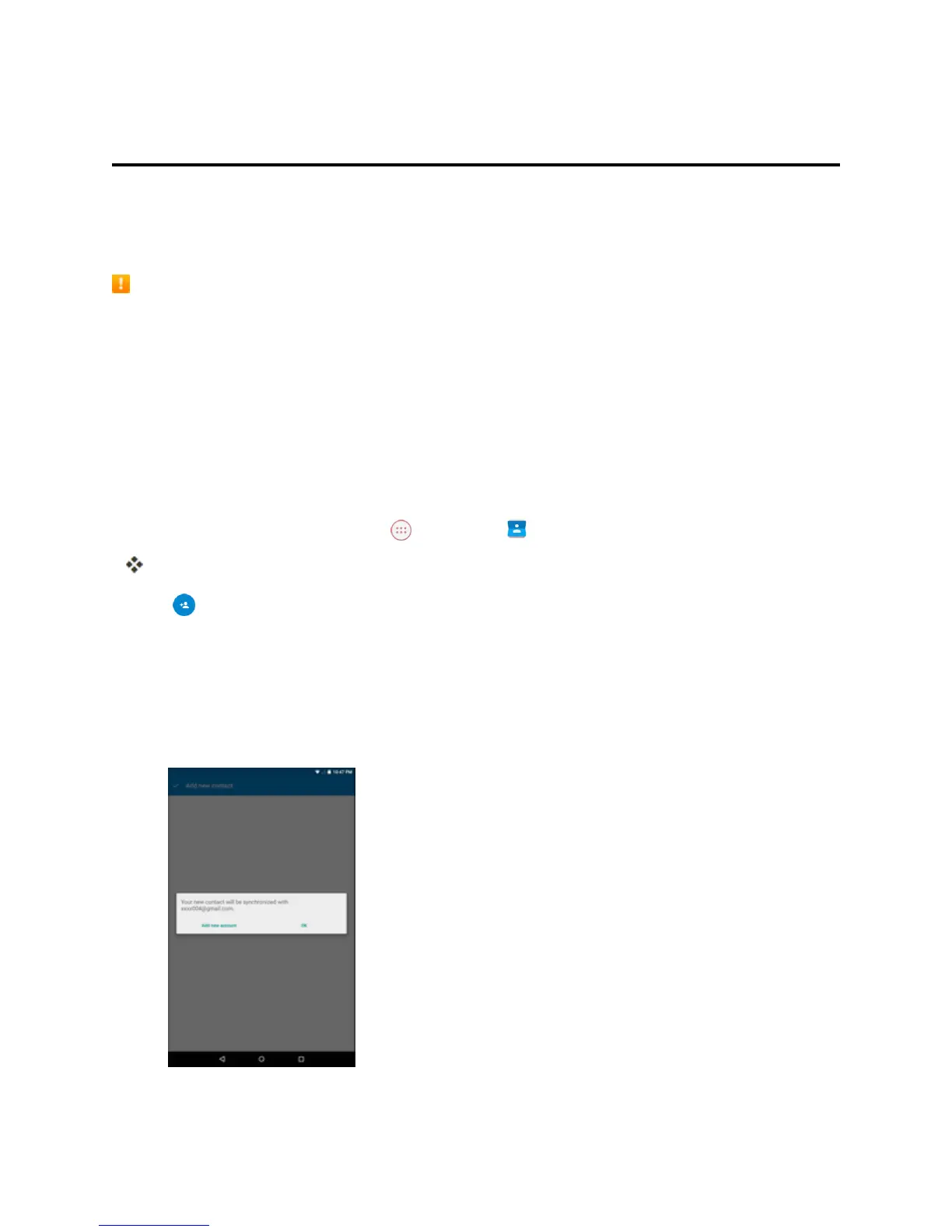
3. Ifyouhavemultipleaccounttypesassociatedwithyourtablet,selectacontacttype.
l SelectGoogleifyouwanttosavecontactstoyourGoogleAccount;thesewillbesynced
automaticallywithyourGoogleAccountonline.TapOKtocontinue.
l SelectAdd new accounttocreateanaccount.



 To Next Page