Settings 144
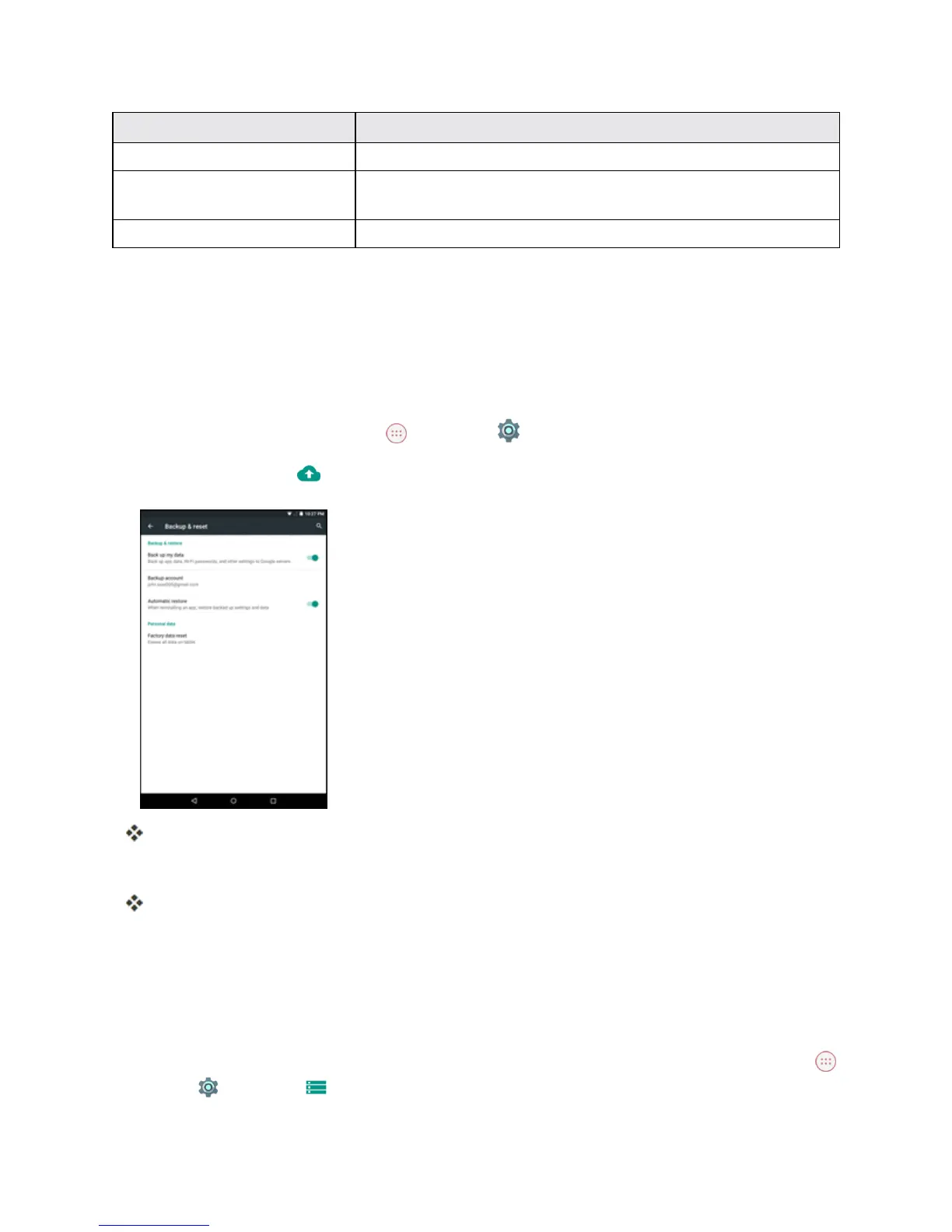
Backup and Reset Option Description
Backup account Selecttheaccountusedtobackupdata.
Automatic restore Whenreinstallinganapplication,backedupsettingsanddatawill
berestored.
Factory data reset Resetallsettingsanddeletealldataonyourtablet.
n Performingafactorydatareseterasesalldataonthetablet.Itisrecommendedthatyoubackup
importantdatabeforeperformingafactorydatareset.
n Erasedinformationcannotberestored.Onlyerasedataafteryouaresureyouhavesaved
everythingyouneed.
Access Backup and Reset Options
1.
FromtheHomescreentapApps >Settings .
2.
Tap Backup &reset .
TheBackupandresetmenuopens.
3. Setoptions.
Thebackupandresetsettingsareappliedandsaved.
l Ifyou’reperformingaFactoryDataReset,followthepromptstoconfirmthedataremoval.
Thetabletwillerasealldataandreboot.
Factory Data Reset
Tip:Beforeperformingafactorydataresetonyourtablet,youmaywanttounmountaninstalled
microSDmemorycardtoavoidlosinganydatayoumayhavestoredonit.Fromhome,tapApps
>Settings >Storage >Unmount SD cardtounmountthemicroSDcard.



 To Next Page