Camera and Video 79
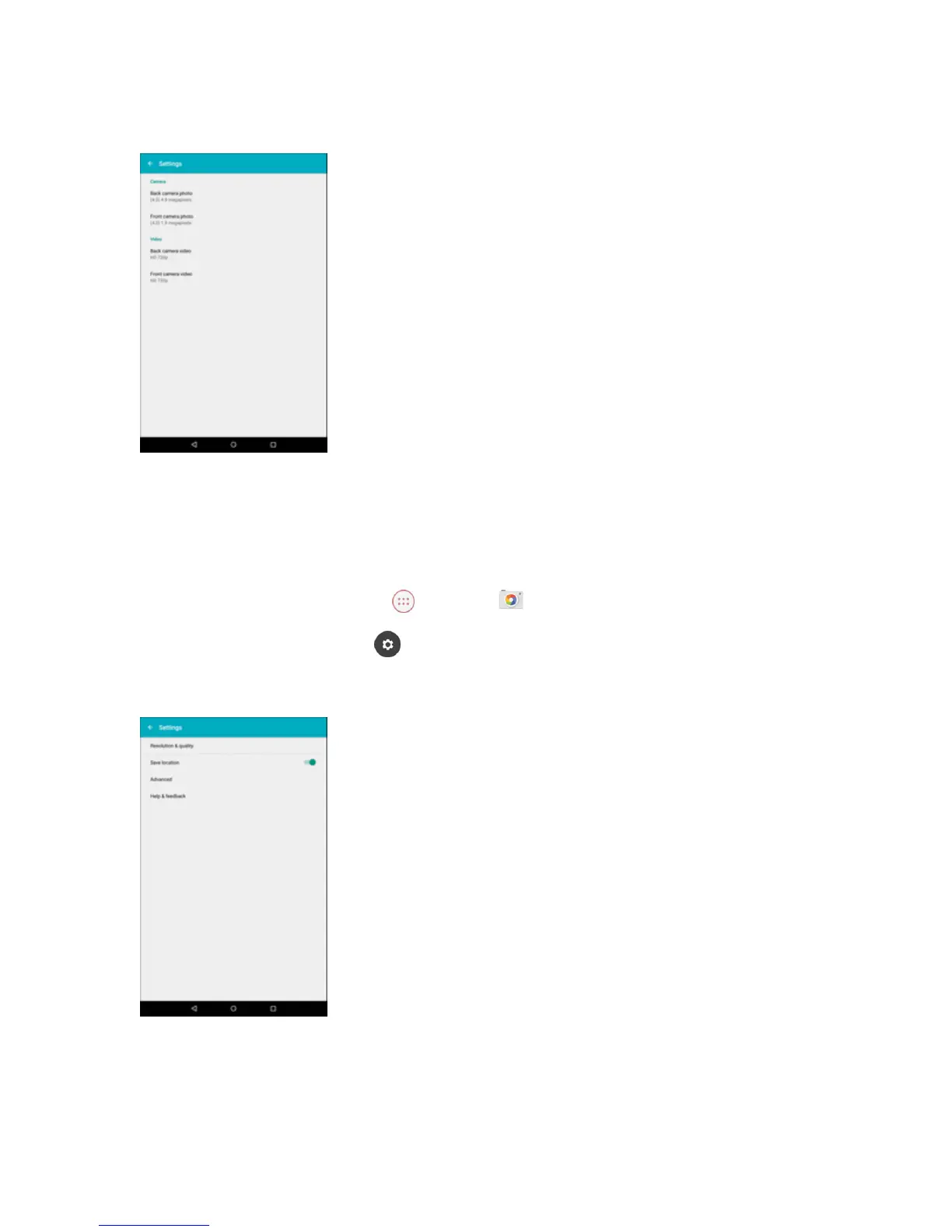
3. TapResolution & quality.
4. Selectthecameratypeandchangethedesiredsetting.
Change Picture Location Settings
Youcanchoosewhetherthecamerastoreslocationinformationforthepicturesyoutake.
1.
FromtheHomescreen,tap Apps >Camera .
2.
Swipefromlefttoright,thentap toaccesstheSettingsmenu.
3. TapSave location.
4. Slidetheswitchtoonoroff.



 To Next Page