Connectivity 105
Wi-Fi
Wi-FiprovideswirelessInternetaccessoverdistancesofupto300feet.Touseyourtablet’sWi-Fi,
youneedaccesstoawirelessaccesspointor“hotspot.”
TheavailabilityandrangeoftheWi-Fisignaldependsonanumberoffactors,including
infrastructureandotherobjectsthroughwhichthesignalpasses.
Turn Wi-Fi On and Connect to a Wireless Network
Usethewirelessandnetworkssettingsmenutoenableyourtablet’sWi-Firadioandconnecttoan
availableWi-Finetwork.
1.
FromtheHomescreen,tapApps >Settings .
2.
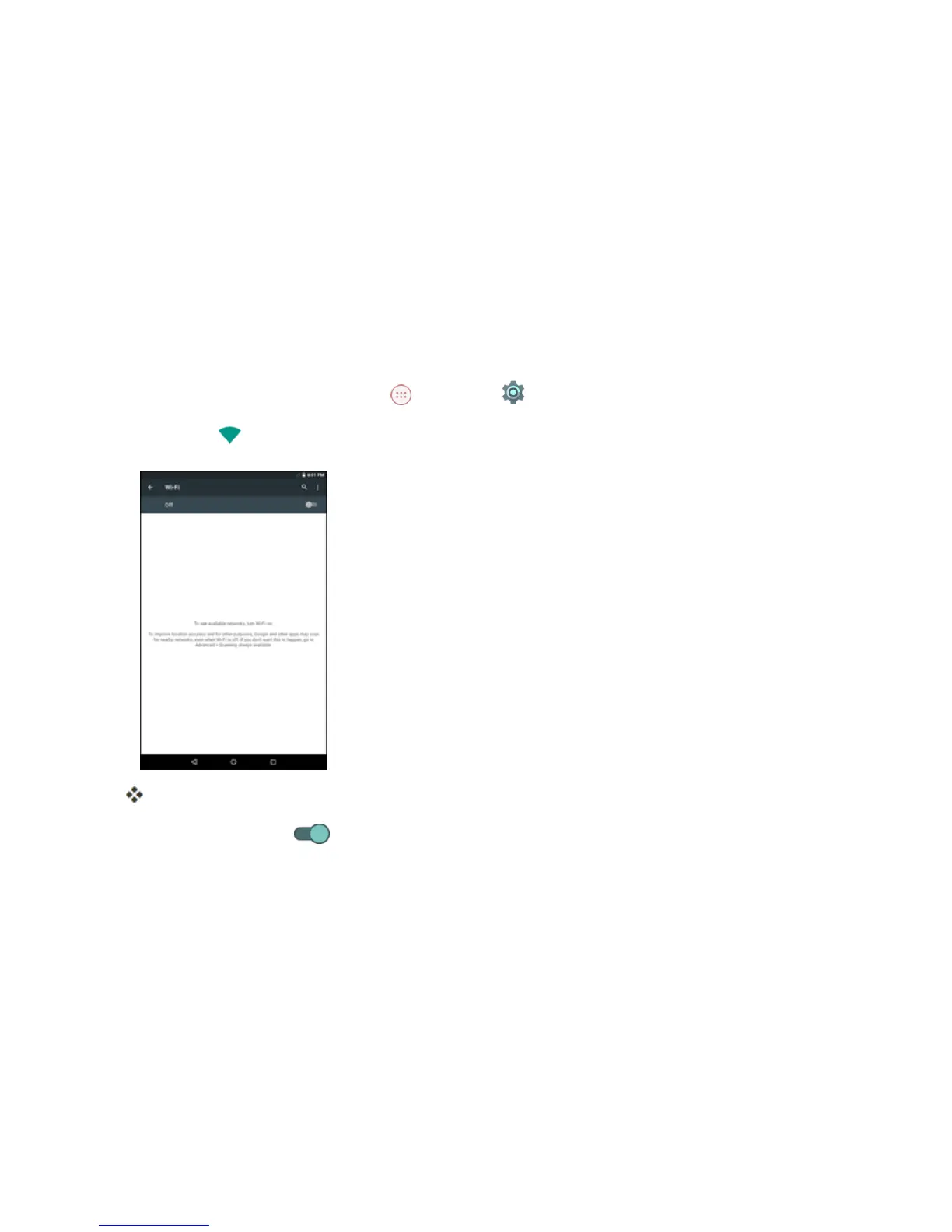
TapWi-Fi .
TheWi-Fisettingsmenuappears.
3.
TaptheswitchtoOn toturnWi-Fion.



 To Next Page